How to A/B Test YouTube Thumbnails with AI

A/B testing YouTube thumbnails with AI means designing several thumbnail variants quickly, showing them to real viewers in a controlled way, and keeping the one that earns more clicks. This guide walks through the full process, from planning a single clear test to designing variants in Lyxvo AI and reading the results honestly. Before you start, check YouTube Studio for the current thumbnail testing options, since these tools change over time and what you see in your account may differ from what is described here.
Why thumbnail testing matters
Your thumbnail is often the first thing a viewer judges about your video. Two thumbnails for the same video can produce very different click-through rates, even when the title and content are identical. Testing replaces guesses with evidence, one change at a time.
Test one variable per experiment. If you change the face, the text, the color and the background all at once, you will not know which change caused the result.
Step 1: Pick one clear question
Start with a single hypothesis you can measure. Good examples:
- Does a close-up face beat a wide shot?
- Does three words of text outperform six words?
- Does a warm background beat a dark one?
Write the hypothesis down before you design anything. It keeps the test honest and stops you from cherry-picking a winner later.
Step 2: Design the variants with AI
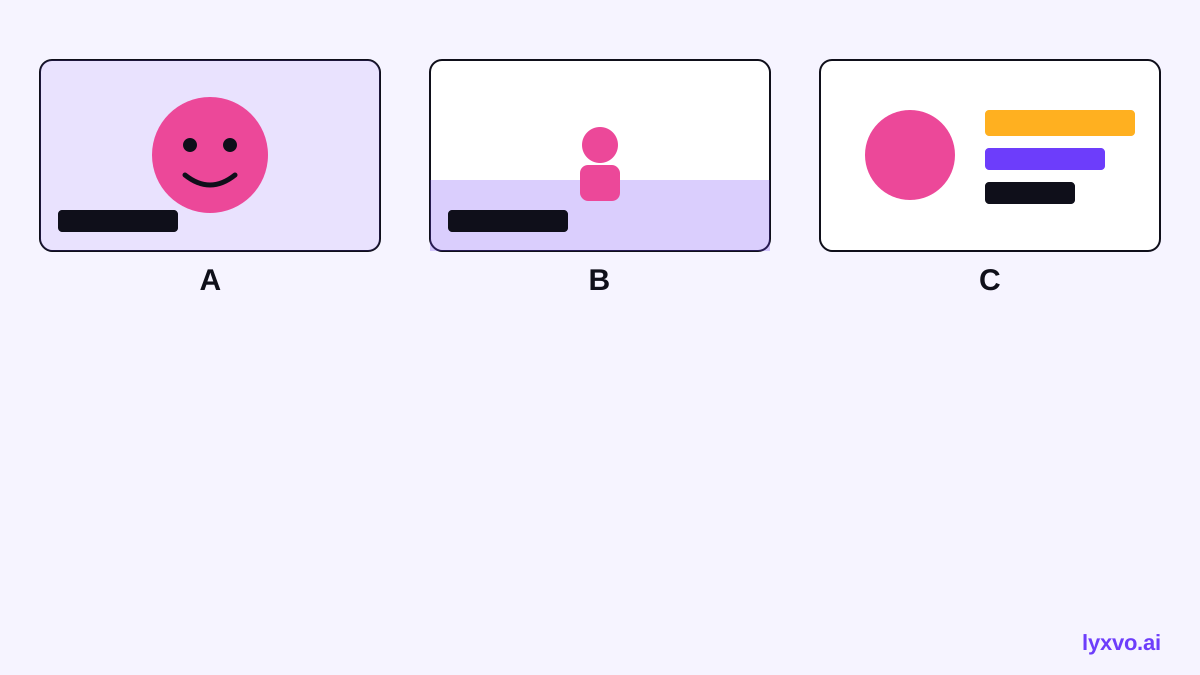
Once the question is set, you need two or three variants that differ only in the thing you are testing. This is where AI speeds things up. In Lyxvo AI you can:
- Open the YouTube thumbnail maker or the Studio thumbnail format.
- Describe the video in plain language and generate a first design.
- Duplicate it, then change only the variable under test. For example, keep the layout and swap a close-up photo for a wide shot.
- Use the Canva-style editor to edit text and colors directly, so each variant stays identical except for the test element.
- Use Magic Resize if you also need the same design for other placements.
Keep the file names clear, such as `video-x-A-closeup.png` and `video-x-B-wide.png`, so you can match each result to its variant later.
Step 3: Set up the test properly
A fair test needs the same conditions for every variant:
- Test one video at a time, with the same title and description.
- Run variants over comparable periods, so time of day and traffic shifts do not skew results.
- Give each variant enough impressions before you judge it. Very small samples produce random winners.
- Avoid switching thumbnails based on a few hours of data.
YouTube Studio offers thumbnail testing features in some accounts. Check the current availability and rules in Studio, because eligibility and mechanics can change. If a native test is not available to you, you can still run a manual version by swapping thumbnails at set intervals and comparing click-through rate from Analytics, accepting that this is less controlled.
Step 4: Read the results without fooling yourself
The main metric is click-through rate (CTR): clicks divided by impressions. Also check:
- Impressions: is there enough volume to trust the difference?
- Watch time or retention: a thumbnail that drives clicks but disappoints viewers can hurt the video overall.
- Consistency: does the winner hold across several days?
| What you see | What to do |
|---|---|
| Clear CTR gap with solid impressions | Keep the winner and note the lesson |
| Small gap, low impressions | Run longer before deciding |
| Higher CTR but much lower retention | Check whether the thumbnail promised something the video did not deliver |
| No difference | The variable may not matter here; test something bigger |
Step 5: Turn results into a playbook
Keep a simple log: video, hypothesis, variants, impressions, CTR, retention and the decision. Over several tests you will see patterns for your own audience, such as whether faces, bold colors or short text work best. Those patterns are more useful than any general rule.
If you want more inspiration between tests, browse free design templates for layout ideas, and use the AI social media post generator to keep the same visual identity across your other channels.
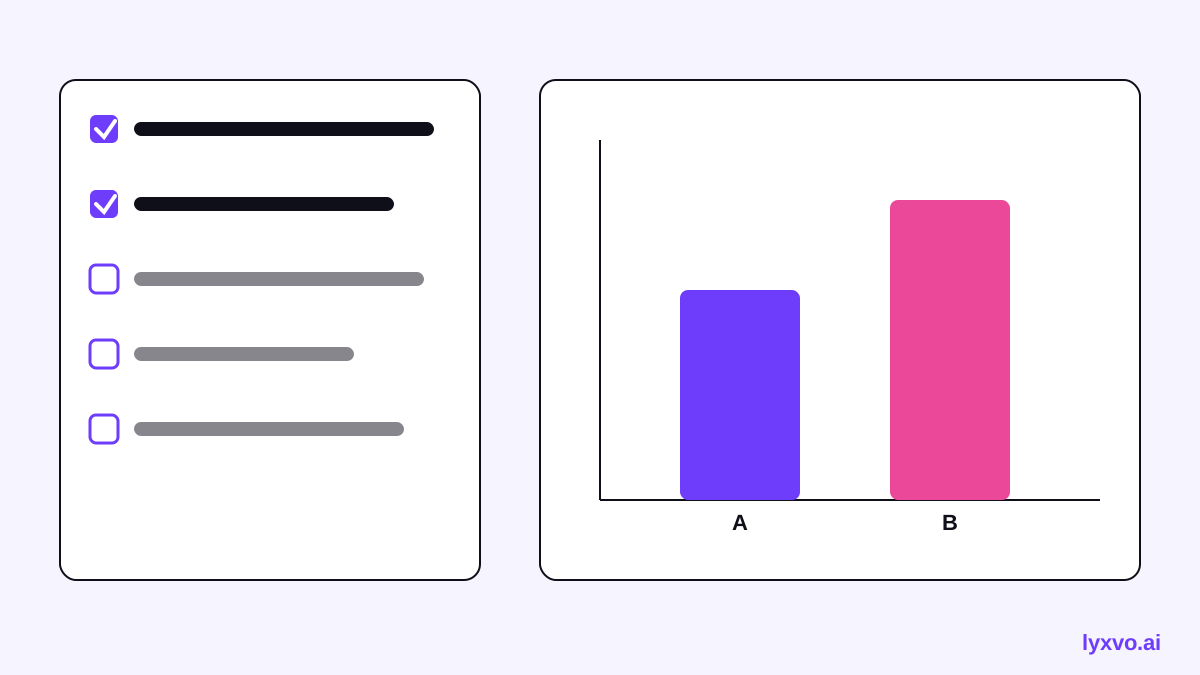
A quick checklist
- One hypothesis per test
- Two or three variants that differ only in that element
- Same title, description and video
- Enough impressions before deciding
- Check retention, not just clicks
- Log every result
Summary
A/B testing YouTube thumbnails with AI works best when you change one thing at a time, design variants quickly, and judge results on enough data. AI removes the slow part, the design work, so you can spend your effort on the question that matters. Start with one test on your next upload, and let the results guide the next one.
Try it in Lyxvo AI
Describe it in your own words and the design agent starts on the right flow. Free to start.
Related tool: AI YouTube thumbnail maker