AI App Icon for a Private Tutor Lesson Scheduler

An AI app icon for a private tutor lesson scheduler should say "lessons, time, and learning" at a glance, even at 29 pixels on a phone home screen. This guide walks you through choosing a concept, meeting platform size rules, and producing a clean icon set you can ship.
Why the icon matters for a scheduling app
A scheduler is used mostly through its icon: students and parents open it from the home screen, and tutors check it between sessions. A clear icon builds trust, makes the app easy to find among many similar tools, and signals the purpose before anyone reads the name.
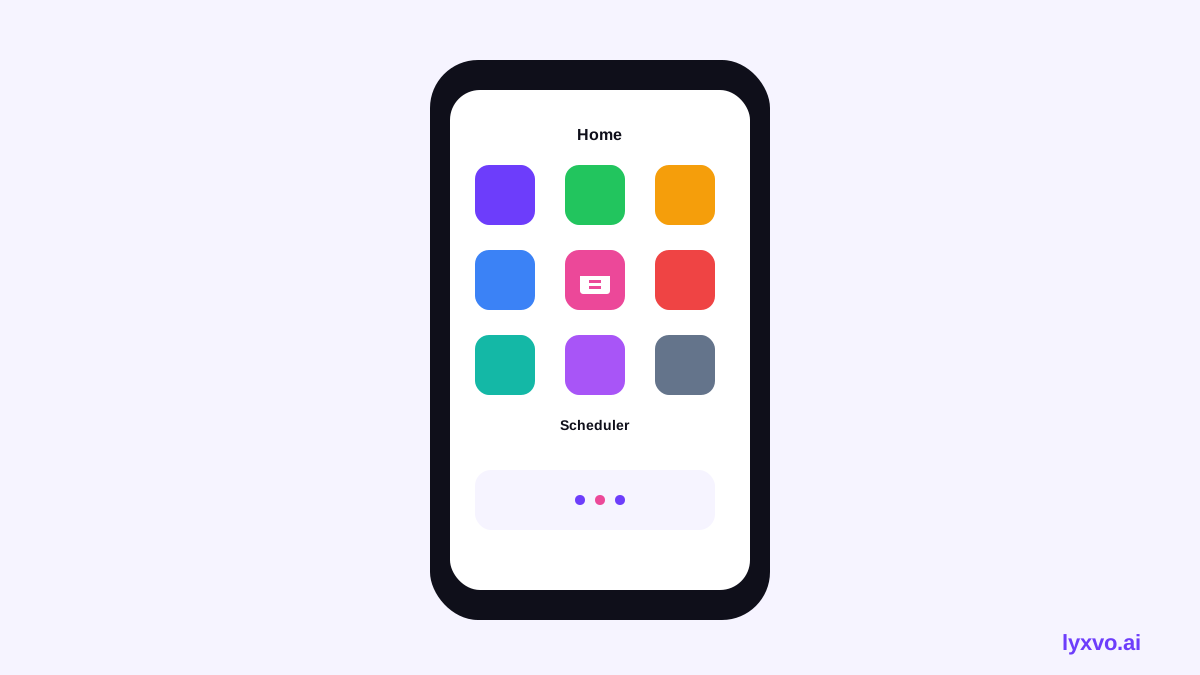
Step 1: Pick one clear concept
Tutoring apps tend to work best with one strong, familiar metaphor. Good starting points include:
- Calendar + check mark: lessons booked and confirmed.
- Open book + clock: learning combined with time slots.
- Speech bubble + calendar: conversation and scheduling.
- Pencil on a grid: notes and planning.
Keep the icon to one main shape and one accent color. Avoid text inside the icon, and avoid tiny details that disappear when scaled down.
Test every concept at small size. If the metaphor is unclear at 40 pixels, simplify it.
Step 2: Know the required sizes
You need icons for each platform. The exact sizes you must supply depend on each store and operating system, and these rules change over time, so always check the current developer guidelines for iOS, Android and the web before submitting. As a general planning list:
| Platform | What you typically need |
|---|---|
| iOS | App Store marketing icon plus multiple device sizes |
| Android | Adaptive launcher icon layers plus a store icon |
| Web | Favicon and touch icons for home screens |
Designing on a large square canvas first and then scaling down keeps proportions consistent across all of these.
Step 3: Design the icon
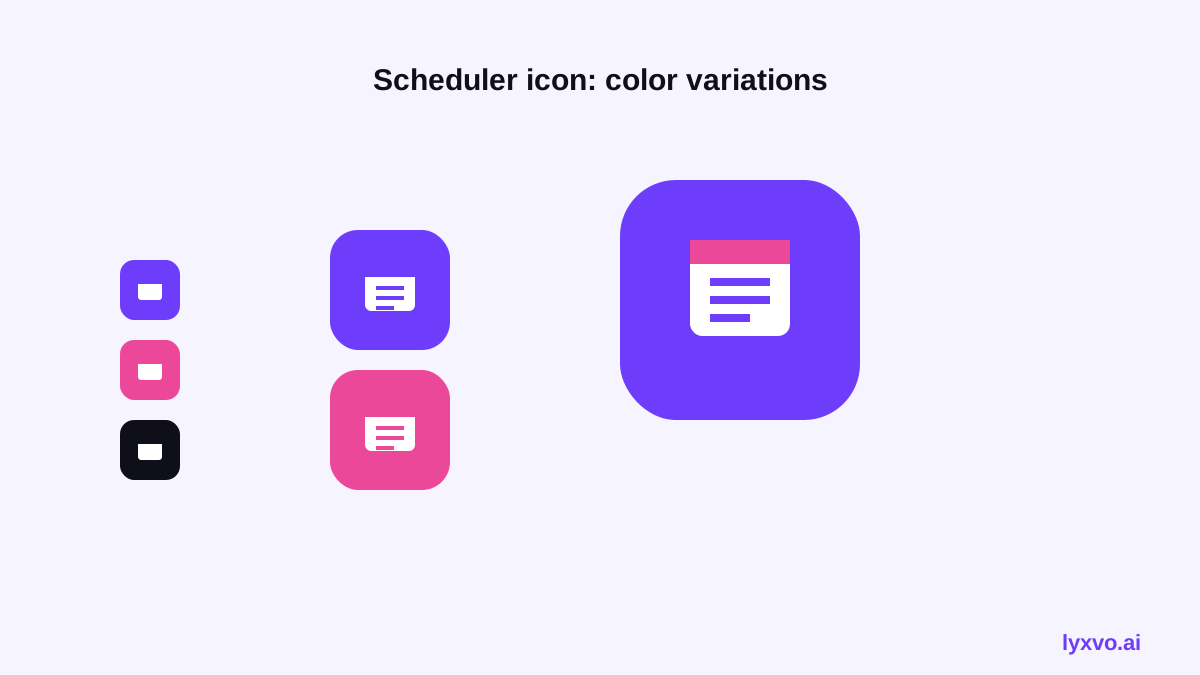
- Build the main shape on a square canvas with generous padding.
- Use a background color with strong contrast against the main symbol.
- Check that the symbol stays centered and readable with the rounded corners each platform applies.
- Keep to two or three colors for a clean, recognizable brand.
- Export a master file, then generate each required size from it.
Step 4: Check it at real size
View the icon on a phone at normal brightness, next to other apps, and in both light and dark system themes. Ask someone who has never seen the app what it does. If they guess wrong, change the metaphor rather than adding more detail.
How to make it in Lyxvo AI
Lyxvo AI includes an icon workflow that produces the full set from one design. You can describe the concept, generate options, and then export each size.
- Open the app icon generator or start in the design studio for apps.
- Describe your scheduler: for example, "calendar with a check mark, friendly, teal and white, for a private tutor booking app."
- Review the generated options and pick one. Use the Canva-style editor to change colors or nudge the symbol directly.
- Export the icon set as PNG at real size for each platform, or export to Flutter or Kotlin Jetpack Compose if you are building the app in code.
If you also need a logo or brand colors for the tutoring business itself, the AI logo generator can produce a matching mark so your icon and brand feel consistent.
Common mistakes to avoid
- Using a photo or screenshot as the icon.
- Putting the app name inside the icon.
- Using too many colors or gradients that look blurry when small.
- Forgetting to test in dark mode.
- Exporting only one size and assuming the rest will scale well.
Final checklist
- One clear metaphor tied to lessons, time or learning
- Readable at small size
- Consistent colors with your brand
- All platform sizes exported
- Tested in light and dark themes
- Checked against current store guidelines before submission
With a simple concept and a complete size set, your scheduler icon will look polished everywhere students and tutors open it.
Try it in Lyxvo AI
Describe it in your own words and the design agent starts on the right flow. Free to start.
Related tool: AI app icon generator with every size in one zip