AI Baby Shower Invitation with Custom Poem Text: A Step-by-Step Guide
An AI baby shower invitation with custom poem text lets you combine a personal verse with a polished, print-ready design in a single session. This guide shows you how to write the poem, match it to the right layout, and export files that look good on paper and on screen.
Why a poem makes a baby shower invitation memorable
A rhyme sets the tone before guests read a single date. A few lines about the parents, the expected arrival or a family nickname feel warm and personal, and they are easy to remember. The trick is keeping the verse short enough to fit the card and clear enough that guests can find the details (date, time, place, registry) at a glance.
Step 1: Write a poem that fits the card
Before you open a design tool, decide three things: the names of the parents-to-be, the event details, and the mood (playful, gentle, or elegant). Then draft a verse with these limits:
- Length: 4 to 8 lines works best on a standard card.
- Meter: Keep a steady beat, such as short and long lines alternating, so it reads smoothly aloud.
- Details last: Put the date, time and address in plain type under the poem, not inside it.
Tip: Read the poem out loud. If you run out of breath on a line, shorten it.
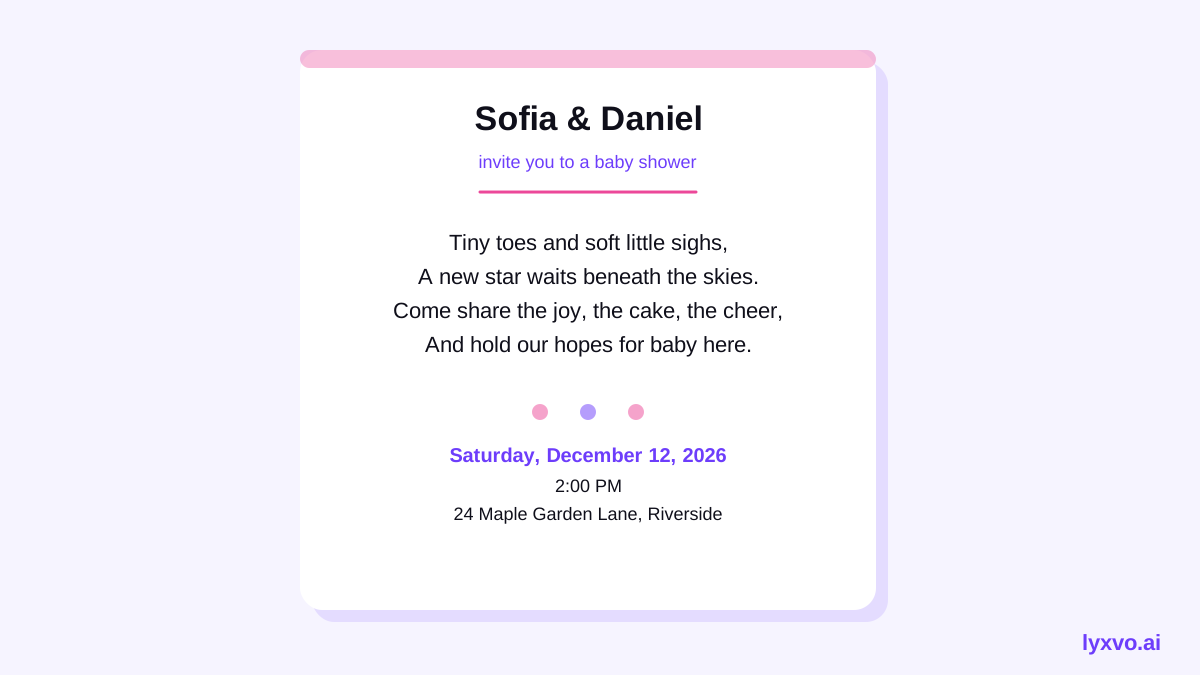
Here is an example structure for a gentle verse:
- Line 1–2: a greeting about the coming little one
- Line 3–4: a wish or blessing for the parents
- Line 5–6: an invitation to celebrate together
Step 2: Choose a layout and palette
Baby shower invitations usually sit in one of three styles: soft pastels, neutral tones with line art, or bright and playful illustration. Pick the style that matches the poem's mood, then keep the palette to two or three colors so the text stays readable. Use a large, clear font for the names and a smaller, simple font for the verse and details.
Step 3: Create the invitation in Lyxvo AI
Lyxvo AI's design agent can plan and build an invitation from your brief. A practical workflow looks like this:
- Open the AI invitation maker and describe the event, style and poem.
- Review the generated layout, then edit the text directly in the Canva-style editor: swap the poem, change names, dates and colors.
- Use the free design templates if you want a starting point with a different composition.
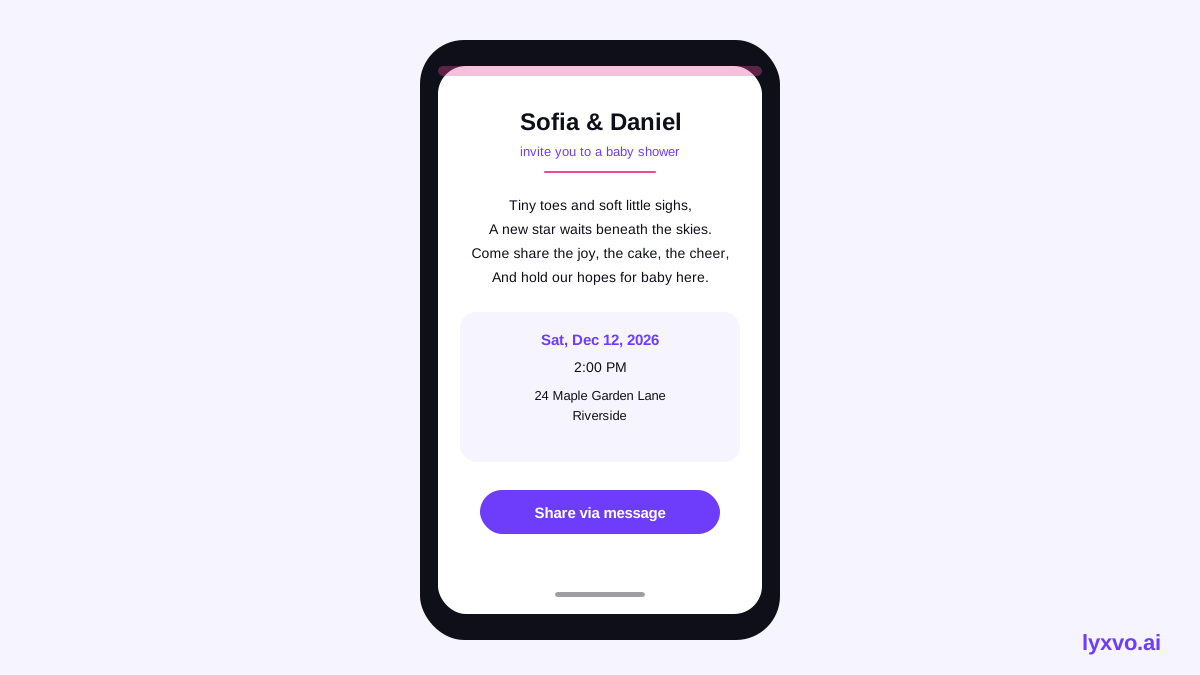
- Export a PNG at real size for printing, or share a digital version for messaging apps.
If you also want a matching social post to announce the shower, the Instagram post studio and the Instagram story studio can create sizes built for those platforms. Lyxvo AI's Magic Resize can adapt the same design to other formats, so the look stays consistent.
Step 4: Check the text before you export
Read every line of the poem and every detail twice. Common mistakes include a misspelled name, a wrong time zone, or a registry link that does not work. Ask one friend to proof the card before you send it.
Checklist before exporting
- Parents' names and spelling confirmed
- Poem reads well aloud and fits the card with margin to spare
- Date, start time, time zone and address are correct
- RSVP method and deadline are stated
- Registry or gift note is clear and optional-sounding if you prefer
- Text sits well clear of the card edges
Step 5: Export for print or digital sharing
For printing, export at 300 dpi and check the size against your card stock. For digital sharing, a PNG at real size works well in messaging apps and email. Keep a copy of the editable design so you can update the date or add a late guest name without starting over.
| Use | Format | Notes |
|---|---|---|
| Printed card | PNG at 300 dpi | Match your card dimensions |
| Text or email | PNG at real size | Easy to open on any phone |
| Social announcement | Instagram post or story size | Use the matching studio |
Common questions
Can I use my own poem? Yes. Write or paste your own verse, then edit it in the editor. Shorter is usually better for legibility.
Can I make the invitation in another language? Lyxvo AI includes a translate feature, so you can adapt the poem and details. Have a native speaker check the final wording, especially for rhyme and tone.
What if the details change? Keep the editable design. Update the date or venue, re-export, and resend a corrected version.
Final tips
- Keep the poem short and read it aloud before you finalize.
- Put the essential details in a large, clear font.
- Test the file on your phone and in print proof before sending the full batch.
With a clear poem, a simple layout and a careful text check, your invitation will feel personal and easy to read. Try the AI invitation maker to build yours in minutes, and see pricing for plan options.
Try it in Lyxvo AI
Describe it in your own words and the design agent starts on the right flow. Free to start.
Related tool: AI invitation maker for weddings, birthdays and events