AI Business Card for a Yoga Instructor with a Booking Link
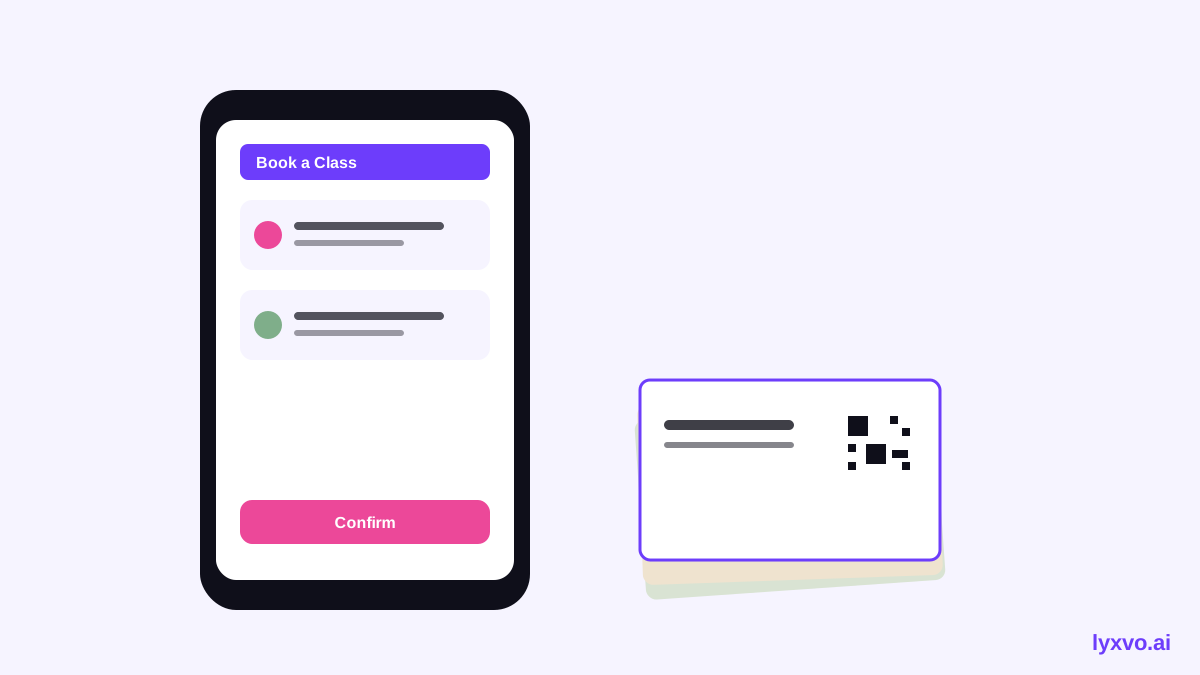
An AI business card for a yoga instructor with a booking link is a small, print-ready card that shows your name, teaching style, contact details and a link or QR code students can scan to book a class. Done well, it turns a handshake at a studio or a flyer on a café board into a reservation. This guide walks through what to include, how to lay the card out, how to handle the booking link, and how to produce print-ready files with Lyxvo AI.
Why a booking link belongs on a yoga business card
A yoga business card has one job: get the right person to book. Most people who pick up your card are curious, not committed. A short path from the card to a booking page removes the friction between interest and a first class.
Your card should answer three questions in a few seconds:
- Who are you? Your name and your title, such as Yoga Instructor, RYT, or Vinyasa Teacher.
- What do you teach? A short style line like "Gentle Hatha for beginners" or "Power flow, mornings in Ubud."
- How do I book? A booking link or QR code, plus a phone number or email as backup.
Keep the booking link short. A custom short URL or a QR code is easier to type or scan than a long calendar address.
Choose the right information to include
Space on a business card is tight, so prioritise. Use this checklist:
- Full name and teaching title
- One line describing your style or specialty
- Location or studio name, or "Online and in person"
- Booking link and/or QR code
- Phone number, WhatsApp or email
- Instagram handle, if you post classes or sequences there
Leave out long bios, every certification you hold, and multiple addresses. If a student needs more detail, the booking page can carry it.
Standard business card size
Most printers offer the standard European size of 85 x 55 mm or the North American size of 3.5 x 2 inches. Design with a 3 mm bleed on all sides and keep important text at least 3 mm inside the trim line. Use a print resolution of 300 dpi so the QR code and fine type stay sharp.
Layout ideas that work for yoga
Yoga branding tends toward calm and open space. A few layouts that suit the practice:
| Layout | Best for | Booking element |
|---|---|---|
| Minimal front, QR on back | Studio teachers who want a clean look | Large QR code on the back |
| Name and style on front, link on back | Teachers with a strong personal brand | Short URL in clear type |
| Two-sided with tagline | Teachers offering retreats or workshops | QR plus phone number |
Tips for the look:
- Use a restrained palette, such as sage, sand, clay or soft charcoal, with one accent colour.
- Pick a clean sans-serif or a light serif for the name, and keep body text at a comfortable size.
- Leave generous margins. White space signals calm.
- Place the QR code on the back so the front stays uncluttered. Keep it at least 2 cm square for reliable scanning.
- Test the QR code with a phone before ordering a print run.
How to create the card in Lyxvo AI
Lyxvo AI can generate a business card design and then let you edit every text element and colour directly in its Canva-style editor. Here is a practical sequence:
- Open the business card tool at AI business card maker.
- Describe your practice in plain language, for example: "Yoga instructor, gentle hatha and vinyasa, calm sage and sand palette, minimal layout, booking QR on the back."
- Review the generated front and back. Edit the name, title and style line directly on the card.
- Replace the placeholder contact details with your real phone number, email and booking link.
- Adjust colours and fonts in the editor until the card matches the tone of your studio or social profile.
- Export a print-ready file at 300 dpi with bleed, then send it to your local printer.
If you also want a matching visual for social media or a flyer announcing a new class series, you can open the Instagram post studio and build a post that reuses your colours and fonts. For a poster or flyer for a community event, see the AI flyer maker.

Making the booking link work
A card is only as good as the page it leads to. Before printing, check the following:
- The booking page loads quickly on a phone, since most scans happen on mobile.
- The class types, times and prices are current. Outdated information costs trust.
- The booking flow asks for as little as possible: name, contact and class choice are usually enough.
- The QR code opens the exact page you intend, not a homepage that requires navigation.
If you run a website, consider adding a chat assistant so visitors can ask about class levels or schedules before booking. Lyxvo offers a free AI live chat for websites at AI live chat that answers from your own business facts, in the visitor's language, by text or voice.
Checklist before you print
- [ ] Name and title are spelled correctly
- [ ] Style line is under about 10 words
- [ ] Phone or WhatsApp number is correct
- [ ] Booking link and QR code tested on two phones
- [ ] Bleed and safe margins set
- [ ] File exported at 300 dpi
- [ ] Proof reviewed on paper before the full run
Use the same design across your touchpoints
Your card should look like part of a set. Use the same colours, fonts and logo on your website, class posters and social posts so students recognise you immediately. If you are starting from scratch, the AI logo generator can give you a mark to use across the card and social profiles.
For a broader template start, browse the free design templates and adapt one that matches your palette.
Start designing with Lyxvo AI
Lyxvo AI offers a free plan, Lyxvo Lite, with a daily usage limit, so you can design and refine your card without a commitment. Paid plans are listed on the pricing page. For a full walkthrough of available features, see the documentation, and for more guides, visit the blog.
Final thoughts
A strong AI business card for a yoga instructor with a booking link has three parts: a clear identity, a calm visual style, and a booking path that works on the first scan. Keep the front simple, put the QR code where it is easy to scan, test everything before printing, and keep your digital touchpoints consistent with the card. That combination makes it far easier for the right student to take the next step.
Try it in Lyxvo AI
Describe it in your own words and the design agent starts on the right flow. Free to start.
Related tool: AI business card maker, print-ready