AI Color Scheme for an Open Plan Kitchen and Living Room
An AI color scheme for an open plan kitchen living room has to work as one picture, because both zones share sightlines, light and air. This guide shows how to pick a palette that flows from cooking space to lounge, and how to test it before you paint or buy anything.
Why one palette matters in an open plan space
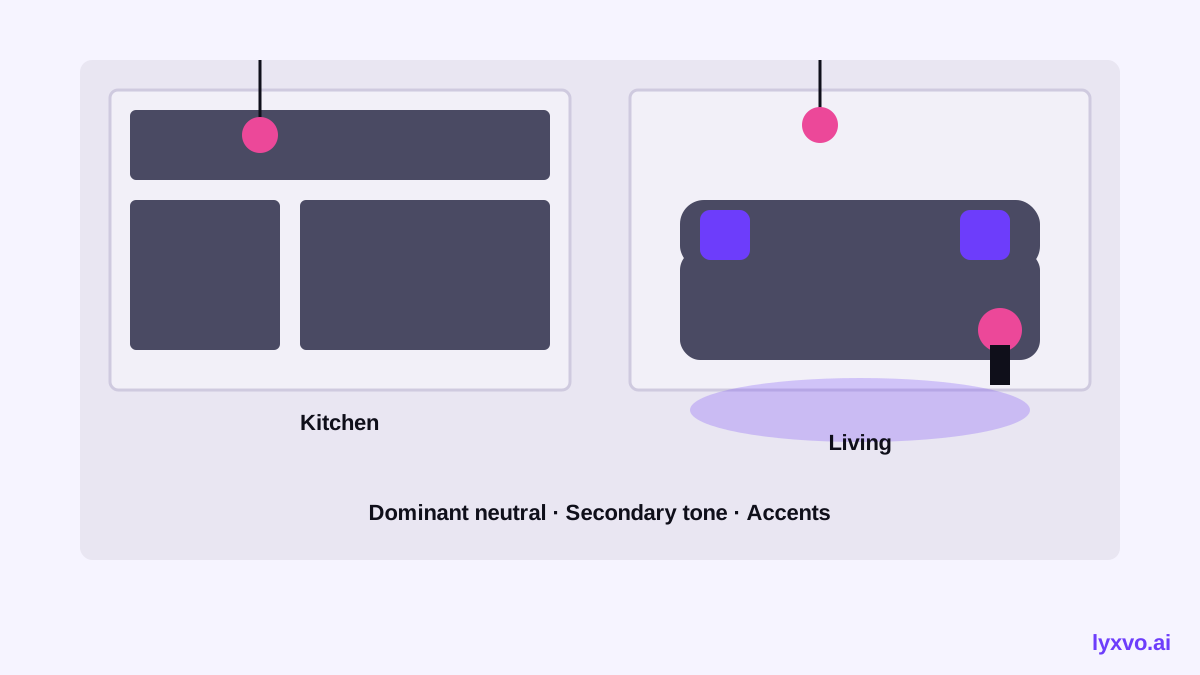
When the kitchen and living room share a single room, your eye reads them together. A bold cabinet color can pull attention away from the sofa, and two unrelated accent colors can make the space feel split in two. The goal is not to match everything, but to repeat a small set of colors so the zones feel connected.
Step 1: Start from the fixed elements
Before choosing colors, list what you cannot easily change:
- Flooring, which covers a large area and sets the base tone
- Countertops and tile backsplash
- Built-in appliances and metal finishes (steel, brass, chrome)
- Natural light direction: north-facing rooms look cooler, south-facing rooms look warmer
Your palette should respect these, then add movable colors on top.
Step 2: Use the 60-30-10 rule across both zones
A reliable starting structure is:
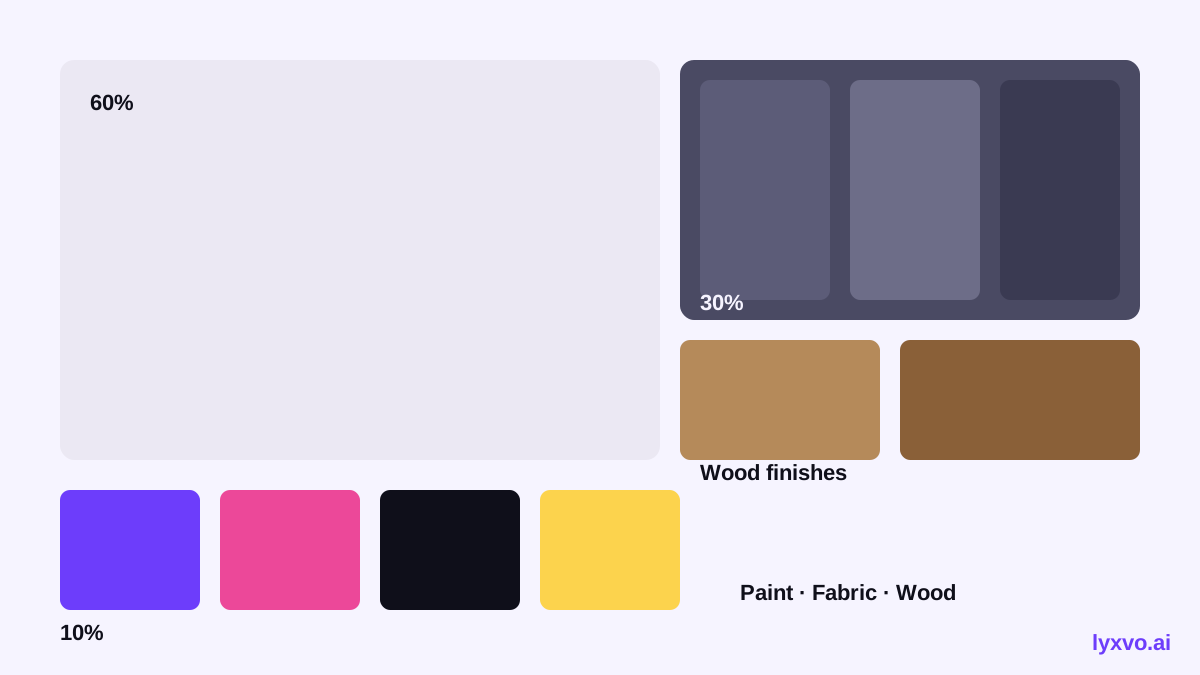
- 60% a dominant neutral, such as warm white, soft greige or light stone, on walls and large surfaces
- 30% a secondary tone, such as a muted green, oak, or deep taupe, on cabinetry, upholstery or a feature wall
- 10% an accent, such as brass, terracotta or ink blue, in cushions, lighting, hardware or art
Keep the same three colors in both zones. The kitchen may use the secondary tone on lower cabinets while the living room uses it on a sofa, and that repetition ties them together.
Step 3: Set a color temperature and stick to it
Mixing warm and cool whites is the most common reason open plan rooms look messy. Choose either warm undertones (cream, sand, honey wood) or cool undertones (grey, blue-white, steel) and apply it throughout. Check the undertone of your flooring and countertop first, then match your paint to them.
Step 4: Plan a transition
Where the kitchen ends and the living room begins, a small shift helps: a change in pendant lighting finish, a runner rug, or a repeated tile color on a breakfast bar. This gives the eye a place to rest without breaking the scheme.
How to test your color scheme with Lyxvo AI
Lyxvo AI's interior design tools let you plan a room visually before committing. You can build a room moodboard from scratch, or start from a photo of your space, then generate design options for both zones together. Lyxvo's design agent produces designs rather than photo renders, so the palette, layout and decor shopping list come as a plan you can review.
A practical workflow:
- Open AI interior design and describe your open plan space, including the flooring, cabinet finish and the light direction of the room.
- Generate two or three palettes that follow the 60-30-10 structure above.
- Use the Canva-style editor to swap colors directly on walls, cabinetry and textiles until the balance feels right.
- Export the palette and decor list, or share it with a builder or painter.
You can also create a matching presentation of your moodboard with the AI presentation maker if you need to show a partner or contractor the plan.
A quick checklist before you buy paint
- [ ] One dominant neutral covers most walls in both zones
- [ ] Cabinetry and upholstery share a secondary tone
- [ ] Accents repeat in both spaces at least twice
- [ ] Warm or cool undertones are consistent throughout
- [ ] Samples have been viewed in morning and evening light
Common mistakes to avoid
- Painting the kitchen cabinets a strong color that competes with the living room focal point
- Choosing paint samples on a screen, which shows colors differently than real light
- Using too many accent colors, which makes the space feel busy
- Ignoring the ceiling and trim, which should match the dominant neutral
A careful palette, tested in both zones at once, gives an open plan home a calm and unified look. Explore free design templates for more inspiration, or start planning your room with Lyxvo AI today.
Try it in Lyxvo AI
Describe it in your own words and the design agent starts on the right flow. Free to start.
Related tool: Free design templates you can edit in minutes