AI Digital Evite with Map and Parking Details: A Practical Guide
An AI digital evite with map and parking details lets you send one polished invitation that answers the questions guests always ask: where do I go, where do I park, and when should I arrive. This guide shows you what to include, how to lay it out so it reads well on a phone, and how to build it in Lyxvo AI.
Why location and parking details belong on the evite
Most event questions come back to logistics. Guests want to know the exact address, whether there is parking, whether they need to pay, and how long a walk it is from the lot to the door. When those answers are buried in a long message thread, people either miss them or ask again. A digital evite that puts the map and parking notes right on the invitation prevents that back-and-forth.
Keep the invitation itself short. The evite should carry the essentials and link out to anything longer, such as a full schedule or a hotel list.
What to include on a location-ready evite
Before you design anything, gather the facts. A complete location block usually includes:
- Venue name and full street address, written exactly as it should be typed into a map app
- A map, either a screenshot or a tappable link to the venue pin
- Parking type: free lot, street parking, paid garage, valet, or none
- Parking location and cost, including the nearest garage or lot if the venue has no spot of its own
- Arrival time versus start time, so guests know when to walk in
- Access notes: entrance side, stairs or ramp, dress code if it affects the route
- Contact number for last-minute questions on the day
Tip: if parking is limited, say so plainly and suggest a rideshare drop-off point. Guests appreciate clear options more than vague promises.
Layout rules for a phone-first invitation
Most guests open evites on a phone, so design for that screen first.
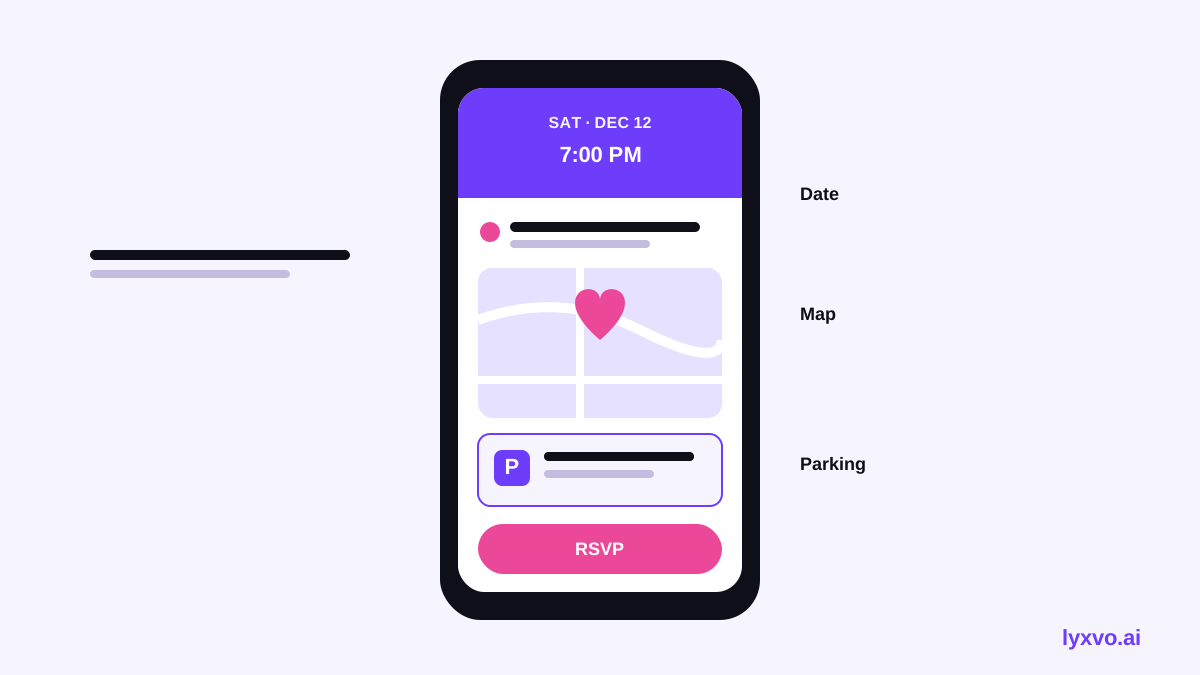
- Put the event name, date and time at the top, large and readable.
- Place the venue and address directly below, with the map tile underneath.
- Group all parking information in one labeled block, not scattered across the page.
- Add one clear button or link: "Open in Maps" or "RSVP."
- Keep body text at a comfortable size and use good contrast between text and background.
If you also need a printed copy, keep the same hierarchy so the design stays consistent across formats.
A step-by-step checklist before you send
- Confirm the address by opening it in a map app and checking the pin
- Test the map link on both iPhone and Android
- Check parking costs and hours, since they change
- Make sure the RSVP date appears clearly
- Send a test to yourself on mobile and read it without zooming
- Keep one backup contact for questions on the day
How to design it in Lyxvo AI
Lyxvo AI is a design tool that can create invitation layouts and let you edit them directly. For a location-focused evite, a workable process is:
- Open the AI invitation maker to start from an invitation layout.
- Describe your event in plain language, including the date, the venue, and that you need a clear parking block.
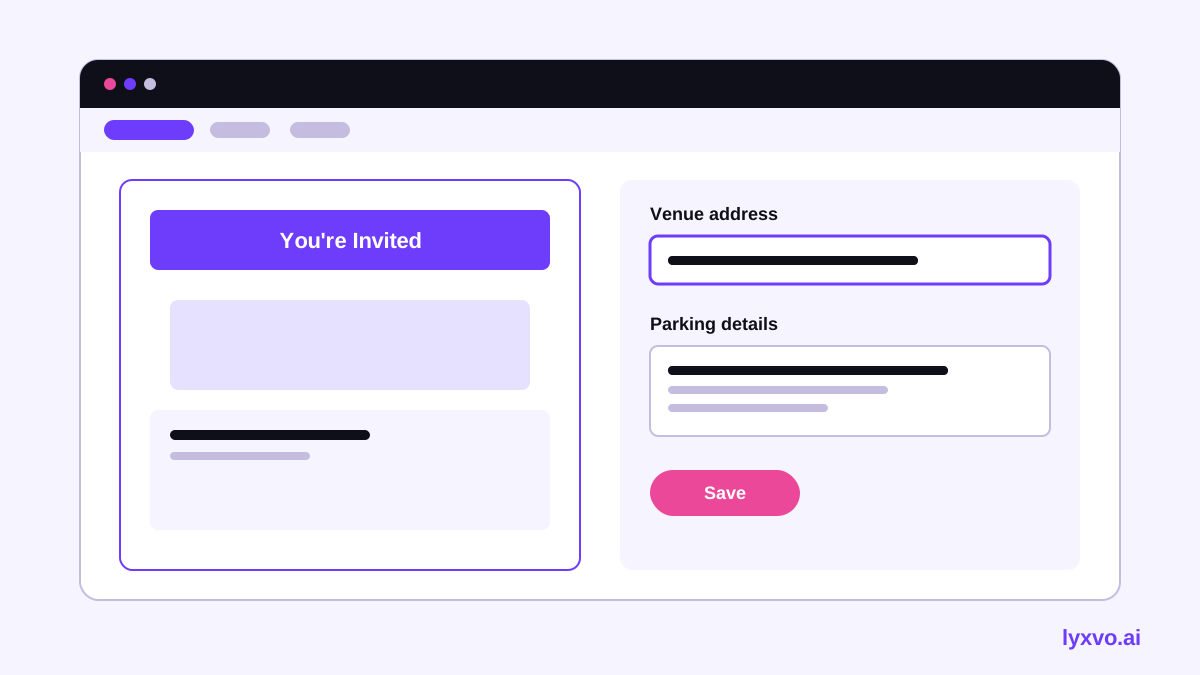
- Use the Canva-style editor to click any text and replace it with your exact address, parking notes and times.
- Add your map image or a screenshot, and place it under the venue details.
- Adjust colors and fonts so the parking section stands out but still matches the theme.
- Export as a PNG at real size for sharing in messages, or use the layout for a printed card.
For a quick square version to post in a group chat, the Instagram post format works well. For a vertical version to share as a story, try the Instagram story format.
Mistakes to avoid
- Vague directions like "behind the church." Give a street and the nearest landmark.
- Outdated parking info. Check it a few days before sending.
- Tiny map or text. If a guest cannot read it on a phone, it does not help.
- No time buffer. Say when to arrive, not only when the event starts.
- Hiding the RSVP. Place it near the location block so people act on it.
Comparing print and digital delivery
| Factor | Digital evite | Printed invitation |
|---|---|---|
| Map | Tappable link | Static image or QR code |
| Updates | Easy to resend | Hard after printing |
| Parking notes | Can link out | Limited space |
| Best for | Quick RSVPs and reminders | Formal or keepsake events |
Many hosts use both: a printed card for keepsake appeal and a digital evite for logistics and updates.
Making the most of your design time
If you need a broader set of event materials, such as a menu or a flyer, the same brand colors and fonts can carry through. Explore free design templates to start from a layout that already fits a clean invitation style. The AI business card maker can also help if you are inviting guests from a company and want matching contact details.
Final check
Before you hit send, confirm the address, test the map link on both phone systems, reread the parking notes, and make sure the RSVP date is obvious. A clear, well-placed location block turns a pretty evite into one that actually gets your guests to the right place on time.
Try it in Lyxvo AI
Describe it in your own words and the design agent starts on the right flow. Free to start.
Related tool: Free design templates you can edit in minutes