AI Flyer for Bakery Grand Opening Discount: A Step-by-Step Guide
An AI flyer for a bakery grand opening discount can take you from a blank page to a print-ready design in one sitting. This guide shows you what to include, how to write the offer so people act on it, and how to produce a clean file in Lyxvo AI.
Why a grand opening flyer still works
A bakery opening is a moment people talk about. A flyer turns that moment into something a passerby can hold, photograph or pin to a fridge. The job of the flyer is simple: tell people who you are, what you sell, where you are, and why they should come in this week.
A good grand opening flyer does four things at a glance:
- Names the bakery and makes it look appealing
- States the discount clearly, with an end date
- Shows the address, opening date and opening hours
- Gives one clear reason to visit, such as a signature item or a free tasting
What to include on the flyer
Before you open a design tool, write the content. Short, specific text reads faster on a counter or a corkboard.
The essentials checklist
- Bakery name and logo, large enough to read from two metres away
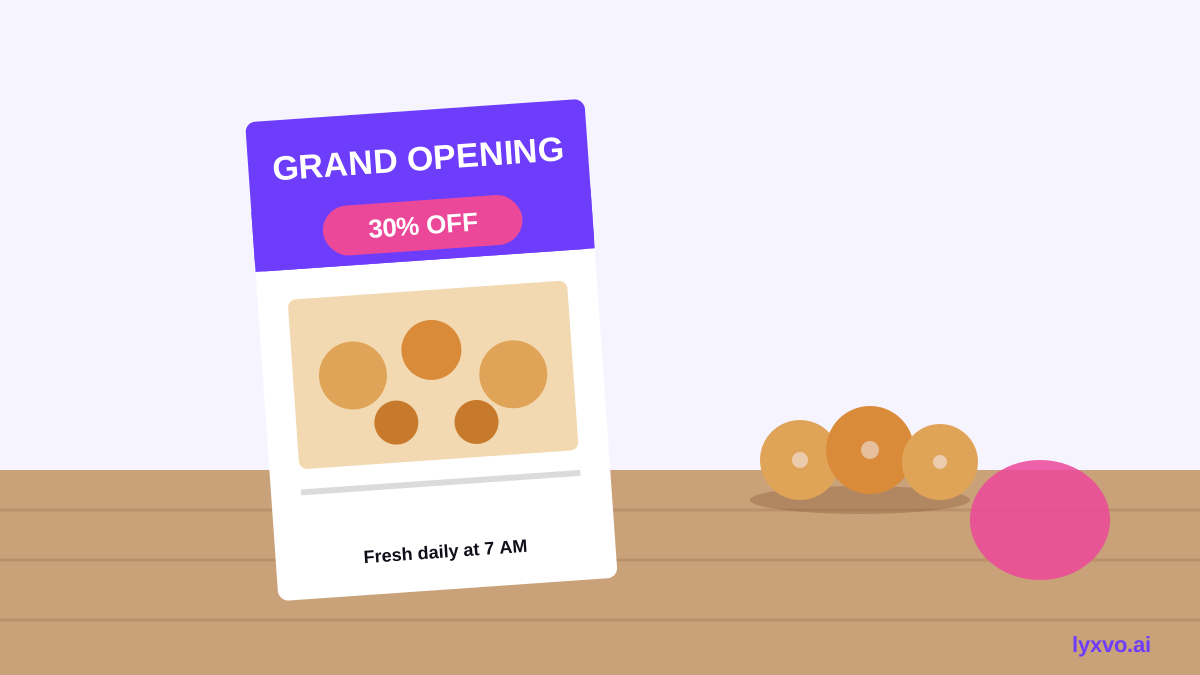
- The headline offer, for example "Grand Opening: 20% off every loaf this weekend"
- Offer conditions, such as valid dates, in-store only, or while stocks last
- Date and time of the opening event
- Address, phone number and social handle
- One hero photo, ideally a close shot of your best-selling product
- Opening hours for the first week
Writing a discount that gets read
Keep the headline to one discount and one date. "Grand opening week: 15% off all pastries" works better than a list of four promotions. If the discount applies to specific items, say so in the smaller print so customers do not feel misled at the till.
Note: check any local rules on pricing claims or promotions in your area before printing, and keep the terms honest and consistent with what staff will actually apply.
Choosing the right size and format
The format depends on where the flyer will live. Decide this first so the layout fits the real use.
| Use | Suggested size | Notes |
|---|---|---|
| Handout or letterbox drop | A5 (148 × 210 mm) | Easy to carry and cheap to print |
| Shop window or counter | A4 or A3 | Keep text large and bold |
| Poster for a noticeboard | A3 or larger | Use one strong image |
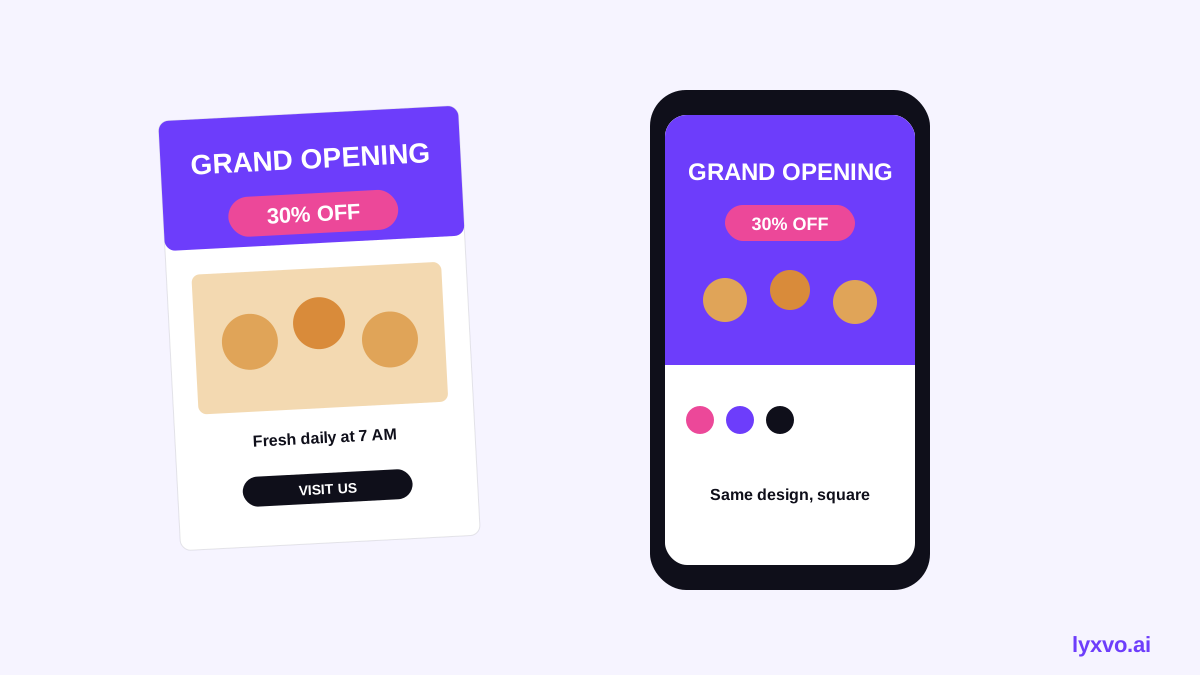
| Social share | Square or vertical post | Repurpose the same design |
For print, set the file to 300 dpi and include a small bleed margin if your printer asks for one.
Making the flyer in Lyxvo AI
Lyxvo AI includes a flyer format, so you can start with the right layout instead of building it from scratch. The steps below use only what the tool offers.
- Open the flyer studio. Go to Lyxvo's flyer maker or open the flyer format in the studio directly.
- Describe the bakery. Tell the design agent your bakery name, the grand opening date, the discount and your signature products. Include your colours or brand style if you have them.
- Review the first layout. Check that the headline, offer and address are visible at a glance. Replace any wording that sounds too generic.
- Edit directly. Use the Canva-style editor to change text, swap in your own photos and adjust colours. Keep the discount the largest element on the page.
- Adapt it for other formats. If you also want a social post, use Magic Resize to fit the same design to another format, or use the social media post generator for a square version.
- Export. Export as PNG at real size for print, or as HTML if you want a shareable web page.
Design tips that help the offer land
- Use one hero image. A single well-lit photo of your best product beats a collage.
- Limit fonts to two. One for the headline, one for the details.
- Use contrast. Dark text on a light background, or the reverse, is easiest to read.
- Put the date in the headline. People plan around dates, not percentages.
- Leave breathing room. Empty space makes the offer look confident.
- Match the flyer to the shopfront. If your sign uses certain colours, repeat them so people recognise you.
Checklist before you print
- [ ] Bakery name spelled correctly everywhere
- [ ] Discount amount and end date match what staff will apply
- [ ] Address, phone and opening hours are current
- [ ] Image is sharp at print size, set to 300 dpi
- [ ] Text is readable at arm's length
- [ ] Terms are short and clearly marked
- [ ] You have a second person proofread the dates and numbers
Using the flyer after the opening
Print a small batch first and test where people pick them up. Put a copy in the window, on the counter and at nearby shops. When the discount ends, reuse the same design with a new headline, such as a "Thank you" or a weekly special. For ideas on other print pieces, see the AI poster maker or the free design templates.
Summary
A bakery grand opening flyer works best when it is short, clear and built around one offer. Write the content first, choose a size that matches where it will be seen, and check every date and number before printing. With Lyxvo AI you can generate the layout, edit it directly and export a print-ready file, then reuse the same design across social and in-store material.
Try it in Lyxvo AI
Describe it in your own words and the design agent starts on the right flow. Free to start.
Related tool: AI flyer and poster maker, print-ready