AI Flyer for Charity 5K Fun Run: How to Design One That Gets Runners to Sign Up
An AI flyer for a charity 5K fun run can turn a simple event idea into a clear, eye-catching poster or handout in minutes. This guide shows what a good race flyer includes, how to write copy that drives registrations, and how to design and export one in Lyxvo AI.
Why a charity 5K flyer needs to do three jobs at once
A good flyer for a charity fun run has to explain the event, show why people should care, and make the next step obvious. Most readers glance at a flyer for only a few seconds, so the design has to work at a distance and at arm's length.
Think about the three jobs before you start:
- Inform: what, when, where, and what it costs.
- Move: why the cause matters and who the money helps.
- Act: one clear call to action, such as scanning a code or visiting a registration page.
Keep the flyer focused on one event. If you also promote a bake sale or a raffle, put it on a separate sheet so the race stays the star.
The must-have content on a 5K fun run flyer
Before you pick colors or fonts, collect these details. Missing one of them is the most common reason a flyer fails.
| Element | Example | Why it matters |
|---|---|---|
| Event name | Riverside Hope 5K Fun Run | Easy to recognise and share |
| Date and start time | Sunday 14 June, 8:00 AM | People plan around it |
| Location | Riverside Park, north gate | Gives directions and parking hints |
| Cause | Funds clean water wells | Creates emotional reason to join |
| Registration | Scan code or visit website | The one action you want |
| Fee and what it includes | $25, T-shirt and timing chip | Removes questions |
| Sponsor logos | Local businesses | Builds trust and shares the flyer |
Add a short line about the route, kid-friendly options or a walk-only category if you offer them. Those details help families decide quickly.
Write copy that makes people want to lace up
Keep headlines short and warm. Strong options include "Run for Clean Water" or "5K for a Good Cause, All Ages Welcome." Use the body text to answer the question "why should I come?" in one or two sentences, then list the practical details in a clean block.
Tips for the words themselves:
- Use active verbs: run, join, support, finish.
- Name the beneficiary specifically. "Helps 300 families get clean water" is clearer than "helps the community."
- Avoid crowded paragraphs. If a line takes more than two seconds to read, shorten it.
- Put the date in the largest type after the event name, because people check dates first.
Design choices that make a flyer readable
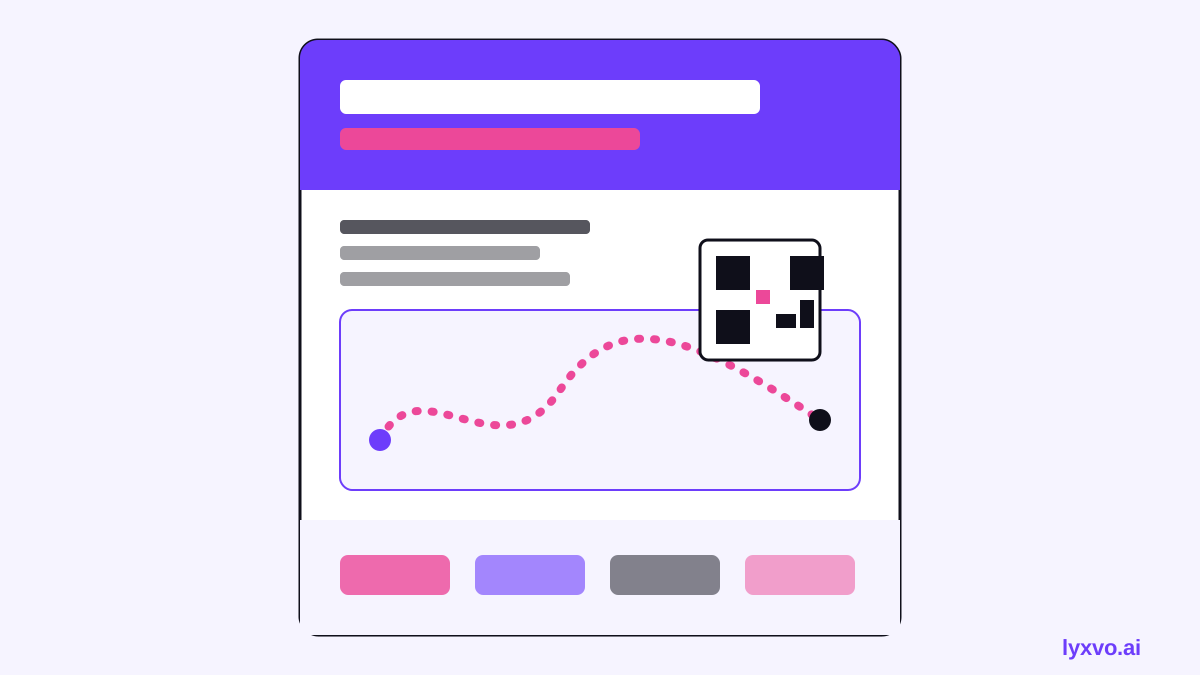
A practical layout for most charity race flyers:
- Top band: event name in large bold type with a cause-related image or running silhouette.
- Middle: the date, time and location in clear blocks, plus a short cause message.
- Lower third: fee, what is included, and a QR code or short web address.
- Footer: sponsor logos at a consistent size, with the charity's name.
For color, pick two or three brand colors and use one strong accent for the call to action. Charity events often use greens or blues for trust and energy. Keep text at high contrast against the background. Choose one or two fonts: one for headlines and one for details.
Print and size specifications
If the flyer will be printed, plan the file before you design. A standard letter-size sheet (8.5 × 11 in) or A4 is common for handouts. Posters for shop windows are often larger. Set the document to the final size, keep text at least 0.25 in from the edge, and export at 300 dpi for sharp printing.
Always check the QR code by scanning it from a printed proof before sending files to a print shop.
How to make the flyer in Lyxvo AI
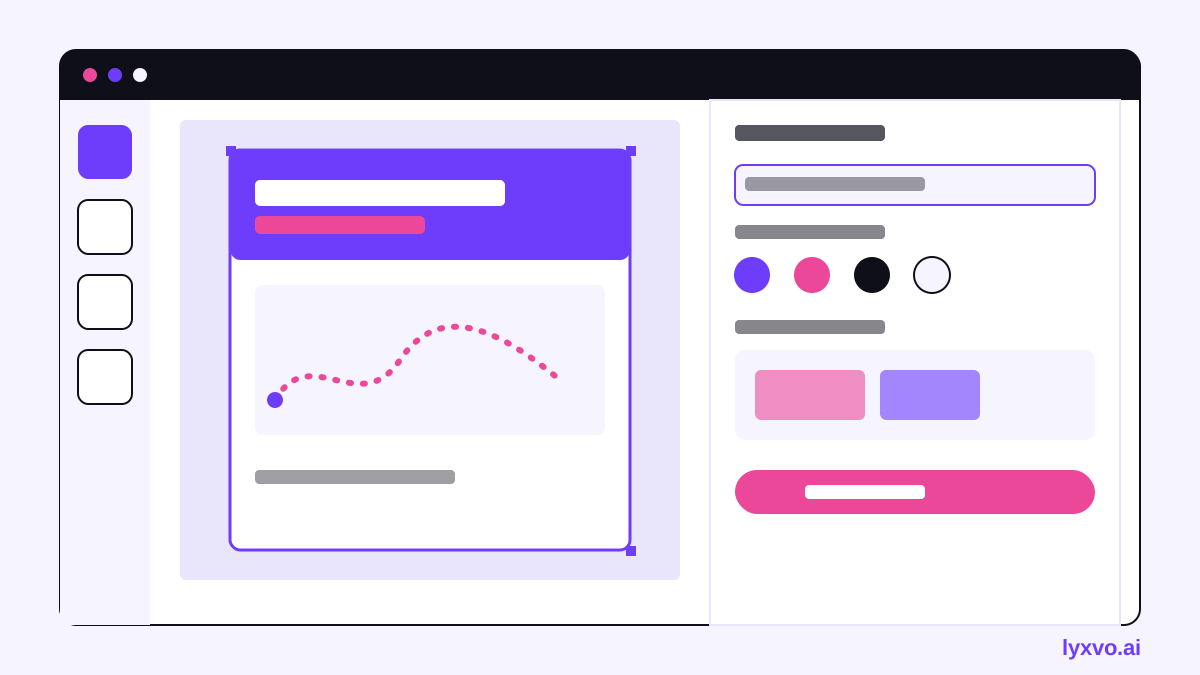
Lyxvo AI's design agent plans and creates flyers and posters, and you can then edit them in a Canva-style editor. Here is a practical workflow:
- Open the flyer maker or go straight to the Studio flyer format.
- Describe the event in plain language: name, date, location, cause, fee and call to action. Include your brand colors if you have them.
- Review the layout the agent proposes, then click any text to edit the headline, date, details and sponsor names.
- Replace imagery with your own runner photos or a logo, and adjust colors directly in the editor.
- Use Magic Resize to make a matching social version or a poster from the same design, and translate the text if you serve more than one language community.
- Export at print resolution: flyers and posters can be exported at 300 dpi, and PNG exports are available at real size for digital sharing.
For sharing online, a social media post or a poster built from the same content will reach people who are not on your mailing list. Use the free design templates if you want a starting layout to adapt.
A quick checklist before you print
- Event name, date, time and location are correct and easy to read.
- The cause is stated in one clear sentence.
- The registration link or QR code has been tested.
- Fees and what is included are listed.
- Sponsor logos are approved and sized consistently.
- The file is exported at 300 dpi with text kept away from the edges.
- Someone outside the organising team has proofread the copy.
Where to share your flyer
Print it for community noticeboards, local cafés, running shops, schools and gyms. Post the digital version in community groups and send it to sponsors so they can share it. Track registrations by giving each channel its own short link or QR code, so you know which placement is working for next year.
Note: pricing and plan limits for Lyxvo AI change over time. Check the pricing page for current options, and see the docs for export details.
With a clear structure, specific copy and a tested call to action, a single well-designed flyer can do much of the recruiting for your charity 5K fun run.
Try it in Lyxvo AI
Describe it in your own words and the design agent starts on the right flow. Free to start.
Related tool: AI flyer and poster maker, print-ready