AI Flyer for Hair Salon Weekend Discount: How to Make One That Gets Booked
An AI flyer for a hair salon weekend discount lets you go from a rough offer to a print-ready design in one session. This guide shows what to put on the flyer, how to lay it out, and how to create it in Lyxvo AI.
Weekend discounts work best when the flyer makes the offer obvious in three seconds. A client walking past a window or picking up a card at the counter should know the deal, the days, and how to book without reading a paragraph.
What a weekend discount flyer must include
Keep the flyer focused. Every element should help someone decide to book.
- Headline offer: the discount itself, for example "20% off all color services" or "Weekend Refresh: 15% off cuts."
- Valid dates and times: "Saturday and Sunday, 9 AM to 4 PM" is clearer than "weekends only."
- Services covered: name the services in the offer so clients know what is included.
- Booking call to action: a phone number, booking link, or QR code.
- Address and contact details: salon name, street, city, and social handle.
- Terms in small print: expiry date, "new and returning clients," or "cannot be combined with other offers."
Keep the discount amount larger than the fine print. The offer is what people read first; the conditions are for reference.
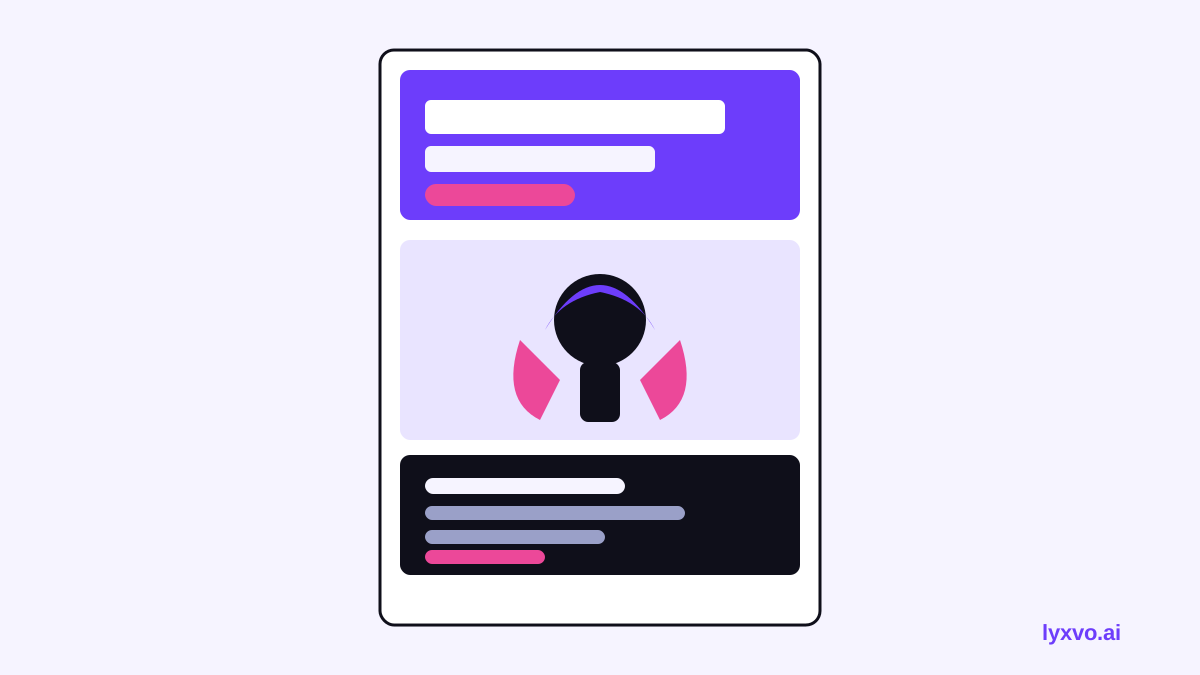
Layout principles for a salon flyer
A salon flyer should feel like the salon: clean, bright, and a little editorial. A few practical rules help:
- Use one strong focal point, such as a styled hair photo or a single large offer number.
- Limit yourself to two fonts: a bold display font for the offer, and a simple sans-serif for details.
- Keep your brand colors to two or three, and use white space generously.
- Place the booking info in the bottom third, where the eye lands last but still sees it.
- Check readability at arm's length: if you cannot read the offer from a meter away, enlarge it.
Print sizes and resolution
For most salons, these formats cover the common uses:
| Use | Typical size | Notes |
|---|---|---|
| Counter or handout flyer | A5 or A6 | Easy to carry and hand out |
| Window poster | A3 or A2 | Read from the street |
| Social post | Square or vertical | Share before the weekend |
| Story | Vertical | For reminders on the day |
For printing, use 300 dpi so the photos and text stay sharp. Always check your printer's bleed requirements before you send the file.
How to create the flyer in Lyxvo AI
Lyxvo AI can take you from a brief to a finished flyer, and you can edit everything directly afterwards. Here is a practical workflow:
- Write your brief. Include the salon name, the discount, the weekend dates, the services covered, your booking method, and your brand colors if you have them.
- Open the flyer studio. Use the flyer studio to start a flyer design. You can also review the AI flyer maker page for an overview.
- Generate the first layout. Describe the look you want, such as "bright, minimal, editorial, with a large percentage number." Review the options it creates.
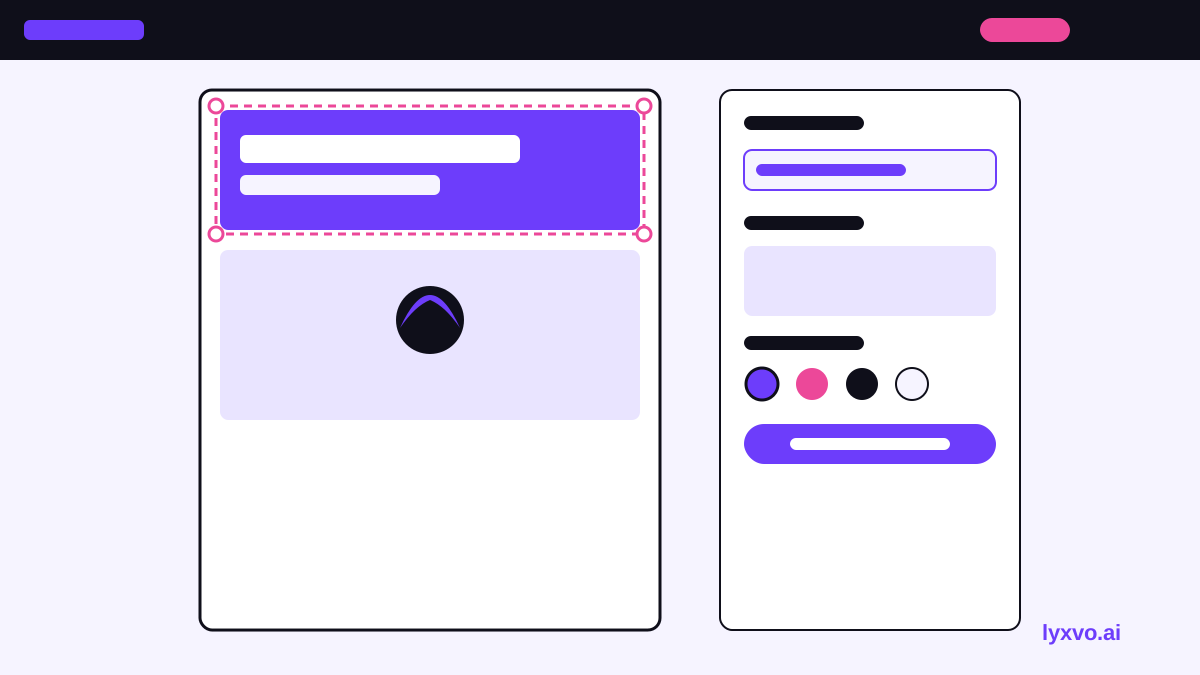
- Edit in the Canva-style editor. Change the headline, dates, and phone number. Swap photos and adjust colors directly on the canvas.
- Check the terms. Make sure the expiry date and conditions are accurate before exporting.
- Export at the right size. Export PNG at real size for print or social use. Use the Magic Resize feature to adapt the same design to other formats, such as a story or a window poster.
- Translate if needed. If your clients speak more than one language, use the translate feature to create a second version of the flyer.
Always confirm the discount, dates and prices against your current price list before printing. Print mistakes are costly, and the flyer must match what staff will honor at the chair.
Wording that drives weekend bookings
Small changes in wording make a difference:
- Use a time limit: "This weekend only" creates a clear reason to act.
- Name the outcome: "Fresh cut and blowout, 20% off" is more specific than "Hair special."
- Make booking easy: "Call or message to book your weekend slot" tells people the next step.
- Avoid crowding: one offer per flyer is usually clearer than three.
Distribution tips
A good flyer needs to reach people where they already are:
- Place printed flyers at the counter, in nearby shops with permission, and in your window.
- Share the same design as a social post and a story. You can create a social media post version for feeds.
- Remind existing clients by message on Thursday or Friday, so the weekend is top of mind.
- Track which channel brings bookings, for example by asking clients how they heard about the offer.
Checklist before you print or post
- [ ] Offer and percentage are correct
- [ ] Weekend dates and opening hours are correct
- [ ] Services covered are named
- [ ] Phone number or booking link works
- [ ] Salon name, address and handle are correct
- [ ] Terms and expiry date are included
- [ ] Exported at 300 dpi for print, or correct social size
- [ ] Text is readable at a distance
Once the basics are set, you can repeat the process each season by changing only the offer and dates. Explore more ideas in the Lyxvo AI blog, or review plans on the pricing page if you want more daily design capacity.
Try it in Lyxvo AI
Describe it in your own words and the design agent starts on the right flow. Free to start.
Related tool: AI flyer and poster maker, print-ready