AI Flyer for Lost Pet Poster: A Practical Guide
An AI flyer for a lost pet poster can be designed in minutes, but the details decide whether someone calls you back. This guide shows what to include, how to lay the page out so it is readable from a distance, and how to build it in Lyxvo AI.
Why a lost pet flyer needs a different approach
A lost pet poster is read in a hurry, often from a few steps away, on a pole, a shop window or a community board. People glance at it for a second or two. That means the photo, the word LOST and a phone number have to do almost all the work.
An AI-generated design helps you move quickly, but speed is only useful if the final poster is clear. Treat the AI output as a first draft and check every detail before you print.
What to include on the poster
Keep the content short and factual. A good lost pet flyer usually has these parts, in this order of importance:
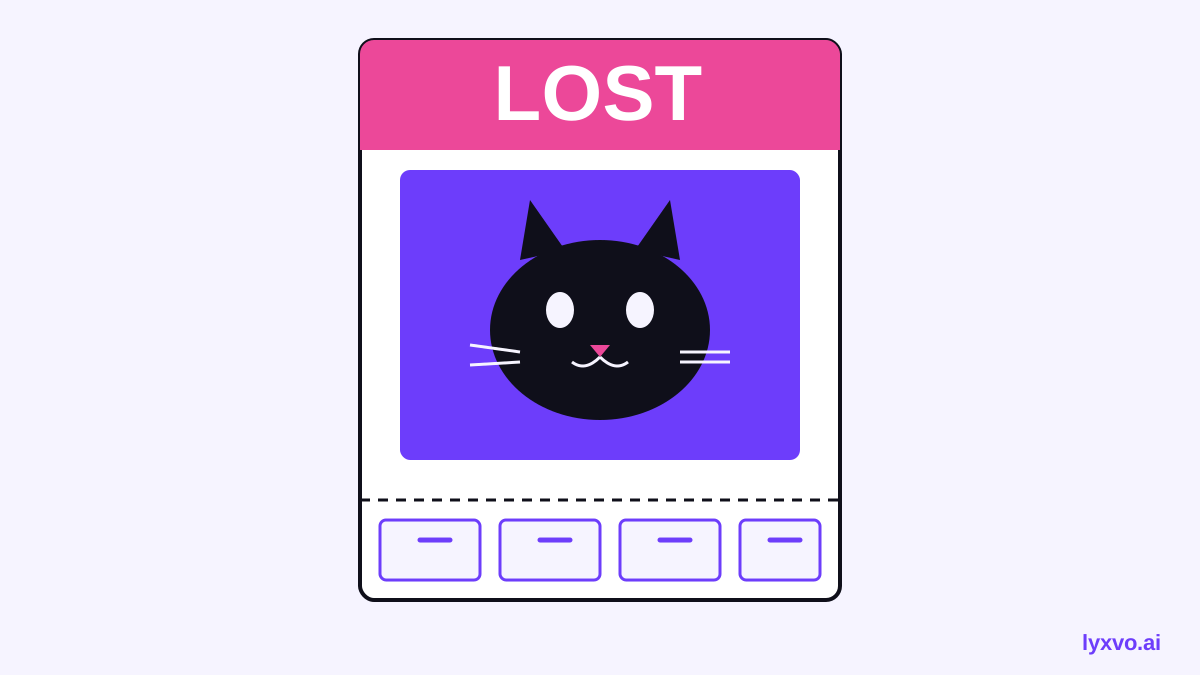
- The word LOST in the largest type on the page
- A clear photo of your pet, face-on, in good light, with no other animals or people cropped in
- Species, breed, colour and size (for example: "Orange tabby cat, 4 kg, white paws")
- Name and one or two distinctive features (a blue collar, a notched ear, a limp)
- Date and area where the pet was last seen
- One reliable phone number, plus a simple line such as "Reward offered" only if you are comfortable with it
- A short line about the pet if it helps, such as "Shy, will hide – please call, don't chase"
Leave out home addresses, long stories and anything that makes the page feel crowded.
Note: Keep only the contact details you are happy to share publicly. You can list a phone number and a generic area rather than a full street address.
Layout rules that make a flyer readable
- Use one dominant photo. It should take up roughly half the page or more.
- Make LOST huge. Bold, high-contrast type reads from far away.
- Use two colours at most plus white or black. Bright colours that clash with the photo are harder to read.
- Put the phone number at the bottom in large type, and consider tear-off tabs with your number.
- Choose a clean font. Avoid thin scripts for anything essential.
- Print in colour if you can. Colour helps identify the pet, but black-and-white copies still work if the photo has strong contrast.
Sizes that work well
| Use | Common size | Notes |
|---|---|---|
| Shop window or door | A4 or US Letter | Readable up close |
| Community board | A4 or A3 | Good balance of size and cost |
| Pole or street display | A3 or larger | Use a waterproof sleeve |
| Digital share | 1080 x 1350 px (portrait) | For social media posts |
For printing, aim for 300 dpi so the photo does not look blurry on paper.
Step-by-step: making the flyer with AI
- Pick a clear photo first. Use a sharp, well-lit, front-facing image. Crop out people and clutter.
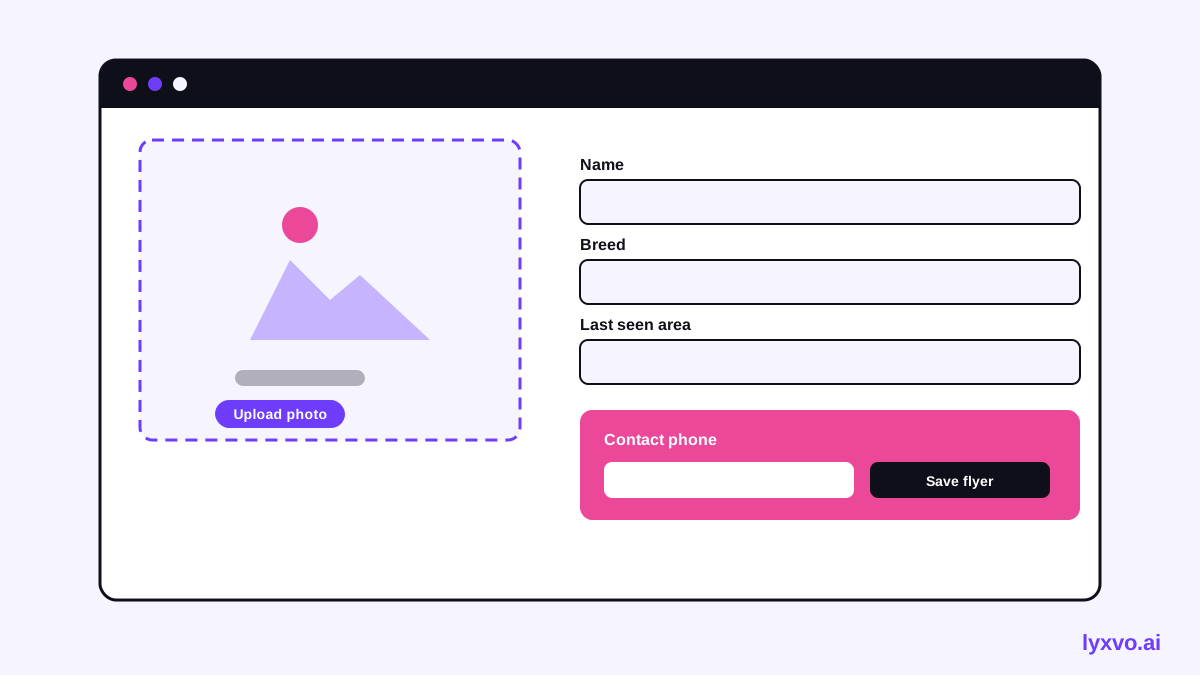
- Write the facts before you design. Gather species, breed, colour, size, collar details, last-seen location and your phone number.
- Start from a flyer format. You can begin in the AI flyer maker and choose a flyer layout.
- Describe the layout you want. For example: "Lost pet flyer, huge LOST heading, large photo of a tabby cat, two-colour scheme, phone number at the bottom in bold."
- Replace placeholder text with your real details. Check spelling of the name and every digit of the phone number.
- Adjust the photo and colours directly in the editor if needed, so the pet stays the clear focus.
- Export at print size and print a test copy to check legibility from a short distance.
Making it in Lyxvo AI
You can design a lost pet flyer in Lyxvo AI's flyer maker or poster maker. The design agent can build a complete layout from your description, and you can then edit text, photos and colours directly in the Canva-style editor. Exports include PNG at real size, and print-ready output at 300 dpi.
If you want a quick start, the free design templates library is a useful place to begin before customising your own version. For a digital copy to share online, the social media post generator can produce a square or portrait version for your feed, and you can also create one in the Instagram post format.
Lyxvo AI also offers a Free plan with a daily limit, so you can try a flyer without committing to a paid plan. Check pricing for current plan details.
Sharing and following up
Printing is only half the job. Share the same design online, post it in local community groups, and ask nearby shops and vets if they will display it. Update the flyer if you find new information, and take down or mark it as found once your pet is home.
- Post the digital version with the same photo and phone number
- Ask a trusted person to answer calls if you cannot
- Keep a list of every place you posted so you can update or remove it
- Reprint with fresh dates if the search continues for a while
Quick checklist before you print
- [ ] The word LOST is the largest text on the page
- [ ] The photo is sharp and face-on
- [ ] Species, breed, colour and size are correct
- [ ] Last-seen area and date are filled in
- [ ] Phone number is correct and large
- [ ] Only details you are happy to share are included
- [ ] Printed test copy is readable from a few steps away
A well-designed flyer makes the difference between a passing glance and a phone call. Use AI to get the layout done quickly, then spend your effort on accurate details and a clear photo.
Try it in Lyxvo AI
Describe it in your own words and the design agent starts on the right flow. Free to start.
Related tool: AI poster maker for events, promos and concerts