AI Flyer for Tenant Meeting in Apartment Building
An AI flyer for a tenant meeting in an apartment building gets neighbours to read, remember and show up. A clear layout, the right date and place, and a short reason to attend matter more than fancy graphics. This guide shows what to include, how to size and print it, and how to make one in Lyxvo AI.
Why a good tenant meeting flyer matters
Most tenants decide in a few seconds whether a notice is worth reading. A flyer posted in the lobby, slid under doors or shared in a building group chat has to answer three questions fast: what is this about, when and where is it, and why should I come?
A clear flyer also protects the organiser. When the date, time and room are easy to find, fewer people ask the same questions and fewer show up confused.
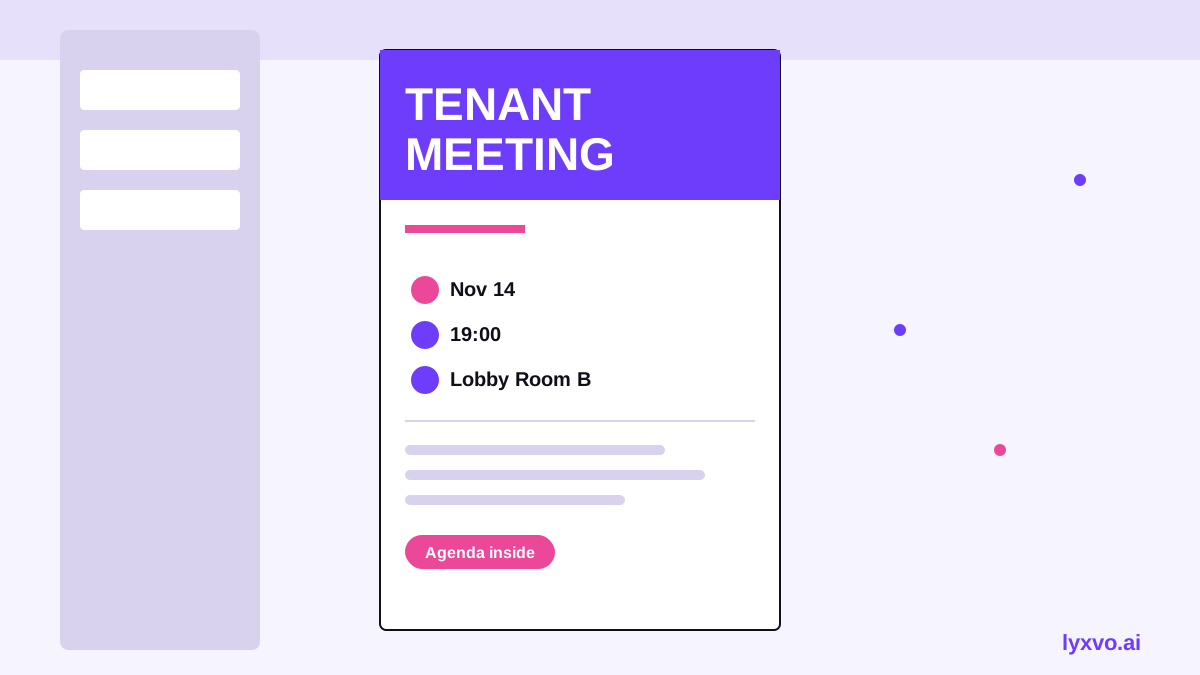
What to include on the flyer
Keep the design simple, but make sure every essential detail is there:
- Headline: the purpose in plain words, such as "Tenant Meeting: Building Repairs and Heating".
- Date, start time and end time.
- Exact location: building name, address and room, such as "Community room, ground floor".
- Agenda: three to five bullet points so people know what will be discussed.
- Who is organising and how to contact them.
- Language notes: if your building has residents who read other languages, add a short line in those languages or a translated version.
- Accessibility: mention step-free access or whether a remote option exists.
Only include contact details you are comfortable sharing with the whole building. A shared phone number or email is usually safer than personal details.
Choosing the right size and format
The right format depends on where the flyer will be used:
| Use | Recommended format | Notes |
|---|---|---|
| Lobby noticeboard, door posters | A4 or A3 portrait | Large headline readable from 2 metres |
| Under-door handouts | A5 portrait | Keep text to the essentials |
| Phone or group chat share | Square or vertical story | Readable on a small screen |
| Printed for a shared hallway board | A4 at 300 dpi | Sharp text when printed |
For screen sharing, design at a vertical ratio so it fills a phone. For print, export at 300 dpi so text stays crisp.
Step-by-step: write the flyer copy first
- Write the purpose in one sentence. Example: "We will vote on a shared plan for the broken lift and the winter heating."
- List the logistics. Date, time, room, and whether children are welcome.
- Add the agenda in short bullets.
- Add one call to action, such as "Bring your questions, or send them to the contact below before the meeting."
- Check the facts twice. A wrong date is the most common mistake on building notices.
How to make an AI flyer in Lyxvo AI
Lyxvo AI's design agent can create flyers from a short brief, and you can then edit everything yourself. You can start from the AI flyer maker or open the flyer format directly in the Lyxvo studio.
- Open the studio with the flyer format.
- Describe the meeting in plain words: purpose, date, time, room, and agenda.
- Let the agent produce a layout, then review it.
- Use the Canva-style editor to change text, photos and colours directly.
- Use Magic Resize to adapt the same design to other sizes, such as a square version for chat.
- If neighbours speak other languages, use the translate feature to create a second version.
- Export as a PNG at real size for printing, or share the digital version.
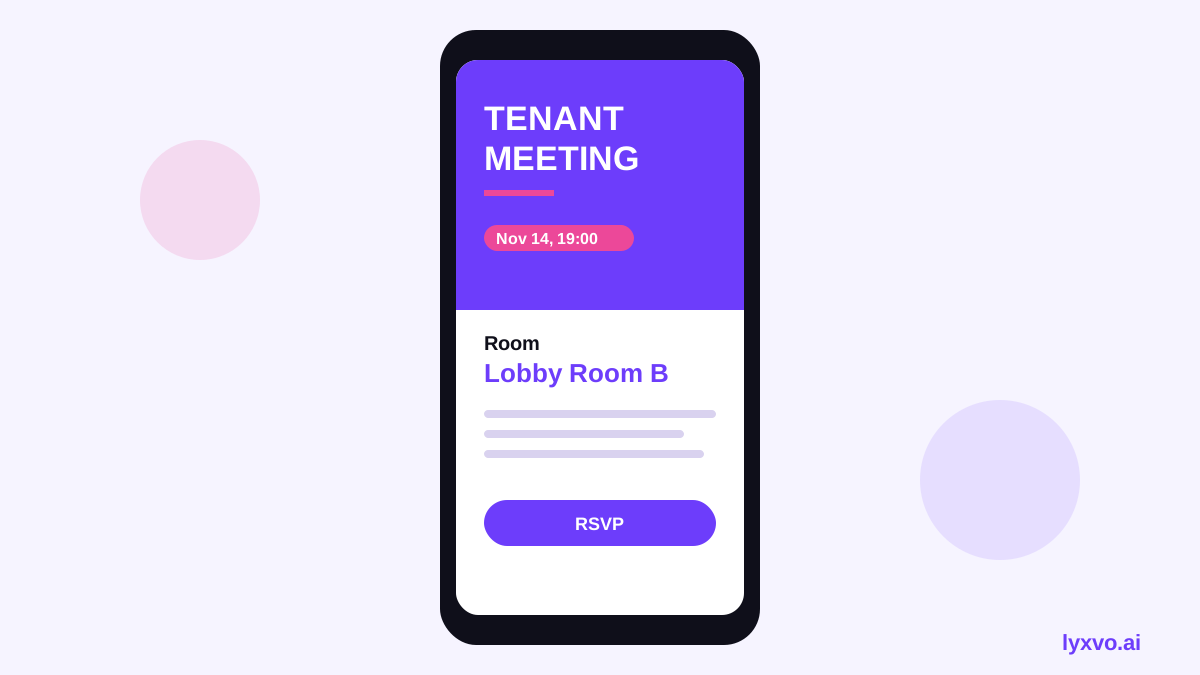
If you are also sharing the meeting in a group chat, a social media post generator layout can be a handy square version.
Tips to get more residents to attend
- Post the flyer in at least two places, such as the lift and the mailroom.
- Share the same details in a short message to the building group, and repeat the date a few days before.
- Keep the headline specific. "Heating problems: meeting Thursday 7pm" works better than "Building meeting".
- Use high-contrast colours and a font size readable from a short distance.
- Avoid clutter. Too many logos or images hide the key information.
Checklist before you print or share
- [ ] Date, start time and end time are correct
- [ ] Room and building address are exact
- [ ] Agenda is short and clear
- [ ] Contact method is shared with the organiser's permission
- [ ] Translated versions are checked by a native speaker if used
- [ ] Print file is 300 dpi, or the digital version is sized for phones
Keep it up to date
If the meeting is rescheduled, update the flyer and replace old copies quickly. Old flyers still on the noticeboard cause confusion and missed meetings.
Tool features and export options may change over time. Check the current details in the studio or on the pricing page before you plan a larger rollout.
A well-written, well-placed flyer is often enough to bring residents together. Start with the facts, keep the design clean, and let the layout do the rest.
Try it in Lyxvo AI
Describe it in your own words and the design agent starts on the right flow. Free to start.
Related tool: AI flyer and poster maker, print-ready