AI Landing Page Design for Accounting Firm Tax Season
AI landing page design for an accounting firm tax season is about one job: turning a worried visitor into a booked consultation before the deadline window closes. A good page is short, specific about who it helps and what it costs to start, and easy to act on from a phone. This guide walks through the structure, copy and checks that matter, and shows how to produce the screens quickly with Lyxvo AI.
Why tax season pages need a different approach
People searching for tax help are usually stressed, short on time and comparing several firms in one sitting. They want to know three things fast: can you handle my situation, what happens next, and how much it will cost. A landing page built for this moment should answer those questions above the fold instead of leading with a long story about the firm.
Tax season also has a clock. Visitors who arrive in the last weeks before a filing deadline need to see a clear next step, such as booking a slot or uploading documents. Pages that wait until the footer to mention availability lose those visitors to whoever is more direct.
Core structure of a tax season landing page
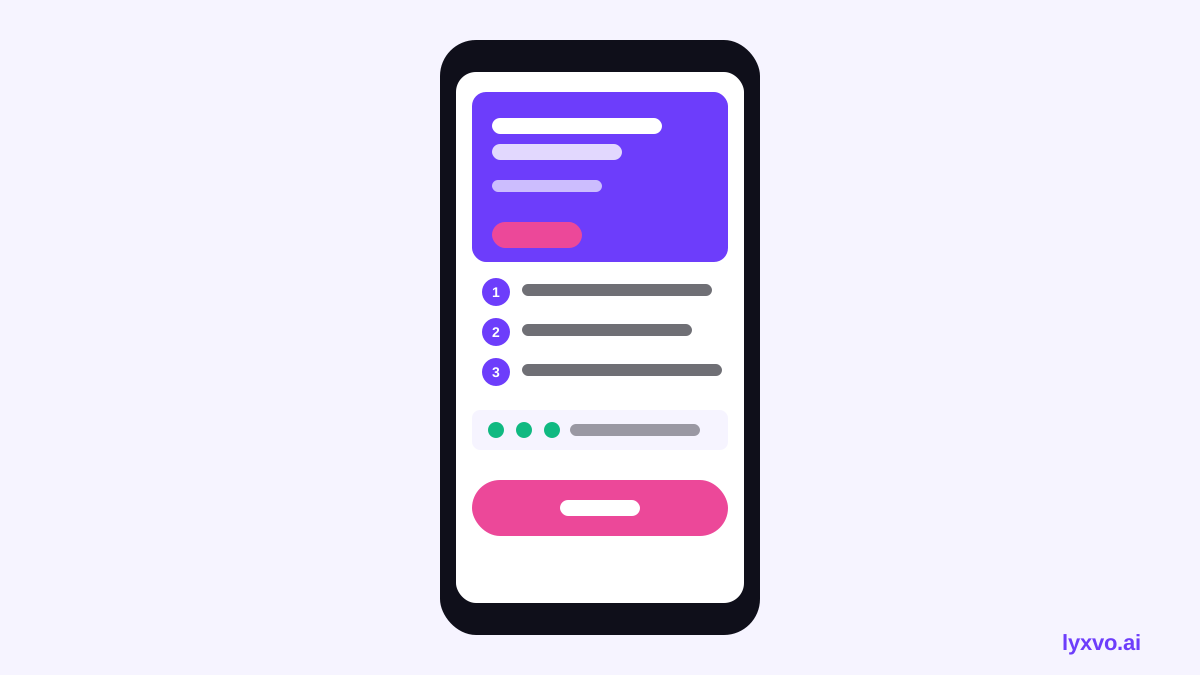
Keep the page focused on one conversion goal. A practical order for most accounting firms is:
- Hero: a plain headline that names the service and the audience, one supporting line, and a primary button.
- Who it is for: three or four client types, such as freelancers, small business owners, or individuals with multiple income sources.
- How it works: three steps from first contact to filed return.
- What is included: a short list of services, with clear notes on what is not covered.
- Trust signals: credentials, years in practice, professional memberships, and client reviews you can verify.
- Pricing or starting fees: a range or a starting point, with a note on what changes the price.
- Questions: answers to the three to five questions you hear most.
- Final call to action: the booking or contact button repeated with a deadline reminder.
| Section | Job for the visitor | Common mistake |
|---|---|---|
| Hero | Confirms they are in the right place | Vague claims like "your trusted partner" |
| How it works | Reduces fear of the unknown | Skipping the steps |
| Pricing | Sets expectations | Hiding everything behind a form |
| Trust | Justifies the choice | Unverifiable badges |
| Final CTA | Converts the undecided | No reason to act now |
Writing copy that holds up under pressure
Use plain language. Say "we file your federal and state return" instead of "comprehensive tax compliance solutions." Name the deadline you are working toward and state your current availability honestly. If slots are limited, say so and show how many are left only if that number is accurate.
Avoid promises you cannot guarantee, such as a specific refund amount. Describe your process and your care for accuracy instead. Keep sentences short, because many visitors read on a phone while waiting in line or on a break.
Designing for mobile first
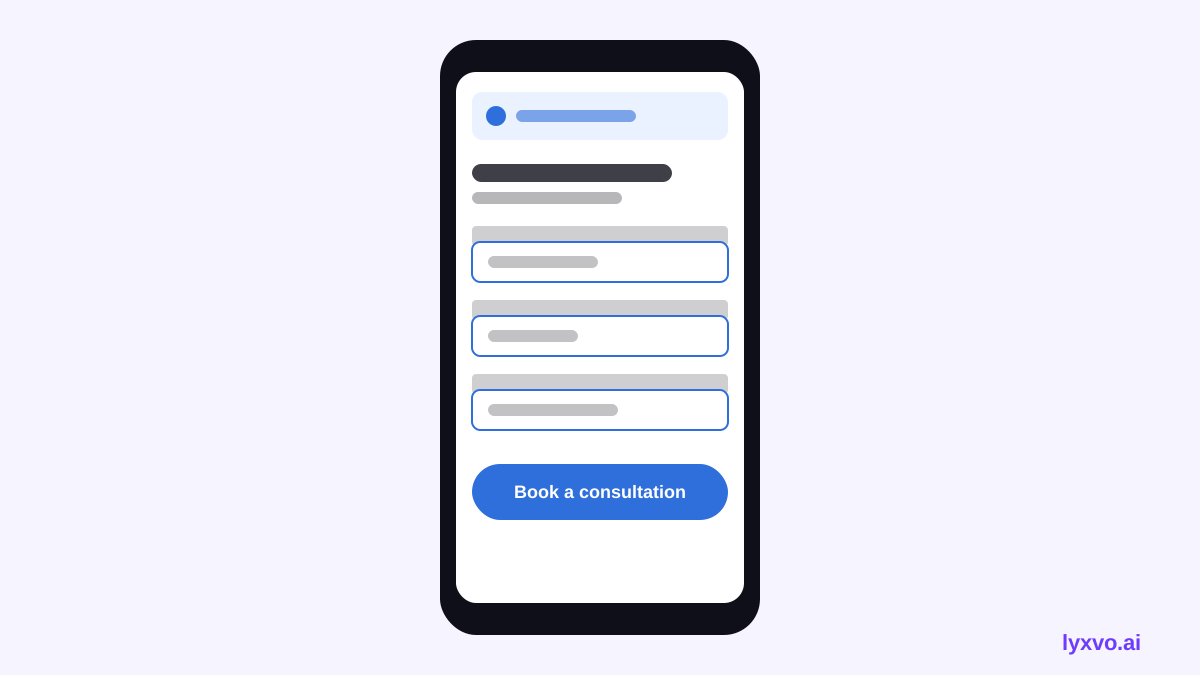
Most tax searches happen on phones. Put the primary button in the first screen, make it at least comfortably tappable, and keep forms to the fields you truly need: name, email, phone and a short note about the situation. Long intake forms belong after the first contact, not on the landing page.
Check that your page loads quickly, that text is readable without zooming, and that any document-upload instructions are simple. A confusing mobile layout costs more bookings than a weak headline.
Building the page with Lyxvo AI
Lyxvo AI includes a design agent that plans and designs complete app and website screens for iOS, Android and web. For a landing page, you describe the firm, the services and the audience, then the agent proposes a layout you can edit.
A practical workflow:
- Open the AI website design tool and describe the firm, the tax services offered, the target clients and the single action you want, such as booking a call.
- Review the generated structure against the section list above. Remove anything that does not serve the booking goal.
- Use the Canva-style editor to change text, photos and colors directly. Replace all placeholder claims with facts you can back up.
- Check the mobile layout first, then the desktop layout.
- Export the result. Lyxvo AI can export PNG at real size, HTML, and code for Flutter or Kotlin Jetpack Compose if you need a native mobile version later.
For social posts that point people to the page, the Instagram post maker and the Instagram story format let you create matching visuals at the right sizes. If you want a short explainer, design to video features can be used to turn a static message into a clip. You can also build a companion pitch or service deck for consultations.
Note: Lyxvo AI produces the design. Your tax claims, fees, credentials and client testimonials must come from your firm and be checked by your team before publication.
Making the page work after launch
A landing page is not finished at launch. Track where visitors come from, which button they press, and where they leave. Test one change at a time, such as the hero headline or the button text, and keep the version that books more consultations. Update availability and deadline notes as the season moves, and remove time-sensitive language once the window closes.
Checklist before you publish
- The headline names the service and the audience.
- The primary button is visible without scrolling on a phone.
- Every credential and review is verifiable.
- Pricing is stated clearly or as a clear starting point.
- The page explains what happens after the visitor clicks.
- Deadline and availability notes are accurate and dated.
- Mobile and desktop layouts have both been checked.
- A qualified person has reviewed all tax-related wording.
A focused page, honest copy and a simple booking path will do more for tax season than a long list of services. Start with the structure above, let the design tool produce a first version, and refine it with your own facts.
Try it in Lyxvo AI
Describe it in your own words and the design agent starts on the right flow. Free to start.
Related tool: AI website designer, from landing page to full site
Whole apps and websites are designed with the Lyxvo Engine, rented separately from the design plans; every account can try 2 pages free.