AI Logo for a Nonprofit Animal Rescue Charity: A Practical Guide
An AI logo for a nonprofit animal rescue charity can give a small rescue group a professional identity without a large design budget. The best results come from planning the message first, then generating and refining a mark that donors, adopters and volunteers can recognise at a glance.
Why a rescue charity's logo needs a specific job
A logo for an animal rescue has to do more than look cute. It has to tell people, in a second, that you are trustworthy, that you care for animals in need, and that a donation or adoption inquiry will be handled properly. Shelters and rescues share the same social feeds, the same adoption platforms and the same donation pages, so a distinctive, clean mark helps you stand out.
Before you generate anything, write down three things:
- Who you help: dogs, cats, farm animals, wildlife, or a mix.
- How you want to feel: warm and hopeful, calm and reliable, or playful and energetic.
- Where the logo will appear: website headers, adoption cards, tote bags, vehicle decals, social avatars.
Choose a direction that works in small sizes
Most rescue logos fail for one reason: too much detail. A paw, a heart, a house and a leaf may look lovely at full size, but they turn into noise on a phone avatar or a 32-pixel favicon.
Look for:
- One central symbol (a paw, a heart, a hand holding a pet, an open door, a tail curve).
- Two or three colours at most, with strong contrast between mark and background.
- A readable name in a simple typeface, so the words still work when the symbol is scaled down.
- A version that works in one colour, for stamps, embroidery and black-and-white printing.
Tip: Test your shortlisted logo at the smallest size you will use. If you cannot tell what it is, simplify it.
Step-by-step: creating the logo with Lyxvo AI
Lyxvo AI includes a design agent that plans and then designs. For a logo, you describe your charity and it proposes directions you can refine. A simple workflow:
- Open the logo studio at /design/?format=logo, or start from the AI logo generator page.
- Write a clear brief. For example: "Nonprofit animal rescue for dogs and cats, warm and trustworthy, friendly but not childish, green and warm orange, works as a small icon." Name the charity and its tagline if you have one.
- Review the first directions and pick the one with the clearest symbol.
- Edit directly. The Canva-style editor lets you change text, adjust colours and swap elements without starting over.
- Check small-size legibility by zooming out to the sizes you need.
- Generate a brand kit if you need every icon size. Lyxvo AI produces logos and brand kits including Android, iOS and web icon sizes.
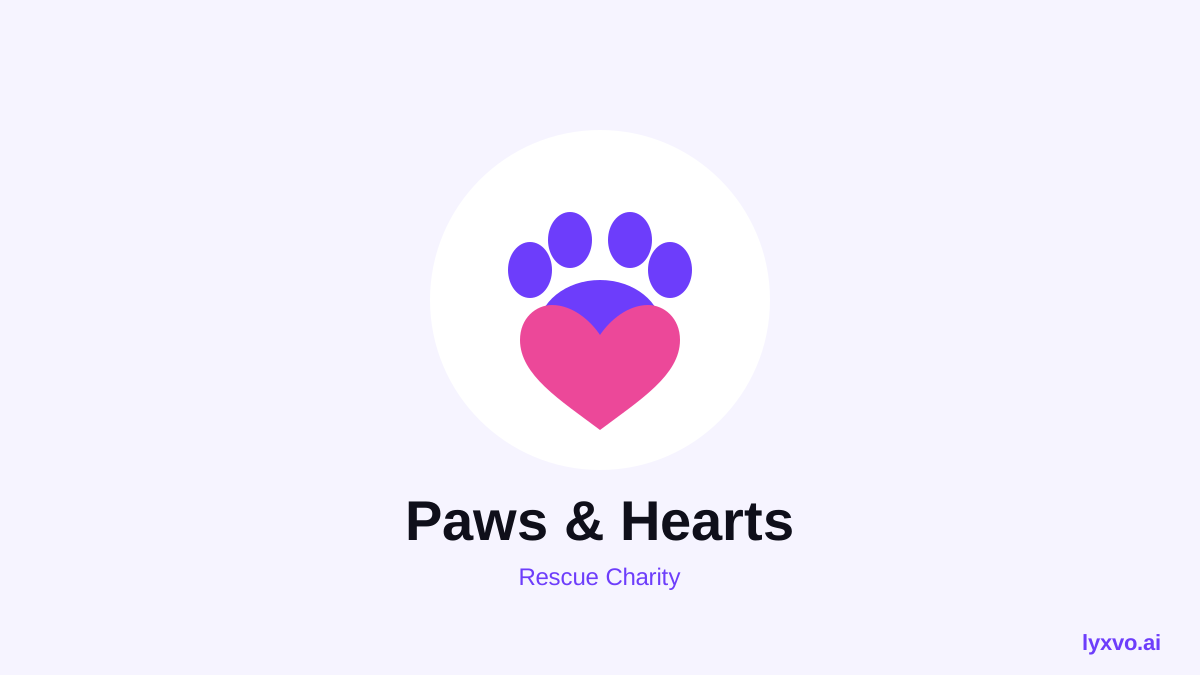
Build a small brand kit
Once the logo is approved, a rescue charity usually needs a few more assets:
| Asset | Typical use | Notes |
|---|---|---|
| Full-colour logo | Website header, letterhead | Keep the wordmark readable |
| One-colour logo | Stamps, embroidery, grayscale print | Test on light and dark |
| Square icon | Social avatars, favicon | Use the central symbol only |
| Social post graphics | Adoption spotlights, fundraisers | Use exact platform sizes |
| Print flyer or poster | Adoption events, shelter notices | Design at print resolution |
You can then create matching visuals with the AI social media post generator, an AI flyer maker for events, or a free design template as a starting point.
Avoid common mistakes
- Using stock-looking clichés without a twist. A generic paw can be fine, but add a unique detail such as a specific shape, a local landmark or your rescue's initials.
- Overly sad or dark imagery. Rescue work is emotional, but donors respond to hope. Warm, bright palettes usually perform better than grey ones.
- Forgetting accessibility. Check contrast between text and background. Many donors read on small phone screens.
- Changing the logo too often. Consistency builds recognition. Lock the final files and document the colours.
- Ignoring legal and brand checks. Make sure your mark is not confused with an existing charity or organisation, and check any local registration rules for your name.
Practical checklist before you publish
- [ ] The symbol is recognisable at 32 pixels.
- [ ] The logo works in one colour.
- [ ] Text in the logo is legible on your website and on social media.
- [ ] You have PNG files at real size and SVG for scaling.
- [ ] The colours are saved so future designs match.
- [ ] Two or three people outside the team have seen it and understood what the charity does.
Where to go next
If you are also building your website, the AI website design page explains how to combine your logo with adoption listings and donation pages. A consistent identity across your logo, posts and printed material is the fastest way to make a small rescue look established and trustworthy.
Try it in Lyxvo AI
Describe it in your own words and the design agent starts on the right flow. Free to start.
Related tool: AI logo generator with a complete brand kit