AI Logo for Podcast Cover Art: How to Design One That Works Everywhere
An AI logo for podcast cover art is a simple mark that stays readable at thumbnail size on Apple Podcasts, Spotify and YouTube. This guide shows you how to brief an AI design tool, pick the right sizes and turn one logo into a complete podcast brand.
Why your podcast needs a logo that works at small sizes
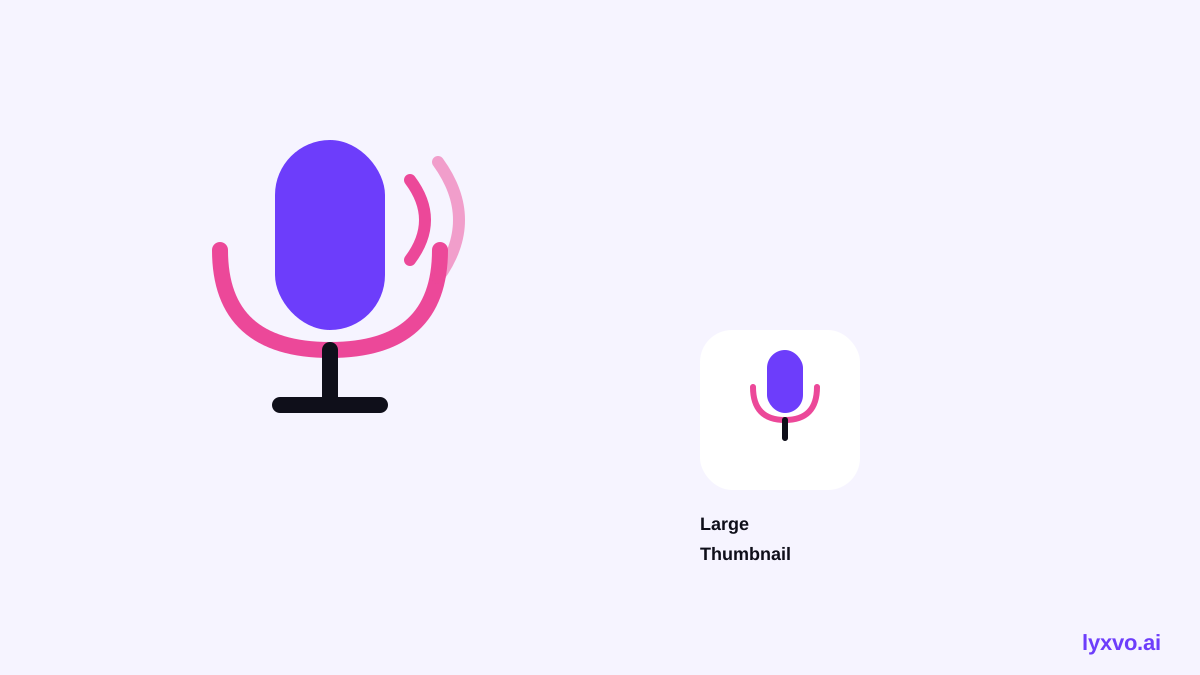
Most listeners will never see your cover art at full resolution. They see a square thumbnail in a podcast app, a small avatar next to an episode title, or a tile on a phone screen. A good logo for podcast cover art has to read clearly at those sizes.
That means three things: one strong shape, a few colors, and short or no text. If your mark needs a paragraph to explain it, it will not survive a 60-pixel thumbnail.
Decide what the logo has to say
Before you open any tool, write down the answers to these questions:
- Who listens? A business audience, a comedy audience and a kids' audience need very different looks.
- What is the show about? A single object, letter or symbol linked to the topic is easier to remember than a scene.
- What is the tone? Calm, playful, bold, premium or raw.
- Will you need a wordmark? Decide whether the show name appears in the logo or only in the title next to it.
A short sentence works well as a brief: "Minimal logo for a weekly finance podcast, calm and trustworthy, navy and gold, a single abstract microphone shape."
Write a prompt that produces usable logos
AI image tools respond best to specific, structured prompts. Include:
- The subject or symbol.
- The style (flat, line art, geometric, hand-drawn).
- Two or three colors, with the background stated.
- What to avoid (no photos, no thin details, no tiny text).
For example: "Flat vector logo, a bold circular sound wave forming a question mark, two colors on a plain background, no text, high contrast, reads clearly at small size."
Generate several options, then pick one direction and refine it. Ask for variations of the same concept instead of starting over each time, so the brand stays consistent.
Check the sizes podcast platforms use
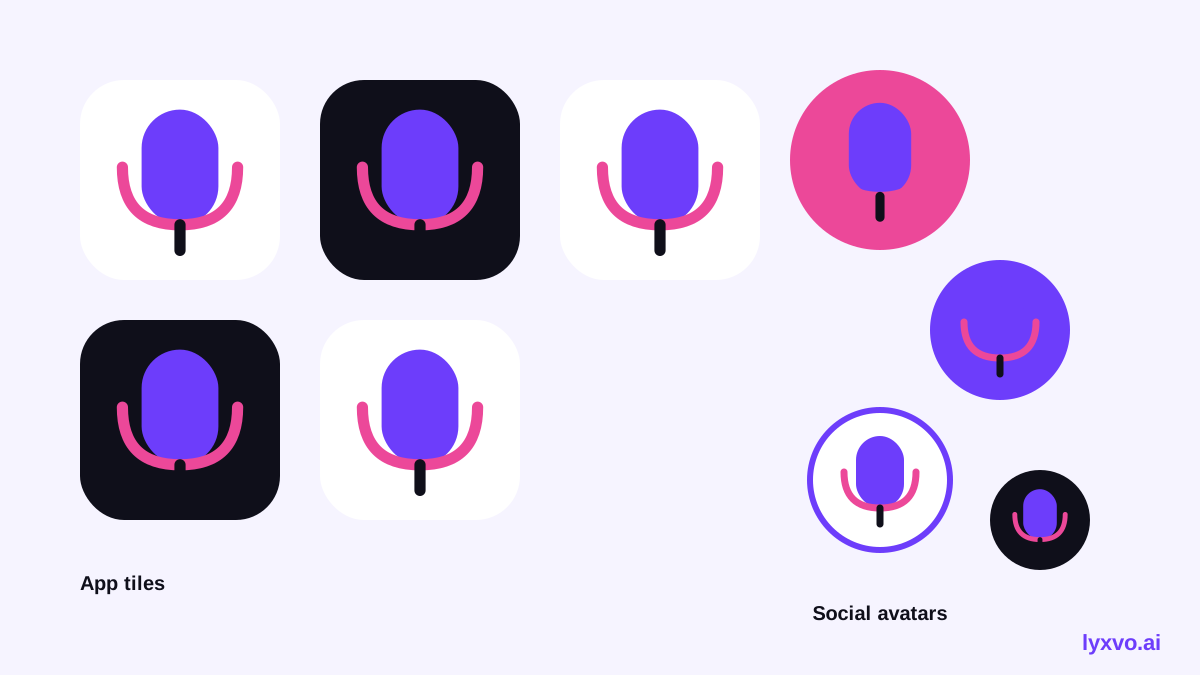
Podcast cover art is usually square, and it appears in many places at very different sizes. Plan your logo so the main shape is still clear when it is shrunk. Keep the important part of the design centered with a margin around the edges, since apps often round the corners.
You also need the same mark on social channels. Here is a practical starting list:
| Use | Format | What to check |
|---|---|---|
| Podcast cover | Square | Readable at thumbnail size |
| YouTube channel icon | Square | Clear at very small size |
| Instagram profile | Square, cropped to a circle | Keep key shape away from edges |
| Episode graphic | Square or 16:9 | Logo plus episode title |
Platform specifications change over time. Check the current requirements in each app before you publish, because the guidance on this topic may have been updated since this article was written.
Build a small brand kit around the logo
One logo is a start. A podcast with a consistent set of assets looks more professional. Create:
- A square cover with the logo and show name.
- A social avatar using the same mark.
- An episode template with a space for the episode title and number.
- A color palette of two to four colors and one or two fonts.
When you keep these elements together, every new episode looks like it belongs to the same show.
How to make an AI logo for podcast cover art in Lyxvo AI
Lyxvo AI includes a design agent that can plan and build logos and brand kits. Here is a workflow you can follow:
- Open the AI logo generator and describe your show in plain language, using the brief you wrote above.
- Review the logo directions the agent creates and choose the one that reads best at a small size.
- Edit the chosen logo directly in the Canva-style editor: adjust text, colors and spacing.
- Use the app icon generator approach to make sure your mark can be exported in the sizes you need.
- Create a square podcast cover in the Studio and check it on your phone before publishing.
If you also want to share episode announcements, you can make a square post in the social media post generator, or a wide banner for YouTube in the YouTube thumbnail maker.
Common mistakes to avoid
- Too much detail. Fine lines and small text disappear at thumbnail size.
- Low contrast. Pale colors on a white background vanish in dark app themes.
- Clipped edges. Keep the main shape well inside the frame.
- Trend-chasing. A logo that looks like everything else is hard to remember.
- Stock imagery. A photo of a microphone is not a logo. Use a simple, ownable symbol.
Final checklist
- [ ] The logo is recognizable at 60 pixels.
- [ ] It works in one color as well as in full color.
- [ ] The show name is readable at the size it appears.
- [ ] The margins are safe for rounded corners.
- [ ] The same mark is used across cover, avatar and episode graphics.
- [ ] You have checked the current specs for each platform you publish to.
A well-made AI logo for podcast cover art gives your show an identity that people recognize in a crowded list. Start with a clear brief, test the mark at small sizes, and build a consistent kit around it.
Try it in Lyxvo AI
Describe it in your own words and the design agent starts on the right flow. Free to start.
Related tool: AI logo generator with a complete brand kit