AI Logo for a Yoga Studio with a Calm Style
An AI logo for a yoga studio with a calm style works best when you decide the feeling first and the symbol second. This guide shows how to brief an AI logo generator, choose soft colors, quiet shapes and gentle type, and turn one concept into a full brand kit.
Why calm style fits a yoga studio
A yoga studio sells a feeling before it sells a class. Visitors want to feel settled, unhurried and welcome the moment they see your name. A calm logo supports that promise through restraint: fewer lines, soft contrast, generous spacing and forms that feel balanced rather than loud.
Calm does not mean boring. It means every element earns its place. A single curved line, a simple seed or leaf shape, or an abstract figure in a relaxed pose can carry a whole identity when the proportions are right.
Step 1: Decide the feeling before the symbol
Before you type anything into a generator, write three to five words that describe how your studio should feel. Examples include grounded, airy, warm, minimal, breathing, quiet, rooted or open.
Then map those words to visual choices:
| Feeling | Shapes | Colors | Type |
|---|---|---|---|
| Grounded | Circles, arches, stacked forms | Earth tones, sand, sage | Rounded serif or humanist sans |
| Airy | Thin lines, open curves | Pale blue, white, soft grey | Light, wide-tracked sans |
| Warm | Organic leaves, petals | Terracotta, cream, soft gold | Soft serif, handwritten accents |
| Minimal | Single shapes, negative space | Black, white, one muted tone | Clean geometric sans |
Pick one row or blend two. Consistency beats variety at this stage.
Step 2: Choose a calm color palette
Calm palettes usually have one main color, one or two supporting neutrals and one small accent. Desaturated greens, clay, dusty blue and warm off-white are common because they feel natural without shouting.
- Keep high-contrast colors for small accents only.
- Test the logo on white, on a photo and in one dark version.
- Check that the mark still reads in grayscale.
Step 3: Write a prompt that describes the calm
Good prompts describe the subject, the mood, the style and the constraints. A useful structure is:
- Business type and name (for example, "Stillwater Yoga Studio").
- Symbol idea (a single seed, a loose enso circle, two hands forming an arch).
- Mood words (calm, grounded, airy).
- Style and limits (flat vector, minimal, no gradients, lots of negative space).
- Colors (sage green and warm cream).
- Use case (logo for signage, website and social profiles).
An example brief: "Logo for a yoga studio called Stillwater. Simple enso circle with a small leaf in the gap. Calm, grounded, minimal. Flat vector, sage green on warm cream, generous white space, works at small sizes."
Generate several rounds. Keep what works, remove what feels busy, and repeat.
Step 4: Refine the mark for real use
A calm logo still has to survive real use. Check it at three sizes: a favicon, a social avatar and a sign on the wall. If small details disappear, simplify the shapes and thicken the strokes slightly.
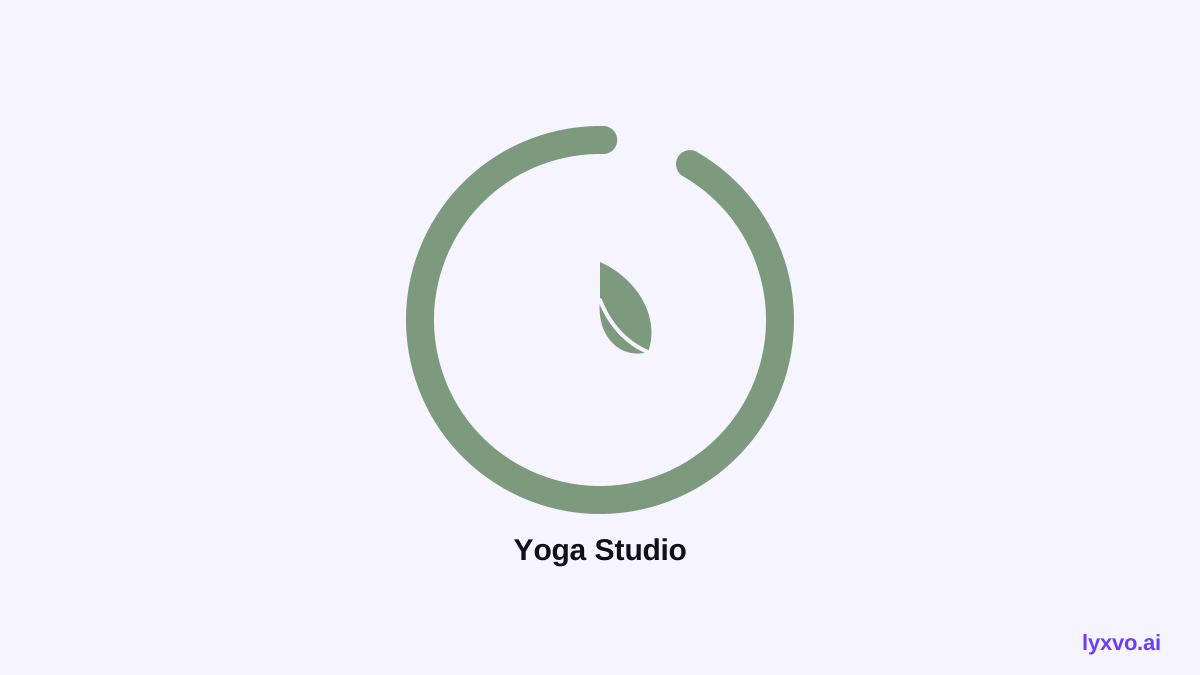
Also test the wordmark. Pair the symbol with a name in one typeface, set with slightly open letter spacing. Avoid more than two fonts in the identity.
Step 5: Build the full brand kit
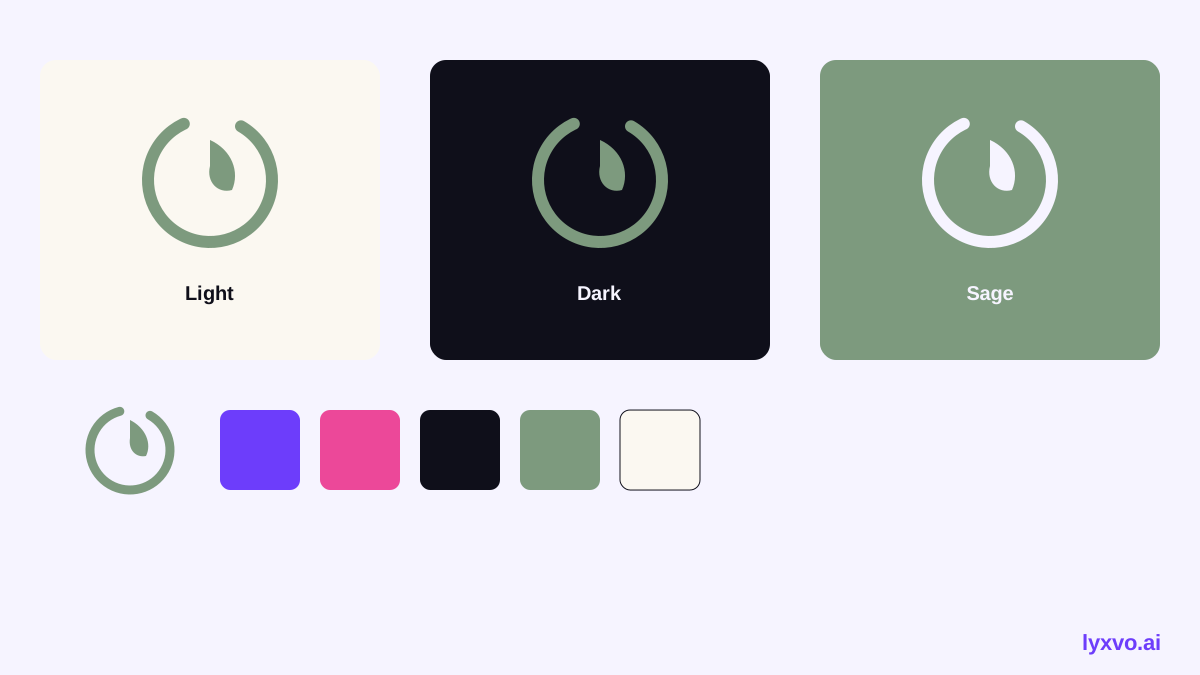
Once the logo is final, you need every version: horizontal and stacked, light and dark, with and without the wordmark, plus icons for apps and websites. Keep the same colors, spacing and type across all of them so the studio feels coherent everywhere a client meets it.
For a yoga studio, the most useful set usually includes:
- Primary logo and a stacked version
- Icon-only mark for profile pictures and stamps
- Light and dark backgrounds
- A simple palette of three to five colors
- Templates for class schedules, cards and posts
How to do this in Lyxvo AI
Lyxvo AI's design agent plans and then designs. To make a calm yoga logo:
- Open the AI logo generator or go straight to the logo studio.
- Describe your studio, its calm feeling and your palette, using the brief structure above.
- Review the options and edit text, colors and shapes directly in the Canva-style editor.
- Generate the brand kit, which includes every Android, iOS and web icon size.
- Create matching social posts at exact sizes, such as an Instagram post for class announcements.
- Export PNG at real size, SVG with tokens for Figma, or HTML if you are building your site.
You can start free with Lyxvo Lite, which has a daily limit. Plans and prices are on the pricing page.
Common mistakes to avoid
- Too many ideas in one mark. A calm logo rarely needs more than one symbol.
- Thin lines that vanish. Test at small sizes before you commit.
- Bright, saturated colors. Even a warm studio can use muted tones.
- Stock-style yoga poses. A figure in a pose can look generic; abstract forms often feel more calm and original.
- Skipping the dark version. You will need it for signage, video and merchandise.
Checklist before you publish
- [ ] Three feeling words are reflected in the design.
- [ ] The palette has one main color, neutrals and one accent.
- [ ] The mark reads at favicon size and in grayscale.
- [ ] Light and dark versions both work.
- [ ] Wordmark uses one typeface with comfortable spacing.
- [ ] All sizes and file formats are exported.
- [ ] Brand colors are used consistently on your website and posts.
A note on trends
Design trends shift, and some current styles for wellness brands may already have changed by the time you read this. Use the principles here (restraint, clear hierarchy, honest colors) and check recent work from studios you admire before finalizing a direction.
Next steps
Start with three feeling words, write one clear prompt and generate your first round. Then refine, export and apply the brand across your app icon, social posts and website. A calm identity is built through small, consistent choices, and an AI generator can help you test many of them quickly.
Try it in Lyxvo AI
Describe it in your own words and the design agent starts on the right flow. Free to start.
Related tool: AI logo generator with a complete brand kit