AI Menu Maker for a Fine Dining Tasting Course: A Practical Guide
An AI menu maker for fine dining tasting courses helps you turn a chef's sequence of small plates into an elegant, print-ready card in minutes instead of days. This guide shows how to plan the course, write the descriptions, lay out the card and export it correctly.
A tasting menu is more than a list of dishes. It tells the guest the story of the evening, sets expectations for pacing and signals the restaurant's level of craft. Designing that card well used to mean hiring a graphic designer for every seasonal change. Today, an AI design tool can produce a polished layout from your course outline, and you stay in control of the content that matters most.
Plan the course before you open the design tool
The best menu cards follow the courses, not the other way round. Write the sequence first, then design around it.
- Count the courses. Most tasting menus run between 6 and 12 courses. Decide the exact number so the card has no empty spaces.
- Map the arc. Typical progression moves from light and bright (amuse-bouche, cold starters) to richer mid-courses, then to a palate-cleansing dessert course and petits fours.
- Note the signatures. Mark the two or three dishes you want guests to remember. These deserve the most visual weight.
- Collect the details. For each course, gather the main ingredient, the technique, any allergen or dietary note, and the optional wine or pairing.
- Write short descriptions. Aim for 8 to 15 words per dish. Name the star ingredient and one texture or technique, such as "Hokkaido scallop, cured in yuzu, citrus foam".
Tip: Keep a separate line for pairings. Guests read the course first, then the pairing, and cluttered cards are harder to scan under low restaurant lighting.
What an AI menu maker should give you
When you evaluate a tool for a fine dining card, check that it covers the whole job, not just a background image.
| Need | What to look for |
|---|---|
| Elegant typography | Serif and display font pairings, generous spacing |
| Course hierarchy | Clear distinction between course name, dish and pairing |
| Brand consistency | Colors and logo carried across menu, wine list and signage |
| Print quality | Export at 300 dpi for crisp results on heavy card stock |
| Seasonal updates | Easy editing of individual dishes without redesigning the layout |
An AI menu maker earns its place when it handles the layout decisions so you can focus on the food. You still need to proof every word yourself, especially allergen statements and ingredient spelling.
Write descriptions that sell without shouting
Fine dining copy is restrained. Avoid superlatives like "the best" or "incredible". Let the ingredients and technique carry the description.
- Lead with the protein or main ingredient.
- Add one technique: smoked, confit, aged, clarified, charred.
- Finish with a supporting element: a sauce, a herb, a garnish.
- Keep the same sentence structure across courses for rhythm.
Example: "Aged duck breast, cherry jus, roasted beet, bitter chocolate." That line is clear, sensory and short enough to read at a glance.
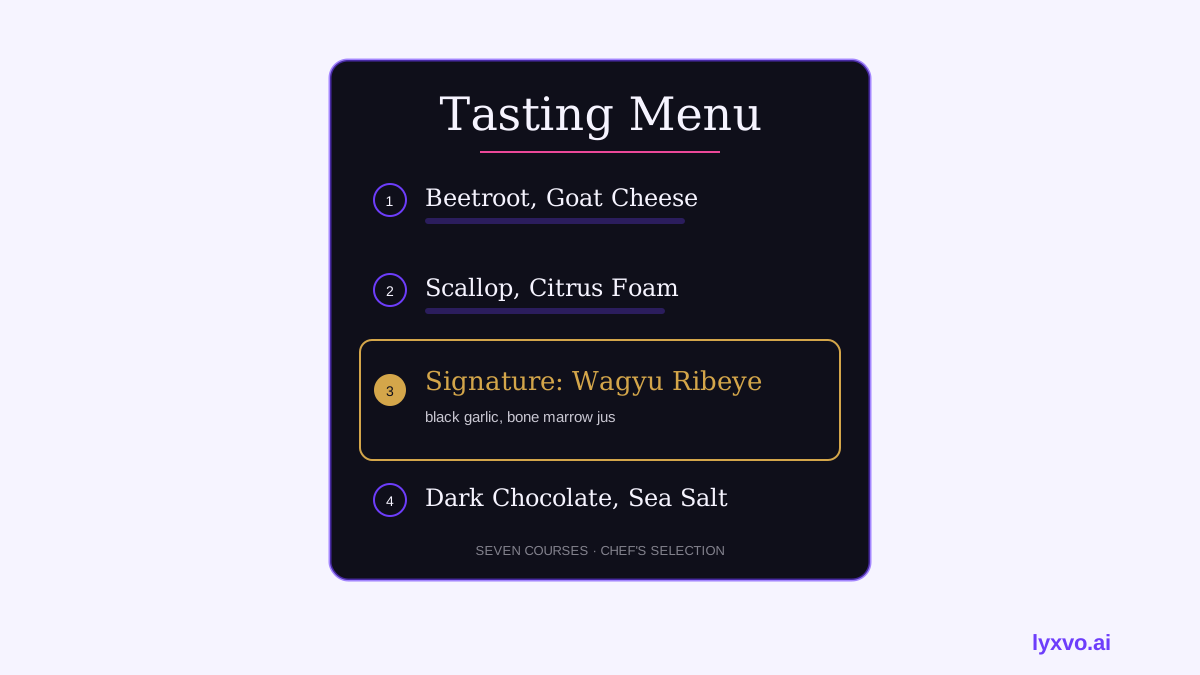
Design the layout for a tasting course
A good tasting card works like a printed program. Use these principles:
- Vertical flow. Number each course clearly, one after another, down a single column or two balanced panels.
- Whitespace. Leave generous margins. Crowded cards feel like takeaway flyers.
- Limited palette. Two or three colors at most, with one accent for signature dishes.
- Hierarchy. Course number or name is largest, dish name second, description and pairing smallest.
- Single typeface family per role. One display face for headings, one readable serif or sans for details.
How to make your tasting menu in Lyxvo AI
Lyxvo AI's design agent creates print and screen designs from a text brief, and you can refine them in its Canva-style editor. The steps below reflect its core features; check the current options in the studio.
- Open the flyer studio and describe the card in plain language: "Fine dining tasting menu, 8 courses, dark charcoal background, gold serif headings, minimal layout, portrait A4".
- Paste your course list. The agent places courses in order and balances the spacing.
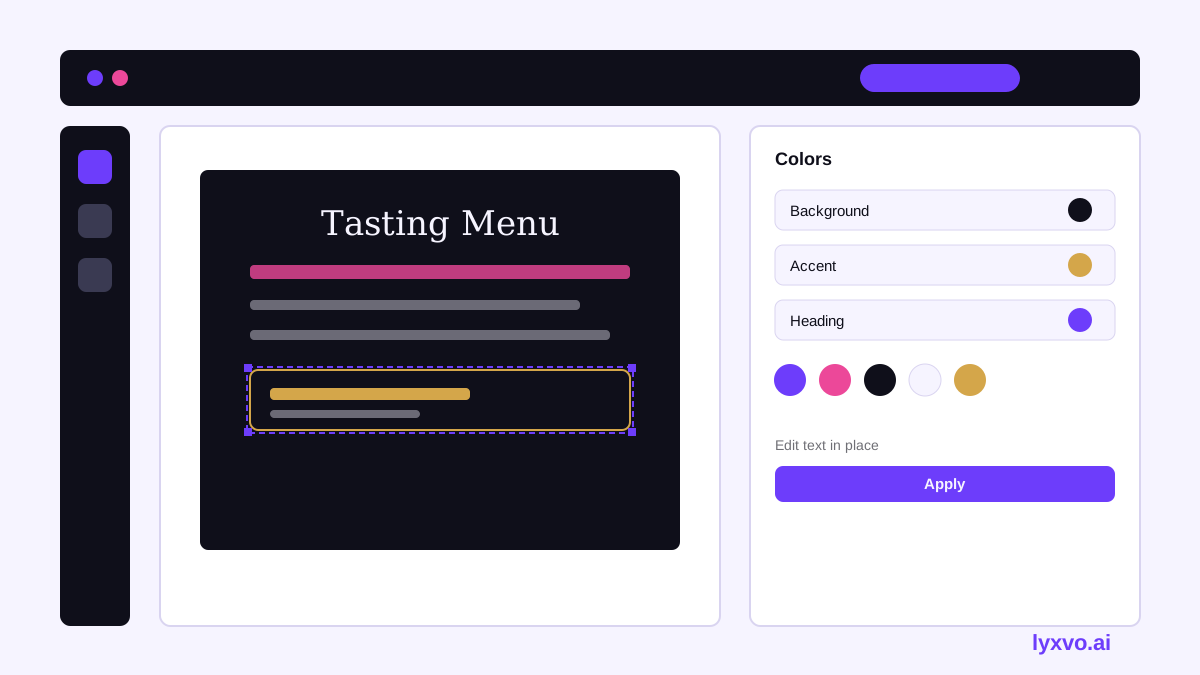
- Edit text directly on the card. Replace placeholder dishes with your real descriptions and check every word.
- Adjust colors and photos in the editor so the card matches your restaurant's brand.
- Use the AI menu maker page as a starting point if you want a menu-first template.
- For the wider brand, a logo generator can produce the mark that appears on the card, the wine list and the signage.
- Export for print at 300 dpi as PNG, or share a digital version for reservation emails.
For a seasonal change, duplicate the file, swap the courses, and export again. The layout stays intact.
Print and proofing checklist
Before you send the file to the printer, check:
- [ ] Every dish name and ingredient is spelled correctly in the language your guests expect.
- [ ] Allergen and dietary markers are present and consistent with your kitchen records.
- [ ] Course count on the card matches the number of plates served.
- [ ] Text contrast is readable against the background, especially on dark card stock.
- [ ] The file is exported at 300 dpi with the correct page size and bleed.
- [ ] You have printed one proof copy and read it under dining-room lighting.
Keep the menu useful for guests
A beautiful card should also help the front of house. Print a short note on the reverse for wine pairing details, or create a companion digital version for the menu design templates library if you need variants. Pricing and plan details for the tool are listed on the pricing page, and more how-to guides are in the blog.
Summary
An AI menu maker can take a fine dining tasting course from notes to a finished, print-ready card quickly. Plan the courses, write restrained descriptions, keep the layout airy and proof every detail yourself. Used this way, the tool handles the design labour while your kitchen keeps the spotlight.
Try it in Lyxvo AI
Describe it in your own words and the design agent starts on the right flow. Free to start.
Related tool: AI menu maker for restaurants and cafés