AI Menu Maker for Hawker Center Stall Price List
An AI menu maker for a hawker center stall price list lets you turn your dish names and prices into a clean, readable menu in minutes, without hiring a designer. This guide shows you what to prepare, how to lay the list out so customers can order quickly, and how to keep prices current when costs change.
Why a hawker stall needs a clear price list
A hawker stall works on speed. Customers scan a board, point, pay and move on, often in a queue of people who are not sure what they want yet. A menu that is hard to read slows the line and creates the same questions again and again: what is the small size, does the price include drink, is the set cheaper.
A good price list answers those questions before they are asked. It groups dishes clearly, shows sizes and add-ons with exact prices, and uses large, high-contrast text that can be read from a few steps away. You can make this with an AI menu maker in a fraction of the time it takes to brief a designer, then reprint or update it whenever prices move.
What to prepare before you start
Gather everything in one place first. The design goes faster when your information is complete and consistent.
- Dish names written the way your customers say them, with the local name and an English line if you want both
- Sizes and portions (small, regular, large, or single and set)
- Exact prices in the currency you charge, including any service or set-meal price
- Add-ons and extras such as egg, extra meat, drink or chilli, each with its own price
- Stall name, unit number and hours so customers can find you
- Notes on what is sold out most days or what is made fresh to order
Check every price against your current cost sheet before you publish. A menu with an old price causes more friction at the counter than a menu with no prices at all.
Step-by-step: build the menu with an AI menu maker
The process is the same whether you print a single A4 page or a larger board. Start with the menu template or describe your stall in plain language, then refine.
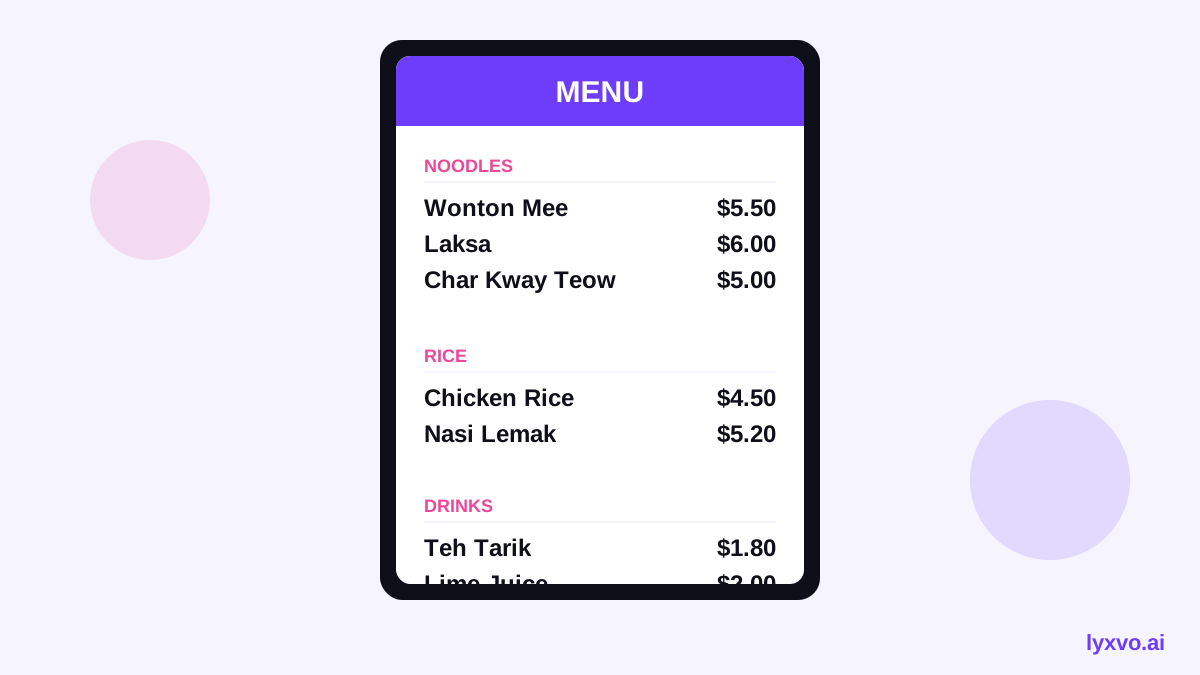
- Choose a format. Pick a menu layout that suits a stall board or a hand-out. You can start from the AI menu maker and set the size to match your display.
- Enter your sections. Typical groups are noodles, rice, soups, drinks and sides. Keep five to seven sections at most so the board stays scannable.
- Add dishes and prices. Type each dish, size and price. Put the most popular dishes near the top of their section.
- Set the hierarchy. Make dish names the largest text, prices the second largest, and descriptions the smallest. Customers should spot the price without hunting.
- Check contrast and spacing. Dark text on a light background, or the reverse, reads best under harsh stall lighting. Leave white space between sections.
- Export at real size. Export the file at the exact print size so the text is sharp when printed and posted.
Layout rules that work for hawker stalls
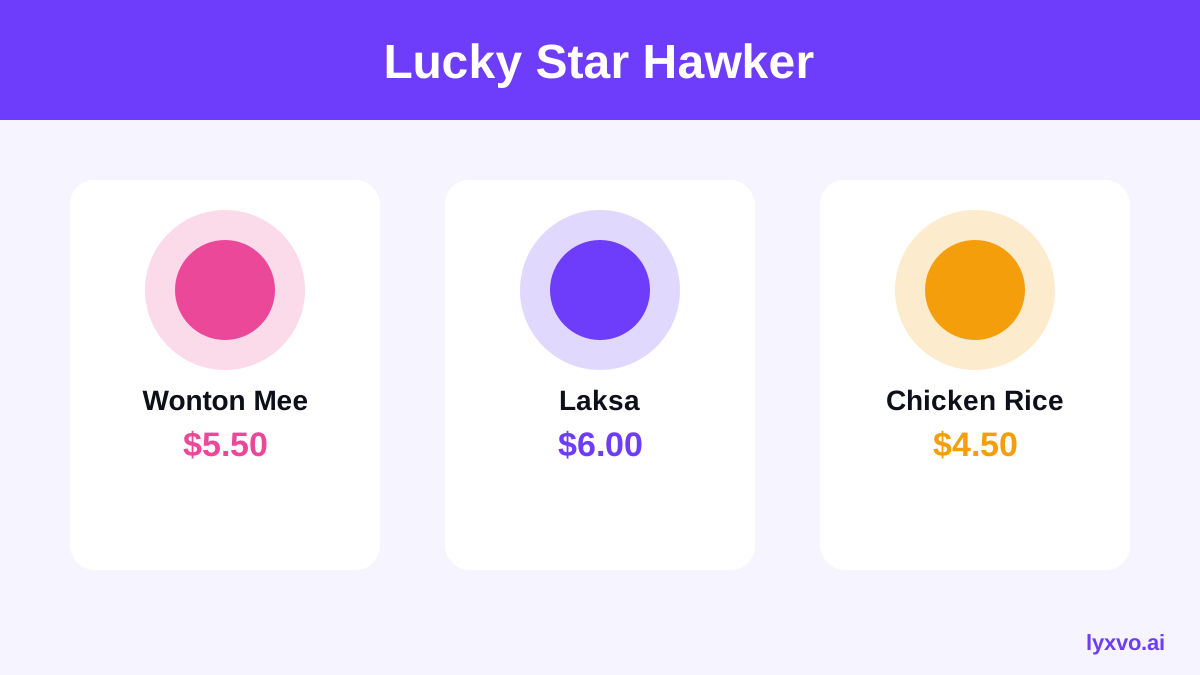
- Put the stall name and a short tagline at the top so people know they are in the right place.
- Use one column per section where possible, and two columns only on a wide board.
- Show sizes in a simple row, for example Small / Large, aligned under the dish name.
- Keep add-ons in a separate small box at the bottom, not mixed into the main list.
- Use icons sparingly, only for signature items or dietary notes such as halal or vegetarian.
Example price list structure
This is a sample structure you can adapt. The dishes and prices are placeholders, so replace them with your own.
| Section | Item | Size | Price |
|---|---|---|---|
| Noodles | Fried noodles | Regular | your price |
| Noodles | Fried noodles | Large | your price |
| Rice | Chicken rice | Single | your price |
| Rice | Chicken rice | Set (with soup) | your price |
| Drinks | Iced drink | Standard | your price |
| Add-ons | Egg | Each | your price |
Keeping prices current
Hawker prices shift with ingredient costs, so plan for updates from the start.
- Keep one master sheet of dishes and prices, and update the design from that sheet rather than editing copies.
- Date your menu in small print, or use a version code, so staff know which copy is current.
- Reprint only the sections that change if your layout allows it, to save cost.
- Post the same prices on any delivery app or social page so customers see one set of numbers.
- Review prices on a fixed schedule, for example every month, instead of only when something feels off.
Making the stall menu work on your phone too
Many customers look up a stall before they walk over. A simple digital version helps them plan. Create a square or vertical image of your menu for WhatsApp or your social page, using the same content as the printed board. If you want to share a short promo or new-dish announcement, a social media post can carry the highlights while the full list stays on the stall board.
How to do it in Lyxvo AI
In Lyxvo AI, you describe your stall and the design agent plans the menu layout, then produces the design. You can then edit text, prices and colors directly in the Canva-style editor, add or remove dishes, and use Magic Resize to adapt the same menu to a board size and a square social image. When the design is ready, export it as a PNG at real size for printing or sharing. If you start from a template, free design templates are a good place to see layouts before you commit. You can start for free with Lyxvo Lite, which has a daily limit; see pricing for paid plans.
Final checklist before you print
- Every price matches your current cost sheet
- Dish names are spelled the way customers order them
- Sizes and add-ons are clearly labelled
- Text is readable from a few steps away
- The stall name, unit number and hours are correct
- The file is exported at the exact print size
- The menu is dated or versioned
A clear, accurate price list speeds up your queue and reduces mistakes at the counter. Start with your dish list and prices, build the layout once, and update it from a single source whenever your costs change.
Try it in Lyxvo AI
Describe it in your own words and the design agent starts on the right flow. Free to start.
Related tool: AI menu maker for restaurants and cafés