AI Monogram Logo from Initials Only: How to Design One That Works
An AI monogram logo from initials only is a mark built from just a person's or business's letters, and it can be one of the fastest ways to get a clean, memorable brand identity. This guide explains how to choose initials, what makes a monogram work across sizes, and how to build one in Lyxvo AI.
What makes an initials-only monogram work
A monogram turns two or three letters into a single symbol. Because it uses no words or pictures, it has to do its job with shape, spacing and proportion alone. That is why monograms appear on everything from business cards to app icons, and why a well-judged set of initials can carry a whole brand identity.
A strong initials mark usually has:
- Simple letterforms. Clean, geometric or lightly customized letters read faster than ornate scripts.
- Tight, intentional spacing. Letters should interlock or share strokes rather than sit in a row with awkward gaps.
- One dominant idea. Pick a single device, such as overlapping, a shared stem, a frame, or a cut-out, and let it carry the mark.
- Limited colors. One or two colors keep the mark legible on light and dark backgrounds.
Choosing the right initials
Not every set of letters makes a good monogram. Before generating anything, check the combination against the way people will actually meet the brand:
- Two-letter initials are usually the easiest to balance, because there is less to fit into one symbol.
- Three-letter initials suit companies or families but need more care with spacing and visual weight.
- Avoid letter pairs that accidentally spell an unintended word or read as an unfortunate shape.
- Consider how the letters look in capitals and in a single line, since you may need both versions later.
Tip: Sketch the letters on paper in five quick variations before opening any tool. You will spot awkward pairings in seconds, and a rough pencil draft often reveals the strongest direction faster than a screen does.
A simple checklist before you finalize
Run your candidate mark through these questions before you commit to it:
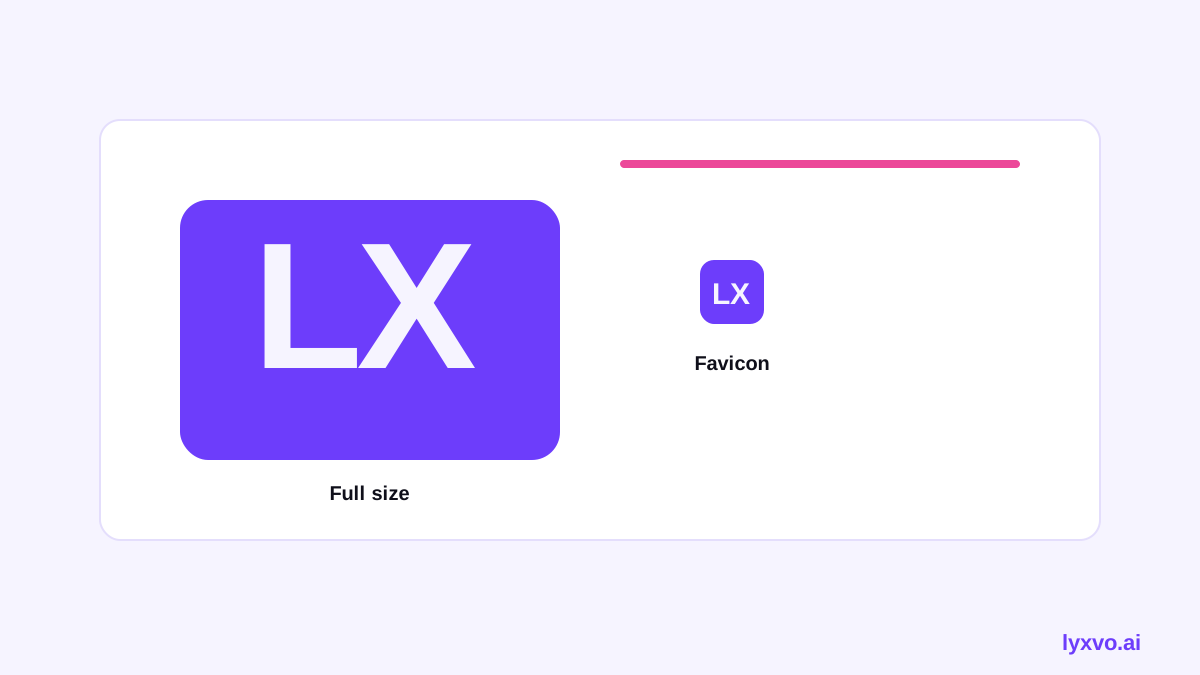
- [ ] Does it read clearly at 32 px, the size of a favicon or small app icon?
- [ ] Does it still work in one color, with no gradient?
- [ ] Are the letters balanced in visual weight, not just in count?
- [ ] Does it avoid trends that may age quickly?
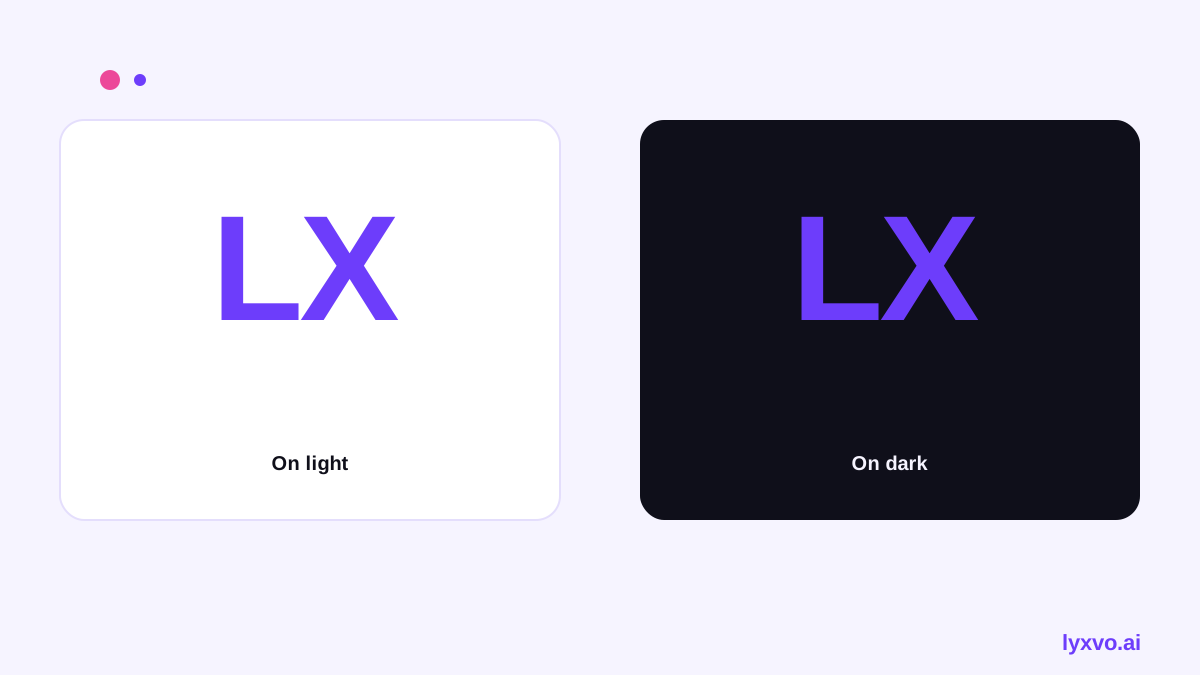
- [ ] Can it be placed on both white and dark backgrounds without losing detail?
How to build an initials monogram in Lyxvo AI
Lyxvo AI's design agent can plan and produce a logo from your initials, then give you a brand kit with the icon sizes you need. The steps below follow the same order most people use when turning a rough idea into a finished mark.
- Open the AI logo generator or the logo format in the studio.
- Enter your initials, your business name, and the style words you want, such as geometric, minimal or classic.
- Review the generated monogram variations and pick the direction that sits closest to your sketches.
- Use the Canva-style editor to adjust letter spacing, colors and font weight directly, rather than regenerating from scratch.
- Check the mark at small sizes and on dark backgrounds before exporting anything.
- Export as SVG or PNG at real size, or use the brand kit option if you need every Android, iOS and web icon size.
If you later need a social profile picture, you can start from the same mark in the Instagram post format or the social media post generator. Keeping one master file means every channel stays consistent.
Example directions for initials
Different businesses lean on different devices. The table below summarises four common routes and where each tends to fit best. Treat it as a starting point for your own sketches rather than a rulebook.
| Direction | Best for | Key move |
|---|---|---|
| Overlapping letters | Tech, consulting | Shared stroke between two letters |
| Framed initials | Hospitality, law | Letters inside a circle or square |
| Negative space | Creative studios | A hidden shape between the letters |
| Stacked letters | Personal brands | Letters set one above the other |
Common mistakes to avoid
Most weak monograms fail for predictable reasons, and each one is easy to prevent if you check for it early:
- Too much detail. Thin lines disappear in favicons and blur in print at small sizes, so simplify before you scale down.
- Forgetting the wordmark. A monogram often needs a separate full logo with the business name, especially on first contact.
- Ignoring file formats. Keep a vector version so the mark stays sharp at any size, from a business card to a billboard.
- Skipping a real-world test. Put the mark on a phone screen, a printed card and a social avatar before deciding. What looks balanced on a large monitor can feel crowded on a small one.
Getting the most from your monogram
Once the mark is final, a consistent set of colors and a short usage note will keep it looking the same everywhere. Record the exact hex values, the minimum clear space around the mark, and the one or two backgrounds it is approved for. That small document saves hours later when someone new needs to place the logo.
For a fuller identity, the free design templates library can help you apply the monogram to cards, posts and slides without starting from scratch. You can also use the AI business card maker to put your new initials to work right away, and the templates collection offers layouts for many other formats.
If you plan to present the identity to clients or partners, the presentation format lets you show the monogram in context on a slide, which often makes the decision easier for everyone involved. Printed material such as event handouts can follow the same approach through the flyer format.
Choosing the right platform for your workflow
Where you build the mark affects how you use it afterwards. If you work mainly on a phone or tablet, the app version keeps the workflow close at hand. If you prefer a larger workspace for fine spacing adjustments, the web version gives you more room to compare variations side by side.
Whichever route you choose, export the master file first and derive smaller assets from it. Working backwards from a single source keeps proportions consistent and prevents the slow drift that happens when each size is redrawn by hand.
Final review before you publish the identity
Before a monogram goes into everyday use, give it one final review with fresh eyes. Show it to someone who has not seen the sketches, ask what they read first, and watch whether they hesitate. A good mark is understood almost immediately, and any pause is a sign to simplify further. This short check is often more useful than another round of tweaks.
Also confirm the legal side. Make sure the letters you chose are not already in heavy use by a similar brand in your field, and keep a record of the design files and their dates so you can prove the origin of your mark later. A quick search of trademark registries in your region is a sensible step before you invest in printed stock or signage.
Summary
An initials-only monogram succeeds through simplicity, careful spacing and a single strong idea. Test it small, test it in one color, and keep vector files ready. With Lyxvo AI you can generate variations, refine them in the editor, and export a complete set of sizes for every platform you use, starting from one master file that keeps your identity consistent wherever it appears.
Try it in Lyxvo AI
Describe it in your own words and the design agent starts on the right flow. Free to start.
Related tool: AI logo generator with a complete brand kit