AI Nursery Design Moodboard for First-Time Parents
An AI nursery design moodboard for first-time parents helps you decide on colors, textures and furniture before you spend a dollar. This guide walks you through building one step by step, from your first inspiration photos to a finished shopping list.
Most first-time parents start with a Pinterest board of two hundred nursery photos and end up more confused than when they began. A moodboard fixes that. It narrows everything down to one style, one palette and a short list of pieces you really need. Below is a practical way to build one, and how to do it in Lyxvo AI.
Why a moodboard helps before you buy anything
A nursery is a small room used for a few very specific jobs: sleeping, feeding, changing and calming a baby. Once you know the mood you want, those jobs become easier to plan. A moodboard also keeps partners, grandparents and friends on the same page, so nobody buys a crib in one color while someone else orders a rug in another.
Tip: Decide on the feeling first (calm, cozy, bright, neutral) and only then choose products. Feeling-led choices age better than trend-led ones.
Step 1: Collect inspiration with a purpose
Save 10 to 15 images that make you feel something, not 100 that look nice. Look for patterns across them:
- Repeated colors (is it mostly white and oak, or sage and cream?)
- Repeated materials (linen, rattan, brushed brass, painted wood)
- Light level (soft daylight or warm lamp glow?)
- Amount of pattern (plain walls with one print, or busy and layered?)
Write down three words that describe the room, such as "soft, natural, quiet". These words will guide every choice.
Step 2: Choose a palette of three to five colors
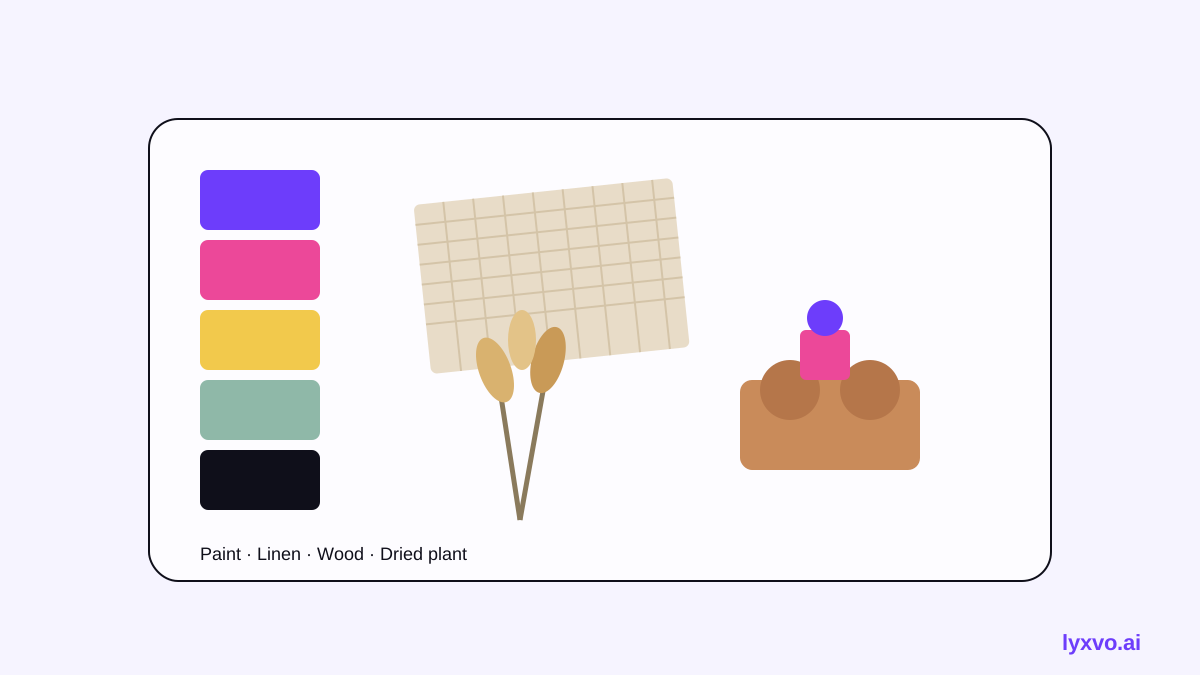
A simple palette is the easiest way to make a nursery feel finished. A common structure is:
| Role | Share of the room | Example |
|---|---|---|
| Base | About 60% | Warm white or soft oat walls |
| Secondary | About 25% | Sage, dusty blue or greige on textiles and furniture |
| Accent | About 10% | Terracotta, mustard or deep green in small decor |
| Metal or wood tone | Accents | Brushed brass, light oak or walnut |
Test paint samples on the actual wall, because daylight and warm bulbs shift colors dramatically.
Step 3: Pick textures and furniture that fit daily life
Nurseries get heavy use. Choose materials you can wipe down and pieces that will still be useful when your child is older. For a first-time setup, focus on:
- A crib or cot that meets current safety standards in your country
- A comfortable seat for night feeds, with a footstool
- Blackout or light-filtering curtains
- Washable rugs and bedding in natural fibers
- Storage at child height for nappies, clothes and toys
Keep the safety basics in mind
The moodboard is about looks, but safety decides the layout. Keep the cot away from window cords and radiators, avoid loose blankets and heavy decor above the sleeping area, and mount shelves and wall art securely. Check local safety guidance before finalising the layout.
Step 4: Build the moodboard
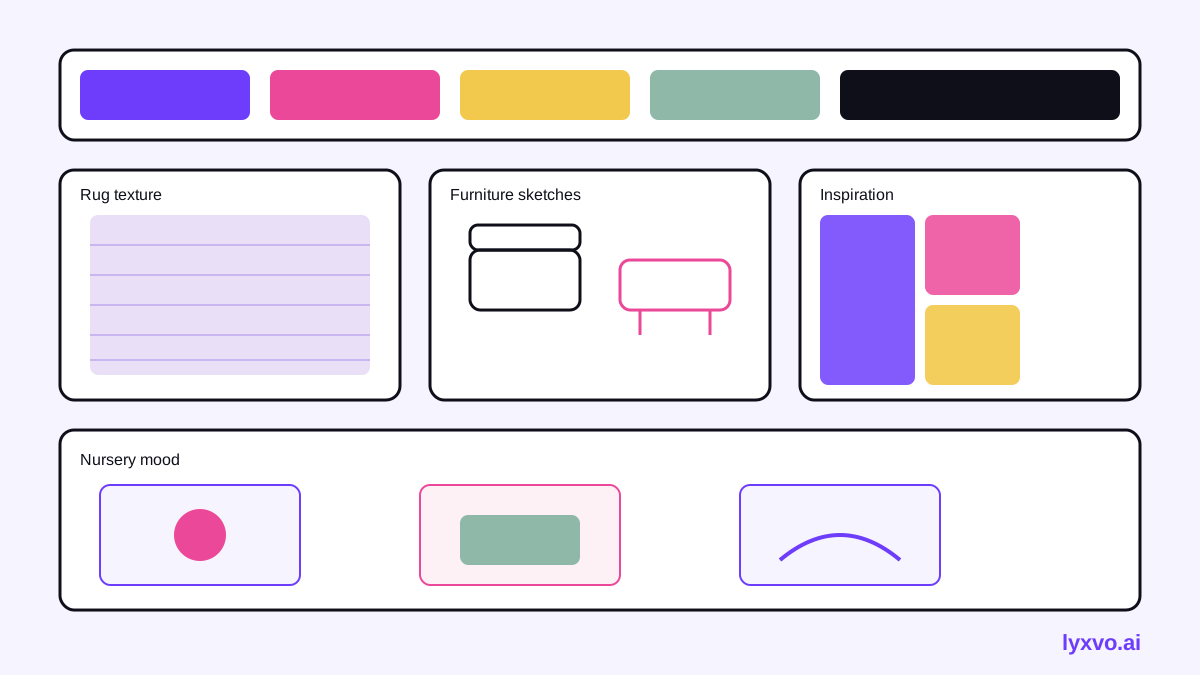
Arrange your palette chips, textures, product ideas and three to five inspiration photos on one page. Put the most important element (usually the wall color or rug) in the largest space. Add your three mood words in a corner so the board tells a story at a glance.
How to make this moodboard in Lyxvo AI
Lyxvo AI includes an interior and decor design tool that can turn your ideas into a room moodboard, a 2D floor plan and a decor shopping list. You can start from scratch or from a photo of the room. The output is a design, not a photorealistic render, which is useful for planning rather than showing how light will fall.
A workflow that works well:
- Open the AI interior design tool.
- Describe the mood (for example "soft, natural, quiet nursery, sage and oat palette") or upload a photo of your room.
- Review the generated moodboard and swap any color, texture or piece you dislike using the editor, which lets you edit colors and content directly.
- Generate a 2D floor plan to check where the cot, changing area, storage and seat fit, and to confirm door and window clearances.
- Export the decor shopping list so you can compare products in shops and online.
If you also want a matching visual for sharing with family, you can use free design templates as a starting point for a printed card or a social post. Lyxvo AI's exports include PNG at real size, so a moodboard image can be sent or printed directly.
Note: Plans and daily limits for Lyxo AI's features are listed on the pricing page. Lyxvo Lite lets you start free.
Common first-time mistakes to avoid
- Buying the whole set at once. Wait until you have measured the room and tested paint.
- Too many accent colors. Stick to the palette you chose in Step 2.
- Ignoring the floor plan. A beautiful nursery that blocks the door is hard to use at 3 a.m.
- Forgetting storage. Plan for nappies, spare clothes and feeding supplies from day one.
Your checklist
- [ ] Three mood words written down
- [ ] 10 to 15 inspiration images saved
- [ ] Palette of three to five colors tested on the wall
- [ ] Safety layout checked against local guidance
- [ ] Moodboard and 2D floor plan finished
- [ ] Decor shopping list exported and budget set
A well-planned moodboard turns a stressful first nursery project into a clear, calm process. Start with the feeling, let the palette guide your choices, and let the floor plan keep the room practical.
Try it in Lyxvo AI
Describe it in your own words and the design agent starts on the right flow. Free to start.
Related tool: AI interior design for any room