AI One Page Website for a Sports Coaching Academy
An AI one page website for a sports coaching academy can go from idea to live page in an afternoon, if you know what parents and athletes need to see first. This guide walks through the sections that convert, the copy and visuals to prepare, and how to design the page in Lyxvo AI.
Why a one page site works for a coaching academy
Most academies do not need a large site. Parents usually want four answers quickly: what you teach, who coaches, where and when sessions happen, and how to sign up. A single scrolling page answers all four without making the visitor hunt through menus. It is also easier to keep current when schedules, prices or age groups change.
A one page layout works best when every section has one job and one clear next step, usually a booking or trial button repeated near the top and at the bottom.
Plan the sections before you design
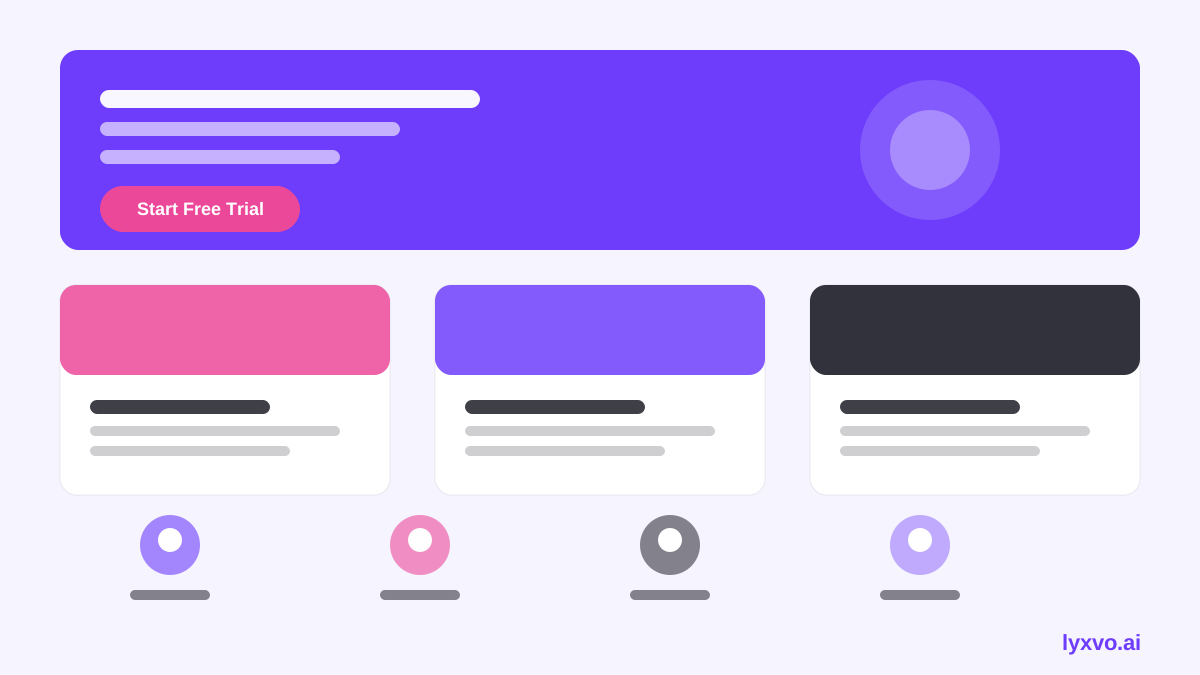
Write the page outline first. A strong structure for a sports coaching academy is:
- Hero: your academy name, the sport, the age group, and one primary button such as "Book a free trial session".
- Programs: each program with age range, level, session length and what a player gains.
- Coaches: names, certifications, playing or coaching background, and a short line on coaching style.
- Schedule and location: days, times, venue address and a map link.
- Results and stories: only real achievements you can verify, such as a player who joined a regional squad. Use your own records, not invented numbers.
- Pricing: a clear fee table or a note on how to request prices.
- Safety and policies: coach background checks, first aid, cancellation policy.
- FAQ: answers to the questions you hear most on the phone.
- Contact and sign-up form: name, child's age, preferred program, phone or WhatsApp.
| Section | Main question it answers | Call to action |
|---|---|---|
| Hero | Is this for my child? | Book a trial |
| Programs | What will they learn? | View schedule |
| Coaches | Who is teaching them? | Meet the team |
| Schedule | When and where? | Get directions |
| Pricing | What does it cost? | Request fees |
| FAQ and contact | What else should I know? | Send enquiry |
Prepare your facts and copy
AI tools write faster when you give them accurate inputs. Collect these before you start:
- Academy name, sport, age groups and levels
- Coach names, qualifications and years of experience
- Session days, times, length and venue address
- Fees, trial policy and what is included
- Two or three short testimonials you have written permission to use
- Your phone or WhatsApp number and booking link
Write in plain language. Parents scan for benefits such as "confidence on the field" or "safe, structured sessions", followed by specifics. Avoid promises you cannot keep, like guaranteed selection into a team.
Prepare visuals
Use real photos of your training sessions where you have consent, especially images of coaches working with children. Crop photos to show action and faces. Keep a consistent colour palette that matches your club or academy identity. If you do not have a logo, make one first so the header and social links match.
How to design it in Lyxvo AI
Lyxvo AI includes an agentic design flow that plans and then designs complete screens for web, so you can draft the whole page and then edit it directly:
- Open the AI website design tool and choose the web platform in the web studio.
- Describe the academy in a few sentences: sport, age groups, location, tone (energetic, supportive, professional) and the sections from your outline.
- Review the generated layout. Check that the hero button, program cards and contact section appear in a logical order.
- Use the Canva-style editor to replace placeholder text with your real copy, swap photos, and adjust colours to match your brand.
- Create a matching logo with the AI logo generator if you need one, and export the brand colours for consistency.
- Use Magic Resize and the social templates to make matching posts for Instagram or Facebook that link back to the page.
- Export the page as HTML for a simple host, or share it for real-time review with your coaching team before publishing.
For a live question-and-answer assistant, Lyxvo also offers a free AI live chat for websites that answers from your own business facts, in the visitor's language, by text or voice. This can handle common questions about fees and schedules outside working hours.
Note: Lyxvo's one-page design output is a design, not a hosted website. Check what your chosen host supports before publishing, and confirm current plan limits on pricing, since plans and limits may change.
Checklist before you publish
- Every program lists age group, level and session length
- Coaches are named with real qualifications
- Schedule and address are correct and match your phone line
- Trial booking button appears at least twice on the page
- Images are consented and optimised for mobile
- Page loads quickly on a phone
- Contact form or WhatsApp link works
- Safety and cancellation policies are visible
- Privacy notice covers child data you collect
Measure and update
Track how many visitors click the trial button and how many enquiries arrive. If parents keep asking the same question, add it to the FAQ. Update the schedule each term, and refresh testimonials with permission. A one page site is easy to maintain, so small changes every few weeks keep it useful.
If you also need posters for local schools or invitations for an open day, you can produce them in the same workspace with the AI poster maker and the AI flyer maker.
Try it in Lyxvo AI
Describe it in your own words and the design agent starts on the right flow. Free to start.
Related tool: AI website designer, from landing page to full site
Whole apps and websites are designed with the Lyxvo Engine, rented separately from the design plans; every account can try 2 pages free.