AI Post Generator for Real Estate Open House Promo
An AI post generator for real estate open house promo lets you turn one listing into a set of ready-to-post graphics in minutes instead of hours. This guide shows what to include, how to size posts for each platform, and how to produce them in Lyxvo AI.
A good open house promo does three jobs: it stops the scroll, shows the home clearly, and tells people exactly when and where to show up. Most agents and small brokerages already know this. What takes time is producing the same listing in five or six formats, each with the right dimensions and wording.
This article walks through a practical workflow for building those promos with an AI design tool, so you can spend your time on showings instead of resizing files.
What a real estate open house promo needs
Before you design anything, collect the information every promo should carry. Missing one of these items is the most common reason an open house post underperforms.
- The date and time window written in full, for example "Sunday, 2 to 4 PM".
- The address or neighborhood, plus a short location cue such as "near the park" if the street is unfamiliar.
- One strong photo, ideally the front exterior or the best-lit room.
- Three key facts: bedrooms, bathrooms and one standout feature such as a renovated kitchen or large garden.
- A price or price range, if your local rules and your client allow it.
- A call to action, such as "RSVP by DM" or "Scan to book a time slot".
- Your name, phone number or booking link, and your brokerage logo if required.
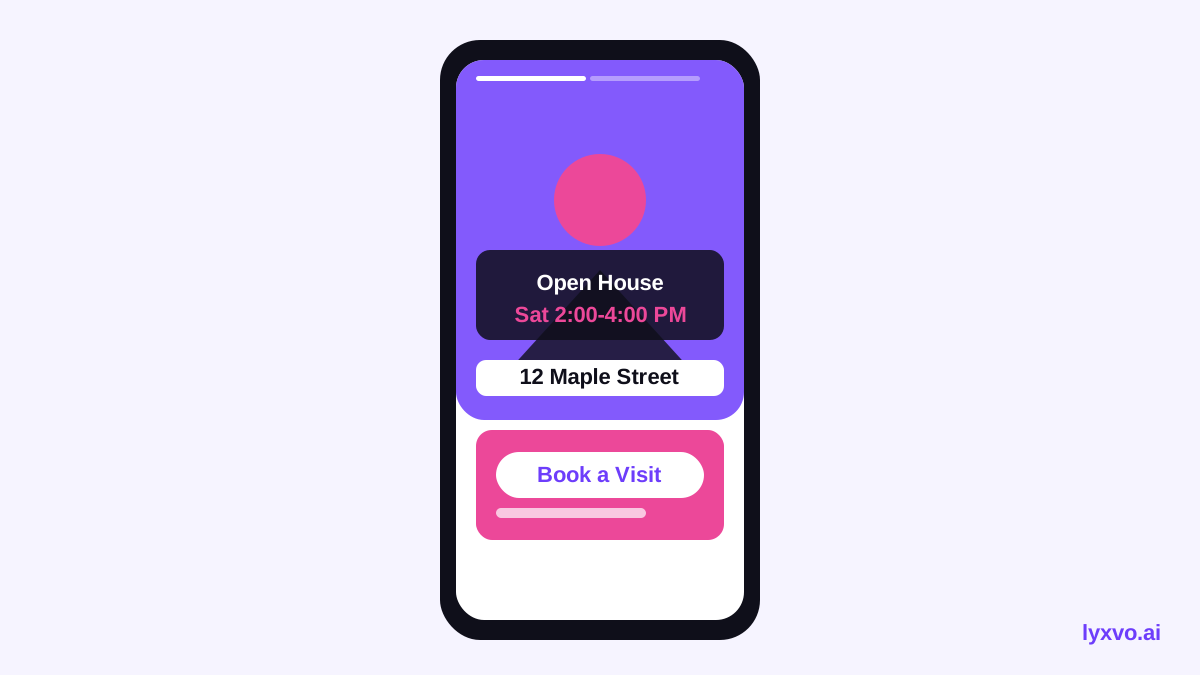
Keep the date, time and address legible at small sizes. Phone screens show posts at roughly thumbnail scale, so these details should be the largest text after the headline.
Choose the right format for each platform
One promo rarely fits every channel. Make a master design, then produce variants at the right size. The table below gives common starting points; check each platform's current guidance before publishing, since specs can change.
| Platform | Format | Typical size | Best use |
|---|---|---|---|
| Instagram feed | Square or portrait post | 1080 x 1080 or 1080 x 1350 | Main listing announcement |
| Instagram Stories | Vertical story | 1080 x 1920 | Countdown and "today only" reminder |
| Feed image | 1200 x 630 or 1080 x 1080 | Event post and community groups | |
| Landscape or square | 1200 x 627 or 1080 x 1080 | Professional audience and referrals | |
| Status or image | 1080 x 1920 for status | Sharing with local contacts |
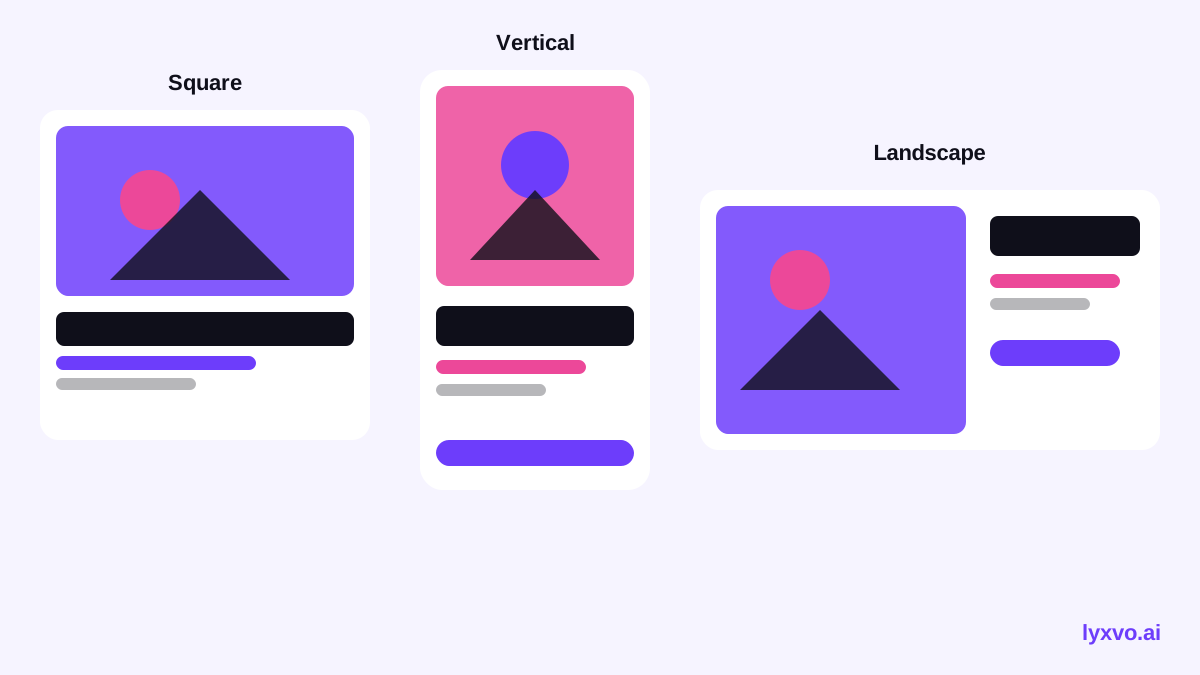
For a single open house, a sensible set is one square feed post, one vertical story and one landscape post for Facebook or LinkedIn. That covers most audiences with three designs.
Step-by-step: build the promo with Lyxvo AI
Lyxvo AI's design agent can generate social media posts at exact sizes for Instagram, TikTok, Facebook, YouTube, X, LinkedIn, Pinterest, WhatsApp and Threads. You can start from a prompt and then refine the result in the editor.
- Open the social post tool. Start at the AI social media post generator or go straight to the Instagram post studio. For a vertical version, use the Instagram story studio.
- Describe the listing in one prompt. Include the property type, the three key facts, the open house time and the call to action. For example: "Open house promo for a three-bedroom family home with a renovated kitchen, Sunday 2 to 4 PM, warm neutral palette, bold headline, booking call to action."
- Add your photo. Upload the listing photo so the design uses your real image rather than a stock placeholder.
- Edit directly. In the Canva-style editor, change the text, swap photos or adjust colors. Keep the address and time as separate text blocks so you can update them quickly.
- Use Magic Resize. Once the square post is right, use Magic Resize to create the story and landscape versions without redesigning them.
- Translate if needed. If your buyers speak another language, use the translate feature to produce a matching version, then check every line yourself.
- Export. Download PNG at the correct size for each platform. For a short reel-style promo, you can also use design to video.
Using templates
If you want a faster start, browse free design templates and choose a real estate or event layout. Replace the placeholder text and photo, and keep the structure that already works for legibility.
Write copy that gets people through the door
The design carries the look, but the words do the persuading. A few rules help:
- Lead with the benefit, not the feature. "Your Sunday morning coffee spot is open for viewing" can work better than "Open house, 3 beds".
- Keep the headline under about six words.
- Put the time first in the body text, since that is what people act on.
- Use one call to action per post. Two competing actions reduce clicks.
- Do not overstate. Avoid claims about value or condition that you cannot back up, and check local advertising rules on pricing and fair housing language.
Use the same promo across the whole listing
A single open house is short. Reuse the approved design for the countdown post, the day-of reminder and the "thanks for coming" follow-up. Changing only the headline and time keeps the campaign consistent and saves time.
Pre-publish checklist
- [ ] Date, time window and address are correct and match your listing.
- [ ] The photo is the property you are promoting and is not misleading.
- [ ] Text is readable at phone size.
- [ ] Each platform variant uses the correct dimensions.
- [ ] One clear call to action appears on every post.
- [ ] Contact details and any required brokerage branding are included.
- [ ] Translations, if used, have been checked by a fluent speaker.
- [ ] Legal and fair housing wording has been reviewed against your local requirements.
Keep your designs on-brand
If you work across many listings, set up a consistent look once: fonts, colors and logo placement. You can create a logo and brand kit first with the AI logo generator, then reuse those colors across every promo. For printed flyers to place around the neighborhood, the AI flyer maker produces print-ready layouts.
Platform specs and feature availability change over time. Confirm current sizes and posting rules on each platform before you publish a campaign.
Summary
An AI post generator makes open house promotion faster by producing a consistent set of posts from one brief. Gather the essential facts, pick the formats each platform needs, build one strong master design, resize it, and check every detail before you post. With that workflow, a single listing can be promoted properly across every channel in one sitting.
Try it in Lyxvo AI
Describe it in your own words and the design agent starts on the right flow. Free to start.
Related tool: AI social media post generator for every network