AI Poster for a City Council Public Hearing Notice: A Practical Guide
An AI poster for a city council public hearing notice has one job: help residents find out when, where and how to take part before the meeting happens. This guide covers the details a notice must carry, how to lay it out so it is read at a glance, and how to produce print and digital versions quickly.
Why the notice poster needs to be plain and precise
A hearing notice competes with everything else on a community board or a lamppost. Readers usually give it a few seconds. That means the date, time, location and the subject of the hearing must be readable from a short distance, while the rest of the information supports them rather than crowding them out.
A notice that looks like a party flyer or a campaign ad can undermine trust. Keep the look calm, official and consistent with the council's existing communications.
What a hearing notice poster must include
Before designing anything, collect the facts from the official notice or agenda. Do not guess at details. Check each one against the source.
- Headline: the type of notice, such as "Public Hearing" or "Notice of Public Hearing"
- Subject: the ordinance, proposal, zoning case or issue, in plain language
- Date and time: with the day of the week and the time zone or local time
- Location: the venue name and full street address, plus room or floor if relevant
- How to take part: in person, remote or written comment, and any deadline for submitting comments
- How to get more information: the council office phone number, email or official website
- Accessibility line: how to request interpretation, translation or accommodations, and the notice period required
- Issuing body and date of notice: the council or department, so the poster is traceable
If your jurisdiction requires specific legal wording, use the exact text from the official notice rather than paraphrasing it.
Layout rules that help people read the notice
- Lead with the headline and the date. These are the two facts most people need.
- Use one strong focal point. A single large date block works well.
- Keep the subject readable. Use short phrases, not long legal sentences, but never change the meaning.
- Group related facts. Put date, time and place together; put contact details together at the bottom.
- Use high contrast. Dark text on a light background is easiest to read at a distance.
- Limit fonts and colors. Two type styles and a restrained palette look official.
- Leave margins. Crowded edges make a poster harder to scan.
Common print sizes
| Use | Size | Notes |
|---|---|---|
| Community board or door | US Letter (8.5 x 11 in) | Easy to print in-house |
| Lamppost or window | 11 x 17 in | Readable from a few meters away |
| Large public board | 18 x 24 in | For high-footfall areas |
Check whether your city prescribes a required size or posting locations. Some jurisdictions set these rules.
Making a notice poster step by step
Step 1: Confirm the facts
Step 2: Write the copy
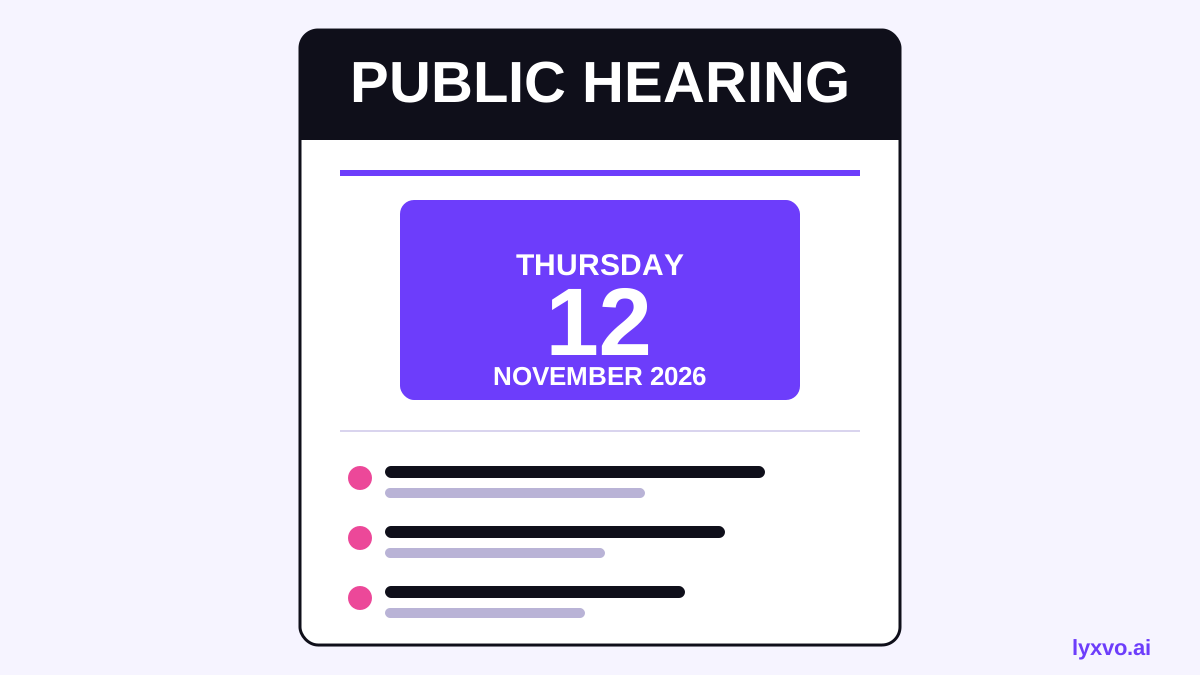
PUBLIC HEARING Proposed zoning change for the Riverside district Tuesday, March 10, 6:30 PM City Hall, Council Chambers, 200 Main Street Submit written comments by March 8 to the City Clerk. Questions: call the Planning Office or visit the city website.
(Replace with your own official details. The example is only a format.)
Step 3: Generate the design
Step 4: Review like an official
Step 5: Export and post
Making a digital version for social and web
Many residents will see the notice online first. Create a square or vertical version for social feeds and keep the same facts. Include alt text describing the date, subject and location so screen-reader users can access the information.
How to design it in Lyxvo AI
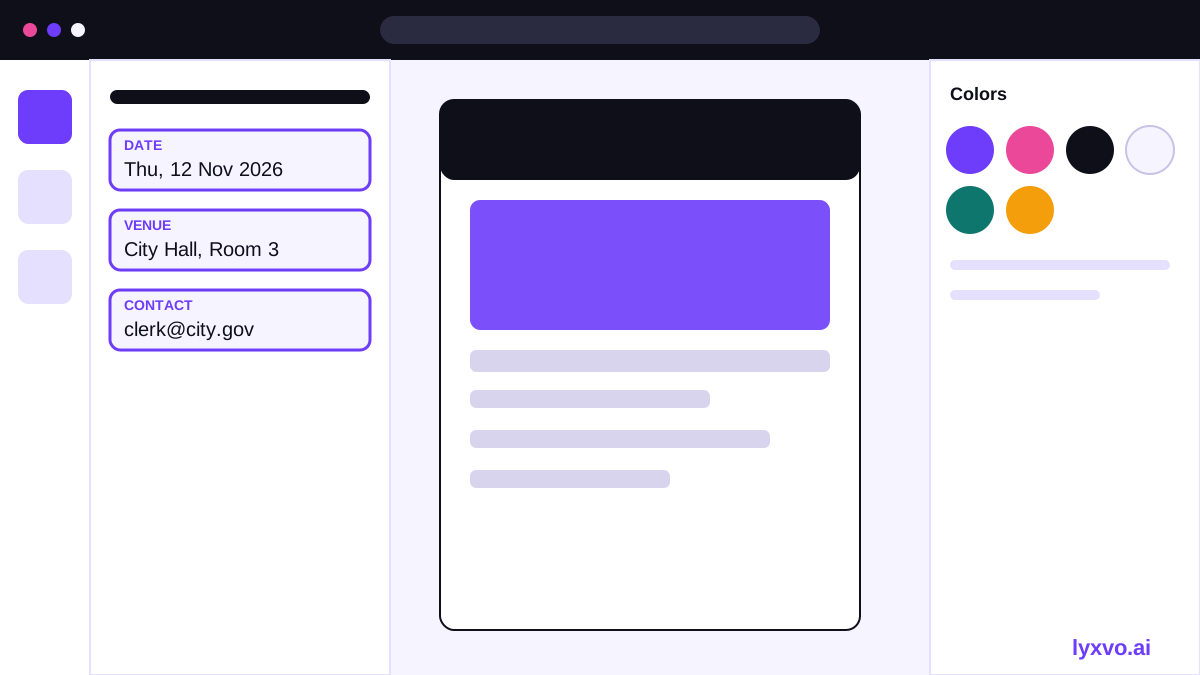
Lyxvo AI can produce a poster or flyer layout from a brief, and its Canva-style editor lets you change text, photos and colors directly. Here is a practical workflow:
- Open the AI poster maker or the flyer studio to start a print layout.
- Describe the notice in your brief, including the headline, date, venue and contact lines, and ask for a calm, official style.
- Review the generated layout, then edit each text field in the editor so every fact matches the official notice exactly.
- Use the editor to adjust colors and spacing to match your council's brand.
- For a social version, use AI social media post generator or Magic Resize to adapt the layout to another format.
- Export a print-ready PNG at 300 dpi for printing, or a PNG at real size for digital posting.
Always proofread the final file against the official notice before printing or publishing. The design tool produces the layout; the accuracy of the facts is your responsibility.
Checklist before you post
- [ ] Date, time and time zone match the official notice
- [ ] Venue name and full address are correct
- [ ] Subject is described accurately, using official wording where required
- [ ] Deadlines for comments are included
- [ ] Contact details and accessibility line are present
- [ ] Notice is dated and issued by the correct body
- [ ] Print file is 300 dpi; digital file has alt text
- [ ] A second person has checked every fact
Keep it accurate and accessible
A notice poster is a legal and civic document in many places, so accuracy matters more than style. Provide the information in the languages your community uses, and consider large-print or high-contrast versions for accessibility. If your council publishes its own templates, follow them.
For more layout ideas, see the free design templates collection.
*Note: rules about posting locations, notice periods and required wording vary by jurisdiction and can change. Check current requirements with your city clerk before publishing.*
Try it in Lyxvo AI
Describe it in your own words and the design agent starts on the right flow. Free to start.
Related tool: AI poster maker for events, promos and concerts