AI Poster Maker for Hair Salon Grand Reopening: A Practical Guide
An AI poster maker for hair salon grand reopening helps you go from a blank page to a finished, print-ready poster in one sitting. This guide shows you what a reopening poster needs to say, how to lay it out, and how to produce it with Lyxvo AI.
Why a reopening poster still matters
A grand reopening is one of the few moments when you can invite the whole neighborhood back at once. A poster in the window, on a community board or near a bus stop does a job that a social post cannot: it catches people who are walking past and not scrolling. It also gives regulars a clear, physical reminder of the date and the offer.
The goal of the poster is simple. In a few seconds, a passerby should know what is happening, when, where, and why they should come. Everything else is secondary.
What every reopening poster needs
Before you open any design tool, write down these basics. They will shape every layout decision.
- Salon name and logo, large enough to read from across the street
- Headline that announces the reopening, such as "We're Back" or "Grand Reopening"
- Date and time, including the opening hour and the day of the week
- Address and a simple way to find you (landmark or parking note)
- One offer to draw people in, such as a discount on a first visit or a complimentary treatment
- Booking contact: phone number, website or a QR code
- Call to action like "Book your chair today" or "Walk-ins welcome"
Resist the urge to add a long list of services. One offer and one action are more persuasive than five competing messages.
Choose the right size and format
Print size depends on where the poster will hang. A few common options:
| Where it goes | Typical size | Notes |
|---|---|---|
| Shop window | A3 or A2 | Keep text large and high-contrast |
| Community board | A4 or A3 | Use a clear headline and a tear-off contact strip |
| Wall or lobby display | 50 x 70 cm | Viewing distance is longer, so go bigger on the headline |
| Digital screen or social | Vertical 4:5 or 9:16 | Repurpose the layout for a story or post |
For printing, set the file at 300 dpi so text and photos stay sharp. Lyxvo AI can produce print at 300 dpi, so you can create the design once and order it at the size you need.
Step-by-step: build the poster
1. Pick a visual direction
Match the mood of your salon. A modern studio might use bold black and white with one accent color. A warm, boutique space might use cream, terracotta and a serif font. Keep to two or three colors and one or two fonts so the poster feels cohesive.
2. Lead with the headline
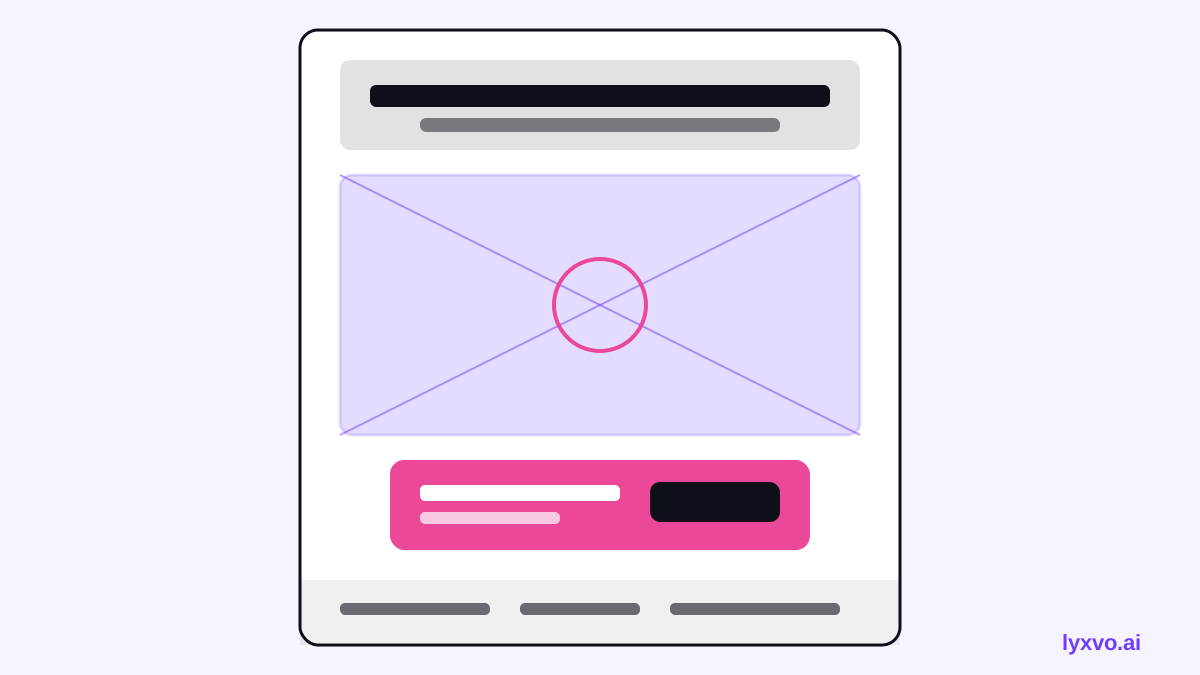
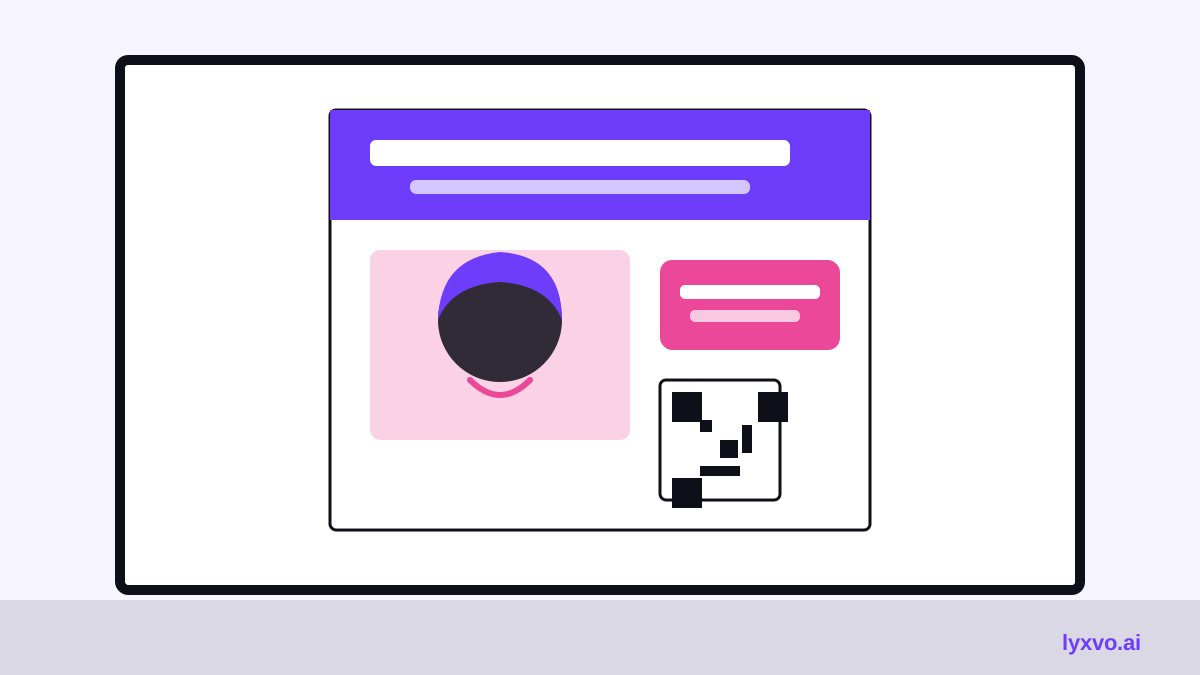
Put the reopening message at the top, in the largest type on the page. Something like "Grand Reopening" with the salon name directly beneath works well. Viewers should understand the poster before they read anything else.
3. Add one hero image
Use a single strong image: a finished style, a clean salon interior, or your logo mark. Crowded collages are hard to read at a distance.
4. Place the offer in a clear box
Give the offer its own block, for example "20% off your first visit" or "Free deep-conditioning treatment with any cut." Make it stand out with a contrasting color or a border.
5. Put the details in one readable zone
Group the date, time, address and contact together, usually at the bottom. Check that the phone number and QR code are large enough to scan or dial from a short distance.
6. Check the spacing
Leave generous margins. A crowded poster looks cheap and is harder to read. If something feels cramped, remove a word or a graphic rather than shrinking the text.
Quick checklist before you print
- Is the headline readable from several meters away?
- Is the date and time correct, including the day of the week?
- Is the offer clear and limited to one message?
- Do the phone number, address and QR code all work?
- Is the file at 300 dpi and at the exact print size?
- Have you proofread every line, including the salon name spelling?
Always confirm opening hours, offer terms and any local promotion rules with your team before printing a large run.
How to make it in Lyxvo AI
Lyxvo AI includes a design agent that can produce flyers and posters from a brief, and a Canva-style editor where you change text, photos and colors directly. A typical workflow looks like this:
- Open the AI poster maker or start from the flyer studio.
- Describe the reopening in your own words: salon name, date, offer, address and the style you want.
- Review the generated layout, then edit the headline, offer and contact details in the editor.
- Swap in your own salon photo or logo, and adjust colors to match your brand.
- Export the design at print size. Posters and print are produced at 300 dpi.
If you also want to promote the reopening online, you can reuse the same colors and layout for a social media post or a story. Magic Resize can help adapt one design to several sizes, and you can translate the text if your client base speaks more than one language.
If you are planning a larger campaign, the free design templates page is a good place to compare starting layouts before you begin.
Common mistakes to avoid
- Too much text. Cut anything that does not help someone decide to visit.
- Tiny contact details. A phone number nobody can read is a lost booking.
- Mismatched brand. Use the same logo and colors as your signage and social channels.
- Wrong print size. Check the dimensions with the printer before you order.
- Vague timing. "Coming soon" loses people; give a real date.
Final tip
Test the poster at arm's length and across the street. If you can read the headline, the offer and the way to book without stepping closer, the design is doing its job. Print a small proof first, put it in the window for a day, and adjust before you order the full run.
Try it in Lyxvo AI
Describe it in your own words and the design agent starts on the right flow. Free to start.
Related tool: AI poster maker for events, promos and concerts