AI Poster Maker for a Yoga Studio Summer Workshop
An AI poster maker for a yoga studio summer workshop can turn a rough idea into a finished, print-ready poster in one sitting. This guide shows you how to brief it, lay out the key details, and export a file that looks sharp on a studio window or a community board.
Why a yoga studio summer workshop needs a clear poster
Summer workshops compete with holidays, travel and long evenings outdoors. A poster has only a few seconds to tell a passerby what the event is, when it happens and why they should care. Yoga studios usually want a calm, airy look, but the information still has to be easy to read from a few metres away.
An AI poster maker speeds up the design work, so you can spend your time on the offer rather than on fiddling with boxes and fonts.
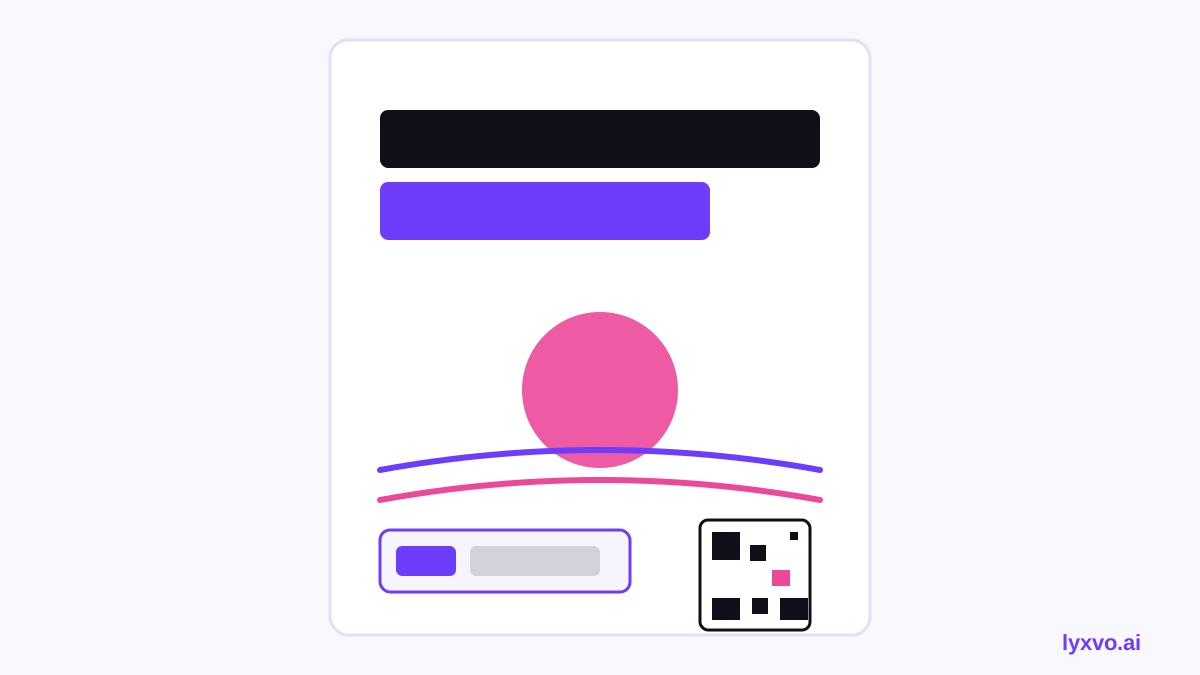
What every workshop poster should include
Before you open any tool, list the facts. A good workshop poster usually carries:
- Event name (for example, "Slow Summer Flow: a 3-day morning workshop")
- Dates and times, including the time zone if you run online sessions
- Location or the link for online attendance
- Who it is for, such as beginners, teachers or all levels
- Price or early-bird offer, if you have one
- How to book and a short web address or QR code
- Your studio name and logo
Keep the headline to one line. Put dates and the booking call to action where the eye lands first.
Step-by-step: making the poster in Lyxvo AI
Lyxvo AI's design agent plans the layout first, then designs it. Here is a practical workflow for a studio poster.
- Open the poster format. Start from the AI poster maker or the AI flyer maker if you also want a handout. Poster and print output is available at 300 dpi.
- Write a clear brief. Describe the studio, the workshop, the tone (calm, playful, premium), the colours you already use and the exact details listed above. The more specific the brief, the less editing you will need.
- Choose a direction. Review the generated options and pick the one whose hierarchy works: headline first, dates second, booking details last.
- Edit directly. Use the Canva-style editor to change text, swap photos of your studio or instructor, and adjust colours to match your brand. You do not need to rebuild the layout to fix a typo.
- Check the reading distance. Print a small proof or view the design at roughly 25% size. If you cannot read the date from there, enlarge it.
- Export at real size. Export a PNG at the real print size, or share the design with your printer. Use a print-friendly file for posters and a PNG for screens.
Choosing the right size and format
The format depends on where the poster will live.
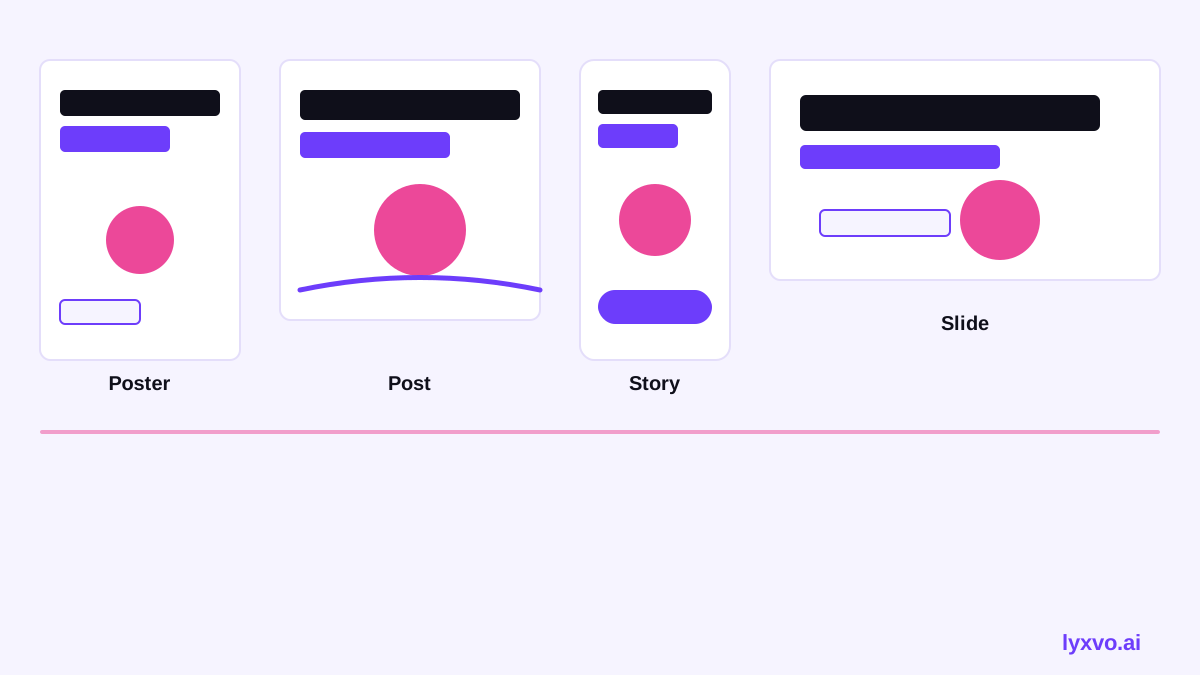
| Use | Suggested format | Notes |
|---|---|---|
| Studio window or door | Large poster, portrait | Keep text high-contrast and large |
| Community noticeboard | A3 or A4 | Include a tear-off strip with the booking link |
| Instagram or Facebook post | Square or portrait post | Export a social size and reuse the same layout |
| Instagram Story | Vertical story | Keep key text away from the top and bottom edges |
| Screen in the lobby | Landscape slide | Use fewer words and bigger type |
For social versions, the AI social media post generator can produce the same message at the exact sizes each platform expects.
Design choices that suit yoga
Yoga branding often works best with restraint:
- Use generous white space. Empty areas signal calm and make the headline easier to read.
- Limit the palette to two or three colours that match your studio interior.
- Pick one or two type styles. A clean sans-serif for details and a softer display face for the headline is enough.
- Use real photography of your space when you can. A soft-focus shot of the studio or a relaxed pose from a teacher feels more genuine than stock imagery.
Note: check the current printing requirements with your print shop, since bleed margins and paper options vary by provider.
A quick checklist before you print
- Dates, times and time zone are correct and proofread
- Booking link or QR code scans and opens the right page
- Price and early-bird deadline are stated clearly
- Studio name and logo are visible
- Text is readable from the intended distance
- The file is exported at the correct size and resolution
- The same message is consistent across print and social
Reusing the design for the whole campaign
Once the poster is approved, reuse the layout for a YouTube thumbnail teaser, a stories sequence or a printed flyer. The YouTube thumbnail maker helps if you publish a short preview video, and the free design templates library can speed up related pieces such as schedules or invitations.
For a streamlined setup, start with the AI poster maker and build the rest of the campaign from the same brand kit. Plans and limits are listed on the pricing page, and the documentation covers export options in more detail.
Summary
A strong yoga studio summer workshop poster leads with the event name, puts dates and booking details where they are easy to find, and keeps the design calm and uncluttered. Brief an AI poster maker with those specifics, refine the result in the editor, check the reading distance, and export at real size. With one approved design you can produce every version the campaign needs.
Try it in Lyxvo AI
Describe it in your own words and the design agent starts on the right flow. Free to start.
Related tool: AI poster maker for events, promos and concerts