AI Poster Template for Sale Promotion: How to Design One That Sells
An AI poster template for sale promotion lets you go from an offer idea to a finished, print-ready poster in a short time, without starting from a blank page. This guide walks through what a sale poster needs to communicate, how to structure the layout, and how to produce and reuse your own template.
Why a sale poster needs a template
A sale poster has a short job: someone glances at it for a second or two and must understand the offer, the discount, and where to go. Sale campaigns also repeat. You may run a weekend clearance, a seasonal event and a flash deal in the same quarter. A reusable template keeps the layout consistent, saves time, and lets you swap the offer details without redesigning everything.
An AI design tool helps because it can generate a complete layout from a short brief, then let you edit text, photos and colors directly. You stay in control of the message while the structure is already built.
Plan the offer before you design
Before opening any tool, write the offer in one sentence. For example: "30% off all running shoes, Saturday only, in-store and online." If you cannot write it that simply, the poster will be cluttered.
Collect these details first:
- The headline offer: the discount or benefit, in the biggest type.
- Validity: start and end dates or the time limit.
- Call to action: visit, shop online, scan, call or message.
- Location or link: address, website or QR code destination.
- Terms: a short line such as "while stocks last" or "excludes sale items."
- Brand elements: logo, colors and fonts.
Keep terms short and legible. Fine print that is too small to read can create complaints, so check the minimum text size for your print format.
Choose the right size and format
The format depends on where the poster will appear. Common choices:
| Use | Typical format | Notes |
|---|---|---|
| Shop window or wall poster | A3, A2 or custom | Viewed from a distance; keep the offer very large |
| Flyer handout | A5 or A6 | Also see AI flyer maker |
| Social media promo | Square or vertical | Use social media post sizes |
| Story or reel cover | Vertical | Use the Instagram story format in the studio |
For print, set the design to 300 dpi so the file stays sharp at the final size. If you are unsure about a format, the AI poster maker page covers common print sizes.
Build the layout: a simple hierarchy
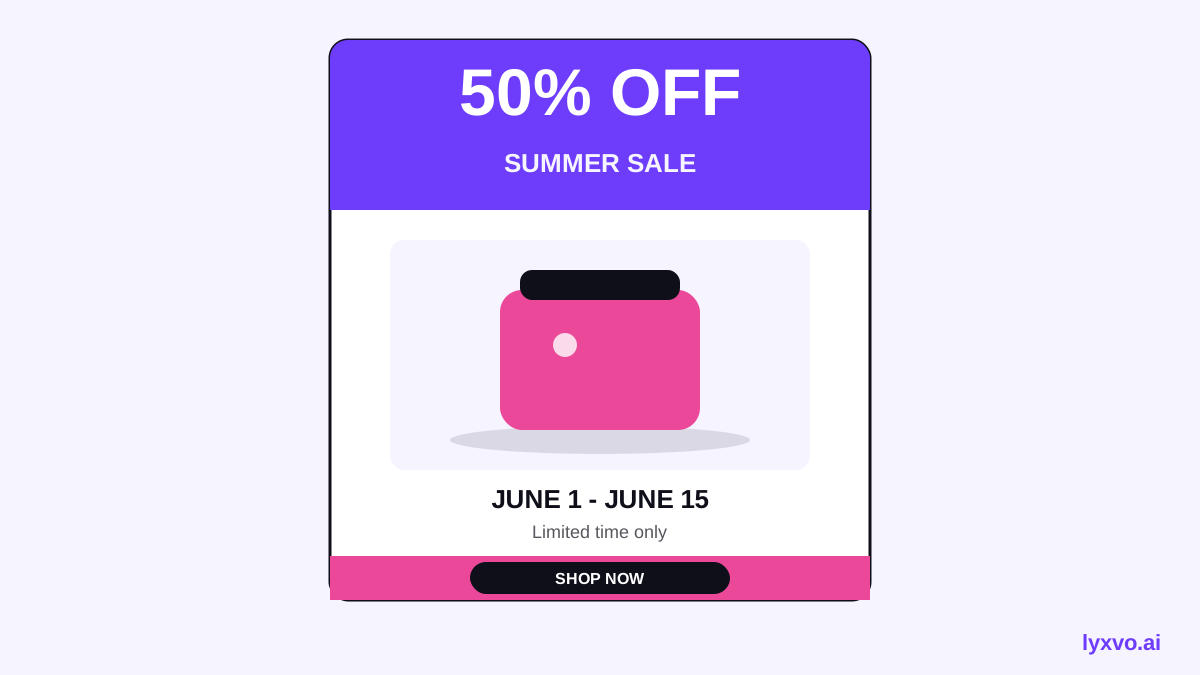
A strong sale poster follows a clear reading order:
- Headline offer (largest element): "50% OFF" or "Buy 2, Get 1 Free."
- Supporting line: the product or category, such as "Summer collection."
- Visual: one clear product photo or illustration. Avoid crowding.
- Validity: dates or end time, placed close to the headline.
- Call to action and location: address, URL or QR code.
- Logo and terms: small but readable, usually in a corner or footer.
Use two or three colors at most, one font family with two weights, and generous white space around the headline. High contrast between text and background matters more than decoration.
Write copy that converts
Sale copy works best when it is specific and urgent without being misleading:
- Use exact numbers: "Up to 40% off" is weaker than a clear, true figure for a named range.
- Name the deadline: "Ends Sunday 6 PM" beats "Limited time."
- Keep the call to action to one action: "Visit Store 2, Jl. Sudirman" or "Shop at example.com."
- Avoid stacking claims. One offer per poster is easier to read.
Check that every discount and price on the poster matches what customers will actually receive.
Make the poster as a reusable template
Once the layout works, save it as a template so future campaigns start from it:
- Keep the brand logo, colors, fonts and layout fixed.
- Replace only the variable parts: headline, dates, product image, call to action.
- Name the saved version by campaign and date so you can find it later.
- Keep a separate version for each size you use (window, flyer, social).
If you already have a file in another tool, you can import from Canva and then adapt it. For visual inspiration and starting points, browse free design templates.
How to make it in Lyxvo AI
Lyxvo AI's design agent plans and then designs a poster, so you can start from a description rather than an empty canvas. A practical workflow:
- Open the poster studio or the AI poster maker page.
- Describe the offer, dates, audience and brand style in a few sentences.
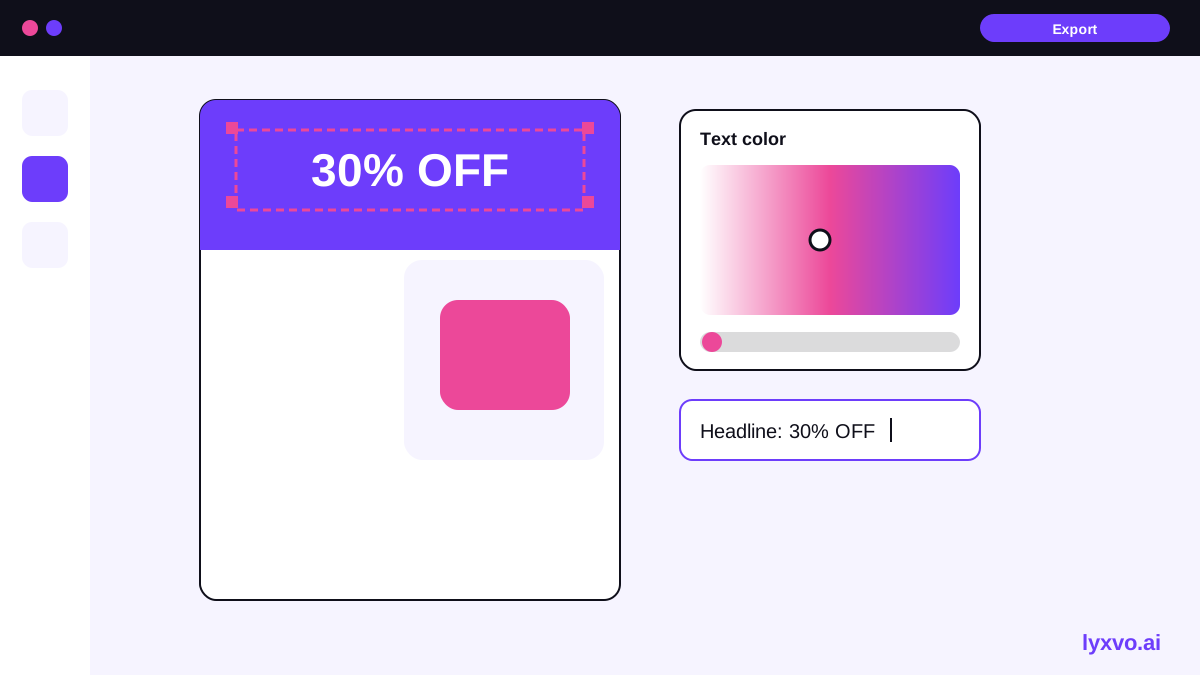
- Review the generated layout, then edit text, photos and colors directly in the Canva-style editor.
- Use Magic Resize to adapt the same design to other sizes, such as a social post or story.
- Translate the copy if you serve customers in more than one language.
- Export as PNG at real size for digital use, or set up a 300 dpi print file for physical posters.
You can also turn a poster into a short clip with design to video, which suits a promo post or a screen display. Lyxvo Lite is free to start, with a daily limit; plans and prices are listed on the pricing page.
Checklist before you print or post
- [ ] The offer is correct, and the discount matches the terms.
- [ ] Dates and times are right and clearly visible.
- [ ] The headline is readable from the distance it will be viewed.
- [ ] Phone number, address or link works.
- [ ] Logo and brand colors are correct.
- [ ] Terms are legible at the printed size.
- [ ] The print file is 300 dpi, or the social file is the right size.
- [ ] A test print or preview has been checked on screen.
Common mistakes to avoid
- Too many offers on one poster, which hides the main one.
- Small or low-contrast text on a busy background.
- Expired dates left on a reused template.
- Images that look soft when printed because the resolution was too low.
- Forgetting the call to action, so people do not know what to do next.
Summary
A good AI poster template for sale promotion starts with a clear offer, a simple visual hierarchy, and a layout you can reuse. Plan the message first, choose the right size, keep copy specific, and save the result as a template. With a design agent and an editor like Lyxvo AI's, you can produce a finished poster quickly and adapt it for every campaign.
Try it in Lyxvo AI
Describe it in your own words and the design agent starts on the right flow. Free to start.
Related tool: AI poster maker for events, promos and concerts