AI Presentation Maker for Real Estate Property Tours

An AI presentation maker for real estate property tours turns listing details, photos and neighborhood facts into a clear, branded deck you can show buyers or investors in minutes. This guide explains what a strong property tour deck contains and how to build one step by step.
Why a property tour deck still matters
Whether you are walking a buyer through a family home, presenting a rental portfolio to an investor or pitching a commercial space to a tenant, a focused presentation keeps everyone on the same page. Photos alone do not explain price history, layout, nearby amenities or the reasons a property fits a particular client.
A good deck works in three ways: it sets context before the visit, it guides the walkthrough, and it gives the client something to review afterward. That last part is often where deals are won or lost.
What a real estate property tour presentation should include
Keep the structure predictable so clients always know where they are. A typical deck for a property tour looks like this:
| Slide | Purpose | Typical content |
|---|---|---|
| 1. Cover | Identify the property | Address, hero photo, your name and contact |
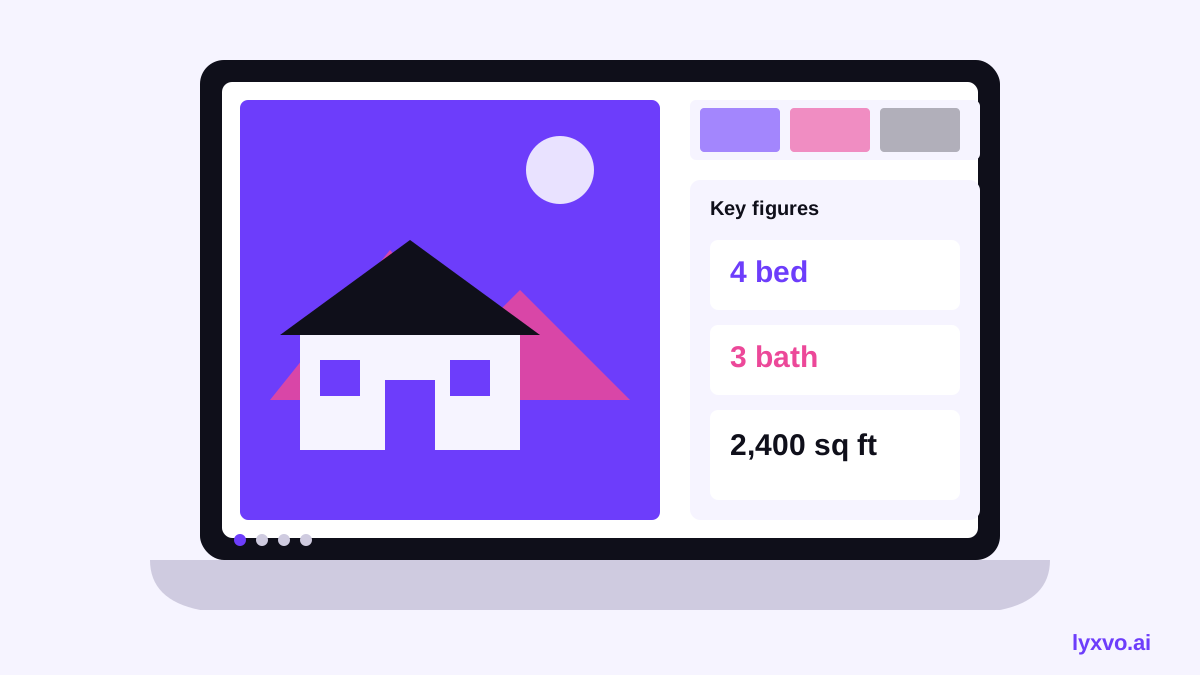
| 2. Snapshot | Give the key facts at a glance | Price or rent, bedrooms, bathrooms, size, year built |
| 3. Layout | Explain the floor plan | Room sizes, flow, storage, outdoor space |
| 4. Photo tour | Let the space sell itself | 4 to 8 room photos with short captions |
| 5. Neighborhood | Show daily life around the home | Transit, schools, parks, shops, commute times |
| 6. Comparables | Justify the price | 3 recent similar sales or listings |
| 7. Next steps | Move the client forward | Viewing dates, offer process, contact details |
Keep each slide to one idea. If a slide needs more than about 40 words of body text, split it.
How to build the deck with an AI presentation maker
An AI design tool speeds up the layout work, but the facts must come from you. Before you start, gather the listing details, a short list of selling points, your verified neighborhood data and at least a few clean photos.
- Open the presentation format. Start from the slides option in the studio, which is set up for pitch decks and presentations. You can also browse ready-made layouts in the free design templates library.
- Describe the property. Write a short brief: property type, location, key features, target buyer or tenant, and the tone you want (warm and residential, or sharp and investment-focused).
- Generate the slide structure. Ask for the seven-slide outline above, then edit the titles so they match your market.
- Add your photos. Replace placeholder images with listing photos. Crop to a consistent aspect ratio so the tour feels smooth.
- Fill in the facts. Enter exact figures. Double-check square footage, taxes, HOA fees and dates before you present.
- Refine the styling. Use the editor to change colors, fonts and logos so the deck matches your brand.
- Export and share. Save a PDF or PNG version for email, and keep an editable copy for later updates.
Writing slide copy that sells without overselling
Clients trust decks that are specific and honest. Replace vague praise with measurable detail. "Bright open-plan kitchen with a 4-metre island" works better than "stunning kitchen." Use short, active sentences and let photos carry the emotion.
Using an AI presentation maker for a property portfolio
If you present several properties to one investor, reuse the same structure for each one. Create a master deck with consistent slide order, then duplicate it per property. Add a final comparison slide with rent yield, price per square metre and vacancy assumptions. Keep the comparison numbers in one place so you can update them quickly when figures change.
Checklist before you present
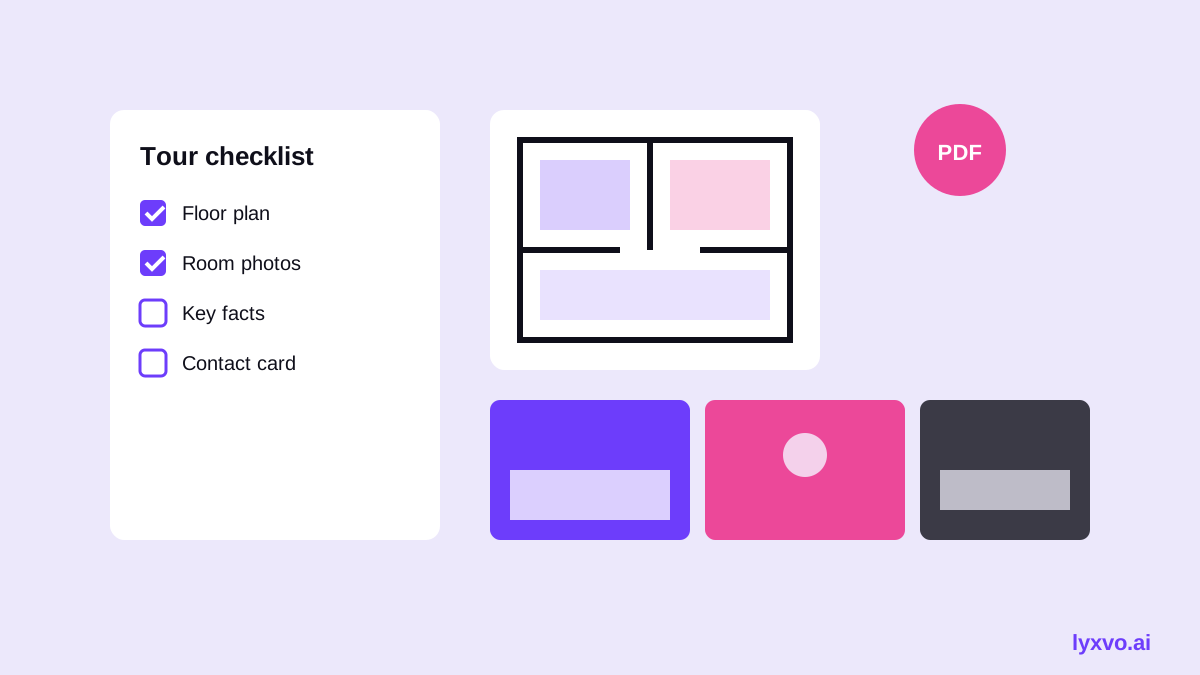
- Every price, size and date is verified against the source documents
- Photos are current and show the property as it is today
- Neighborhood facts come from reliable sources, with a note of when they were checked
- Contact details and the next step are on the final slide
- You have a PDF version ready in case the venue screen is unreliable
- Any AI-generated content has been reviewed for accuracy
How to present the deck during the tour
Send the cover and snapshot slides before the visit so the client arrives informed. During the walkthrough, use the photo and layout slides as talking points, then leave the neighborhood and comparables slides for the discussion afterward. Keep the presentation short. The tour itself is the main event.
Making the deck work across formats
Once the main deck is ready, you may want a shorter version for social media. Turn the hero photo and key facts into a square post with the AI social media post generator, or create a vertical story for a new listing announcement. A flyer works well for open houses, and a YouTube thumbnail can promote a video walkthrough.
Common mistakes to avoid
- Too many photos. Eight strong images beat thirty average ones.
- Outdated comparables. Recent sales matter more than long lists.
- Unverified claims. Never state school ratings or commute times you have not checked.
- Generic branding. A consistent color, font and logo makes your deck memorable.
- No clear next step. Always end with what the client should do next.
Getting started
You can try the presentation workflow in Lyxvo AI's presentation maker and explore the full AI presentation maker overview. Lyxvo Lite is free to start with a daily limit, and paid plans are listed on the pricing page. Pricing and plan details may change, so check the current page before you subscribe.
Try it in Lyxvo AI
Describe it in your own words and the design agent starts on the right flow. Free to start.
Related tool: AI presentation maker for slides and pitch decks