AI Ramadan Iftar Gathering Invitation Design: A Practical Guide
An AI Ramadan iftar gathering invitation design can take you from a blank page to a finished, shareable card in one sitting. This guide shows you what to include, how to pick the right format for each channel, and how to build the invitation in Lyxvo AI.
What a good iftar invitation needs to say
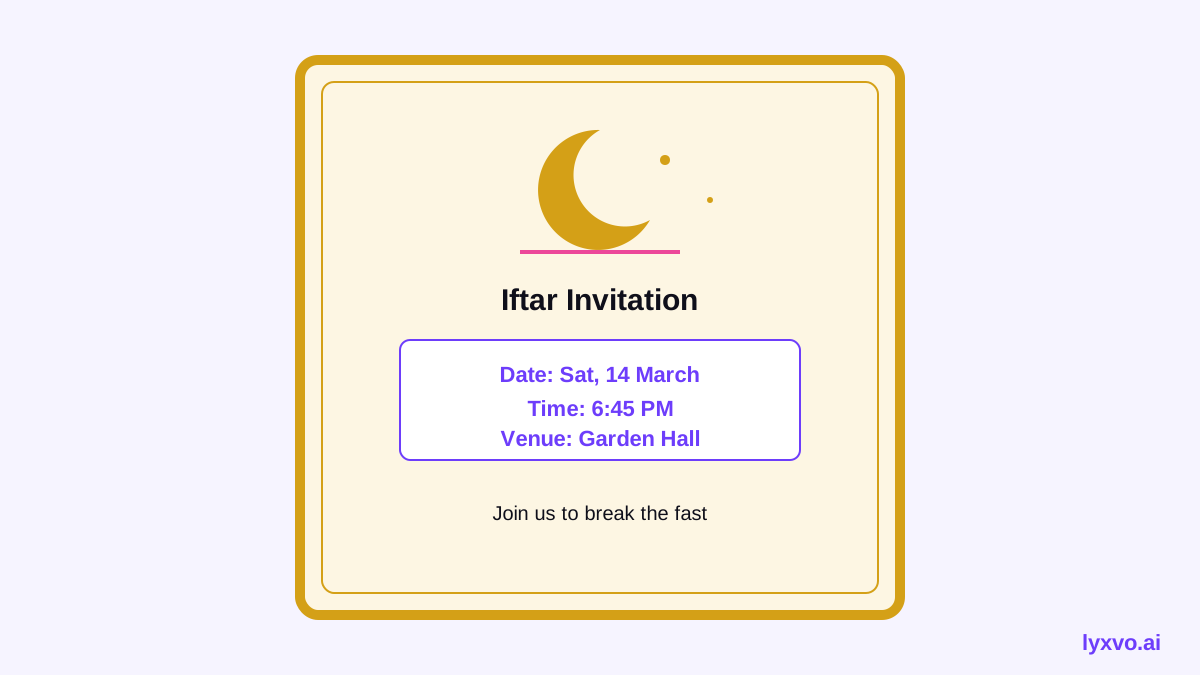
An iftar invitation has one job: help the guest know exactly when, where and why to come. Before you touch any colors, write down the essentials:
- Host names (family, household, or organization)
- Date in the Hijri and Gregorian calendars if your guests use both
- Time of the gathering, and a clear note such as "Iftar at sunset, around 6:15 pm" so guests plan their arrival
- Venue with an address or map link
- RSVP method and deadline, especially for food planning
- Dress or dietary notes if relevant, such as "halal menu" or "vegetarian options available"
- A short, warm greeting, for example *Ramadan Mubarak* or *Ahlan wa sahlan*
Keep the wording short. Guests scan invitations on phones, so put the date and time at the top of the visual hierarchy.
Choose the right format for each channel
One design rarely fits every platform. Plan the sizes before you start so you don't have to crop later.
| Channel | Best format | Why |
|---|---|---|
| WhatsApp group or chat | Square or 4:5 portrait image | Reads well on phones and in chat previews |
| Instagram feed | 4:5 portrait post | Takes up more screen space |
| Instagram or WhatsApp Status | 9:16 vertical story | Full-screen on mobile |
| Printed card or A5 flyer | Print-ready PDF at 300 dpi | Crisp output for the physical card |
| Landscape header plus text | Works in most inboxes |
If you want the layout as a printed card, use an A5 or 5x7 inch portrait arrangement with generous margins. For digital sharing, design for the phone first.
Design principles that suit an iftar invitation
Use a calm, warm palette
Deep greens, navy, gold and cream are common choices and read as festive without being busy. Limit yourself to three or four colors. Use gold sparingly as an accent for the date or a border, not for long text blocks, where it can lose contrast.
Pick legible type
Use one display font for the title and one clean sans-serif or serif for the details. If you include Arabic script, check that the font supports it and that the line spacing is generous. Keep body text at least 14 pt on a printed card.
Leave breathing room
White or cream space makes the card feel respectful and uncluttered. Group the date, time and venue together so the eye finds them in one glance.
Add one motif, not ten
A crescent moon, a lantern (fanoos) or a subtle geometric pattern is enough. Too many ornaments compete with the information.
How to design it in Lyxvo AI
Lyxvo AI's design agent can plan and build the layout, then you edit the details in the Canva-style editor. A practical workflow:
- Open a studio format. For a digital card, start from the Instagram post studio for a feed invitation, or the story studio for a vertical version. For a printed invitation, the flyer studio gives you a print-oriented starting point.
- Describe the gathering. Tell the agent the occasion, tone (warm, elegant, family-friendly), palette, and the key text: host names, date, time, venue, RSVP line.
- Review the generated layout. Check that the date and time are the most prominent text.
- Edit directly. Click any text box to correct spelling, change the font size, or swap a color. Replace the motif if it doesn't match your family's style.
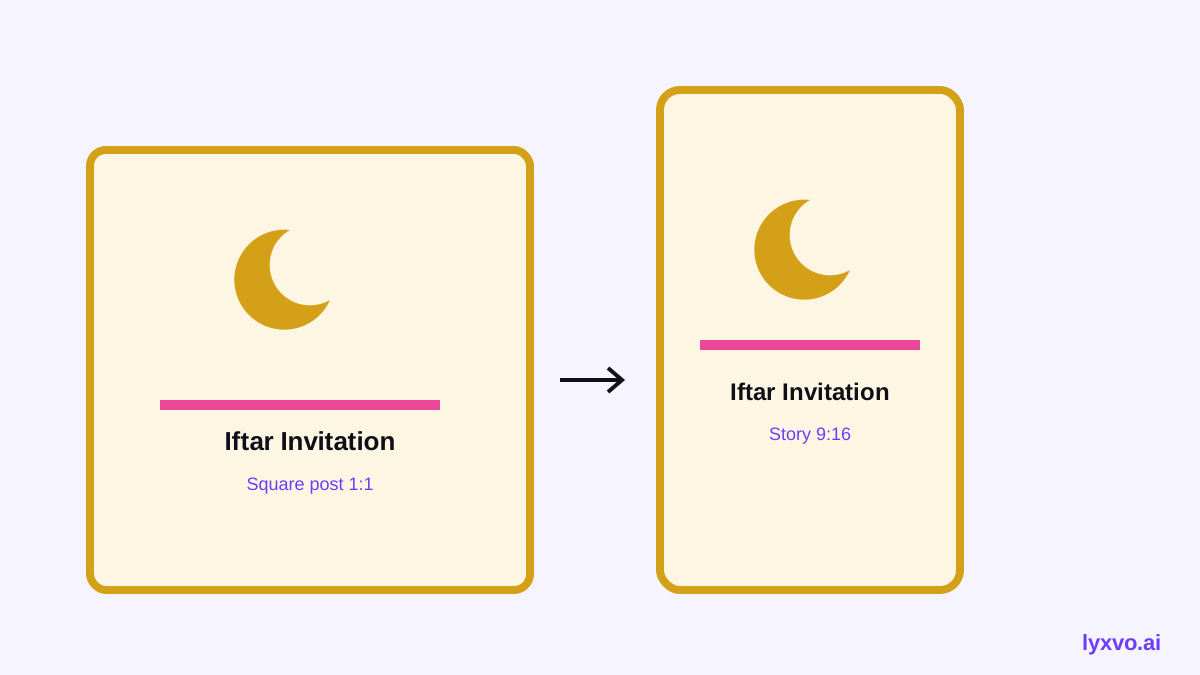
- Resize for other channels. Use Magic Resize to produce the story or square version from the same design instead of rebuilding it.
- Translate if needed. If you are inviting guests who read a different language, use translate to create a second version, then proofread both carefully.
- Export. Download a PNG at real size for WhatsApp and Instagram. For printing, export at 300 dpi.
You can also browse the free design templates and the AI invitation maker if you want to start from a ready layout.
Always double-check the date and time after translating or resizing. A small text change can shift the layout, and a wrong time is the most common invitation error.
Writing the invitation text
Here is a simple English structure you can adapt:
- *Ramadan Mubarak. Together with our family, we invite you to join us for iftar.*
- *Date: [day, date] | Time: iftar at sunset, [time]*
- *Venue: [address]*
- *Please RSVP by [date] to [name] at [phone number].*
For a bilingual invitation, put the greeting in Arabic or your home language at the top and the details in the language your guests use most. Keep both versions the same length where possible so the layout stays balanced.
Checklist before you send
- [ ] Date and time are correct and in the right calendar (Hijri or Gregorian)
- [ ] Venue address or map link works
- [ ] RSVP name, number and deadline are included
- [ ] Dietary or dress notes are noted if needed
- [ ] Text is readable at phone size
- [ ] Exported in the right format for each channel
- [ ] Print file is 300 dpi if you are printing
- [ ] A second person has proofread the names and numbers
Sending and follow-up
Share the card in the family or guest group chat first, then post it as a story so people can tag friends. Send a short reminder a few days before the RSVP deadline. If you are hosting many guests, keep a simple list of who has replied so you can plan seating and food.
For more on building visuals for social channels, see the AI social media post generator. Plans and usage limits are listed on the pricing page, and the documentation covers the editor and exports in more detail.
Final tips
Keep the design simple, check every number twice, and export in the right size for each place your guests will see it. A clean, warm invitation sets the tone for the whole gathering, and with a clear workflow you can produce it in one session.
Try it in Lyxvo AI
Describe it in your own words and the design agent starts on the right flow. Free to start.
Related tool: AI invitation maker for weddings, birthdays and events