AI Rental Property Staging Ideas for Landlords

AI rental property staging ideas help landlords make a vacant unit look finished and inviting without guessing what will work. Instead of buying furniture and paint blind, you can plan each room first, compare styles, and build a shopping list that fits your budget. This guide covers practical staging approaches, a simple workflow, and how to use Lyxvo AI to design rooms and listing graphics before you spend a dollar.
Why staging matters for rentals
A well-presented unit helps prospective tenants picture themselves living there. Staging does not mean luxury. It means clear layouts, clean surfaces, good light, and a few well-chosen pieces that show what each room is for.
For rentals, the goal is usually neutral, practical and easy to maintain. Tenants respond to rooms that feel bright, uncluttered and sized correctly for their furniture.
Start with a room-by-room plan
Before buying anything, decide the job of each room. A bedroom needs to show a bed and storage. A living room needs a seating area that fits the actual footprint. A kitchen needs to look clean and usable.
- Measure each room and note doors, windows and outlets.
- Sketch a basic floor plan showing where furniture fits.
- Pick one color palette for the whole unit so it feels consistent.
- List the 3 to 5 pieces each room truly needs.
Ideas that work for most rental units
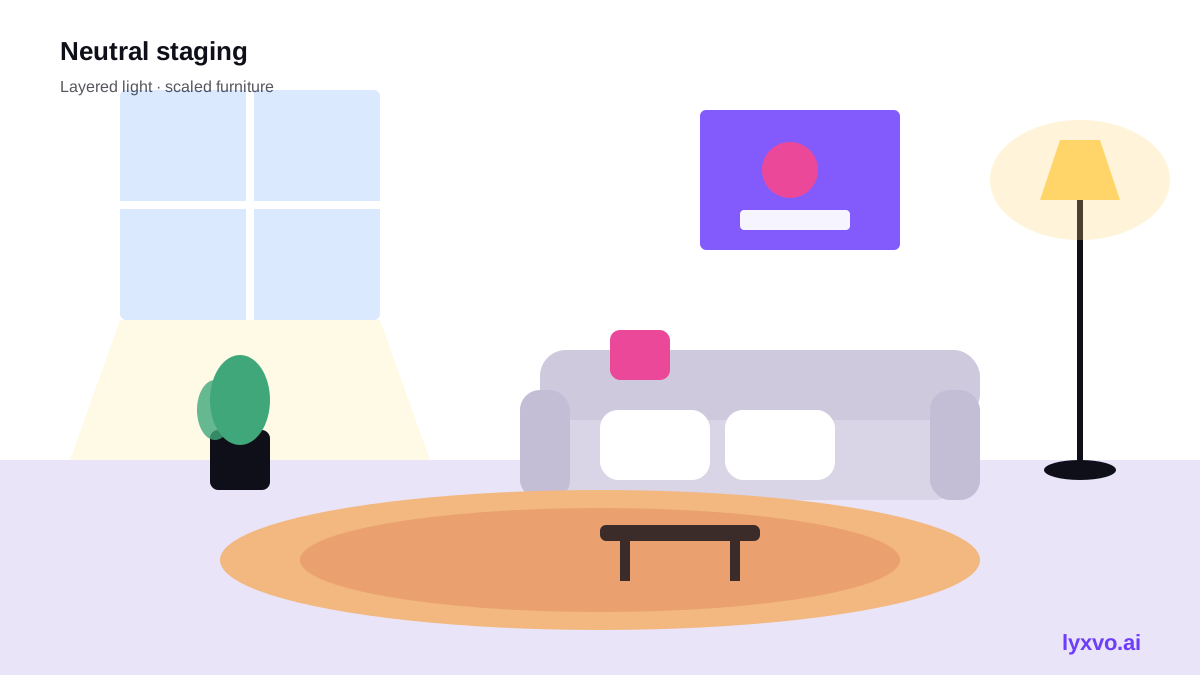
- Neutral base, one accent. Warm white or soft grey walls with one accent cushion, rug or print per room.
- Layered light. Use a floor lamp or wall light in living areas so rooms do not look flat in listing photos.
- Scaled furniture. A smaller sofa or a compact dining table often makes a room look larger and more functional.
- Clear surfaces. Keep counters, shelves and sills mostly empty, with two or three objects at most.
- Plants and textiles. One large plant and a throw or rug add life at low cost.
- Show storage. A simple shelf or wardrobe with folded linens signals space to tenants.
A simple budget checklist
Staging budgets can stay small if you prioritize. Spend first on what tenants notice most.
| Priority | Item | Why it matters |
|---|---|---|
| High | Fresh neutral paint | Changes the whole unit cheaply |
| High | Clean, bright lighting | Shows rooms well in photos and viewings |
| Medium | Rug and textiles | Warms hard floors and softens sound |
| Medium | One statement piece per room | Gives each room a clear purpose |
| Low | Decorative objects | Adds finish, easy to swap later |
Keep a note of what each room cost. Reusing pieces across units is a strong way to control staging costs over time.
Use AI to visualize before you buy
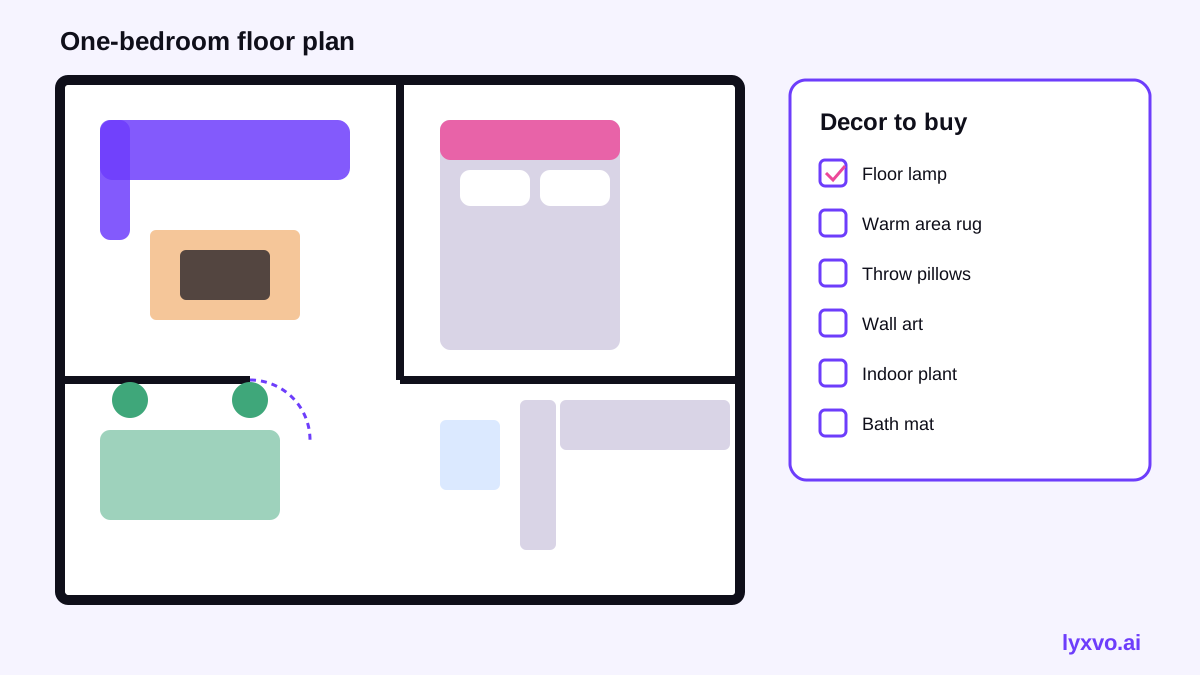
The biggest staging mistake is buying furniture that does not fit or clash with the walls. AI design tools let you test ideas on paper first. You can start from a room moodboard, a 2D floor plan with a decor shopping list, or a photo of the actual room.
For landlords, this is most useful for: - Comparing two or three color palettes before painting - Checking whether a sofa and bed will fit the room - Producing a shopping list so you buy only what the plan needs
How to plan a rental room in Lyxvo AI
Lyxvo AI's interior and decor designs can be built from scratch or from a photo of the room. They produce designs, such as room moodboards, wall murals, 2D floor plans and decor shopping lists. They are designs rather than photo renders, so use them as a planning and buying guide.
- Open AI interior design and choose your room type.
- Start from scratch or upload a photo of the empty room.
- Review the moodboard and the 2D floor plan, then adjust the layout.
- Export the decor shopping list and take it to the store.
For the listing itself, you can create clean graphics in the Lyxvo studio and edit text, photos and colors directly in the Canva-style editor. Exports include PNG at real size, so your images are ready for listing sites.
Build listing visuals that match the staged unit
Staged photos only help if the listing copy and graphics match what tenants will see. Use one consistent style across photos, floor plan and any promotional image.
- Make a simple property flyer with the key details using the AI flyer maker.
- Share a short social post for your building with the AI social media post generator.
- Keep the same palette you chose for the room design so tenants see a coherent unit.
Common mistakes to avoid
- Overfilling rooms. Too many objects make spaces look smaller.
- Mismatched styles. Mixing many colors and patterns feels cluttered.
- Ignoring the floor plan. A sofa that blocks a doorway hurts viewings.
- Staging too personally. Keep decor neutral so it appeals to more tenants.
- Forgetting cleaning. Clean windows, floors and surfaces before any photos.
A quick staging workflow
- Measure and sketch each room.
- Choose one neutral palette and one accent.
- Plan layouts and a decor shopping list with AI interior design.
- Paint and clean.
- Buy and place the planned pieces.
- Photograph in good daylight and create matching listing graphics.
With a plan in hand, staging becomes predictable: you spend less, avoid returns, and present each unit clearly.
Try it in Lyxvo AI
Describe it in your own words and the design agent starts on the right flow. Free to start.
Related tool: Free design templates you can edit in minutes