AI Storyboard from Voice Memo for Documentary Edit
An AI storyboard from voice memo lets you turn spoken notes into a shot-by-shot plan before you touch the timeline. For documentary editors, this means your interview recap, narration ideas and field observations become a visual edit map you can review, reorder and share.
Why start a documentary edit from a voice memo
Documentary footage is usually messy. You record interviews, walk-and-talk notes and reactions to the rough cut, often on your phone. A voice memo is the fastest way to capture what you were thinking while it was fresh, but audio alone is hard to scan when you need to decide sequence, pacing and transitions.
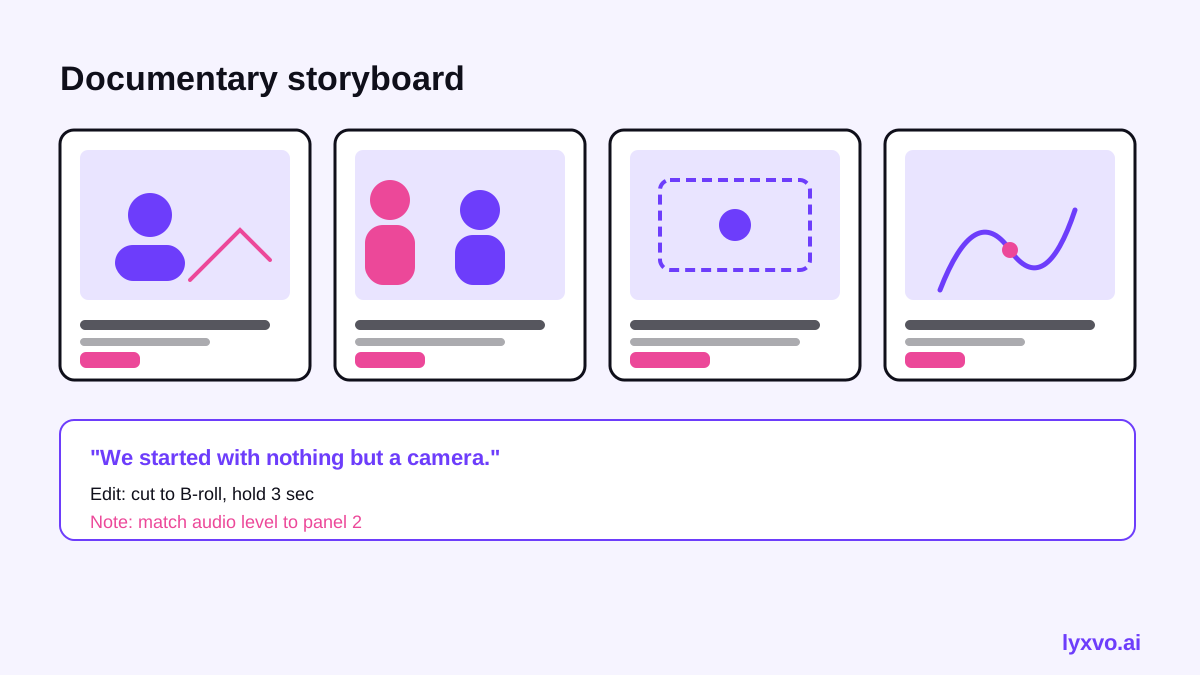
A storyboard fixes that. Each panel shows a scene, a rough frame idea, the spoken line or narration it supports, and the edit note. Working from a voice memo gives you the raw story; the storyboard gives you the structure.
What a good documentary storyboard contains
Before you generate anything, decide what each panel must carry. A useful documentary storyboard usually includes:
- Scene number and working title, so you can reference it in the timeline
- Visual idea: the frame you need, such as an establishing shot, a close-up of hands, or archive footage
- Audio cue: the interview quote, ambient sound or narration line
- Purpose: what the scene tells the viewer, one sentence
- Edit note: pacing, transition, or whether it needs B-roll
Keep panels short. If a scene needs three purposes, split it.
Step-by-step: from voice memo to storyboard
1. Transcribe and tag the memo
Listen once without stopping. Then transcribe it, even roughly, and mark each beat: a new location, a new speaker, a shift in tone, a question you still need answered. These markers become your panel breaks.
2. Pull out the core story spine
Write three to five lines that describe the arc: setup, tension, turn, resolution. Documentaries often run on a question the film answers, so name that question explicitly.
3. Map beats to panels
Assign one panel per beat. If a beat holds two strong ideas, make two panels. Mark which panels rely on interview audio and which need B-roll you still have to shoot or find.
4. Add visual intent
For each panel, describe the frame in plain words. "Wide shot of the empty factory at dawn" is more useful than "atmospheric shot." This is where an AI storyboard tool helps most: it turns your description into sketches you can react to.
5. Review for pacing
Lay the panels out in order and check the rhythm. Do three talking-head panels sit back to back? Is there a breath of silence or a visual rest? Move panels, merge them, or cut them.
6. Hand off to the timeline
Use the panel numbers as bin labels in your editing software. Each clip you import gets the scene number, so the storyboard and the edit stay linked.
Checklist before you export the storyboard
- Every panel has a purpose sentence
- Interview quotes are attributed and timestamped
- Missing B-roll is flagged, not forgotten
- The question of the film is answered by the last third
- Sensitive material is marked for review before sharing
Common mistakes to avoid
Do not treat the AI output as final footage logic. The storyboard is a planning map. Check every factual claim against your source transcripts before it reaches the cut.
Other frequent problems: over-writing panels so they read like scripts, skipping the purpose line, and building the storyboard before you have transcribed the memo, which leads to guessing at what the speaker meant.
How to build it in Lyxvo AI
Lyxvo AI includes a storyboard generator for turning descriptions into sequenced panels. A practical workflow:
- Paste your transcript into the storyboard tool, with your beat markers kept in brackets.
- Ask for one panel per beat, with a visual idea, audio cue, purpose and edit note on each.
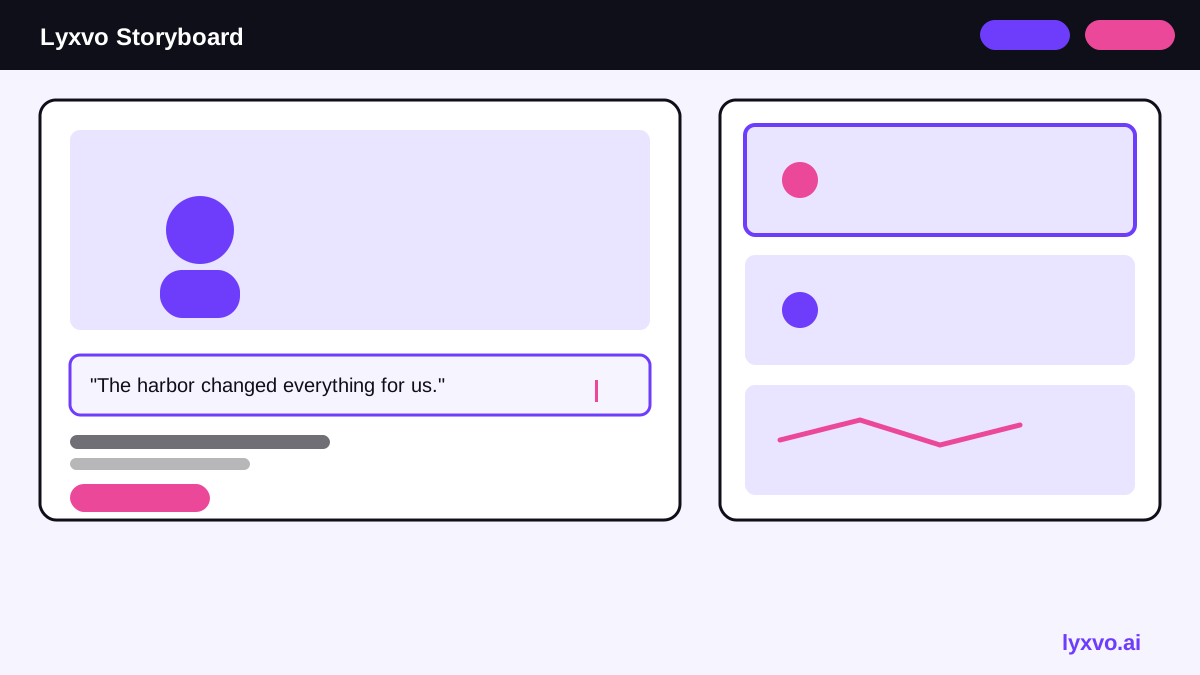
- Edit the text directly in the Canva-style editor: rename scenes, shorten lines, reorder panels.
- Use the same story to build a presentation for your producer through the slide pitch format if you need a review deck.
- Export the finished boards as PNG at real size for printing or as HTML to share a web review link.
You can start with Lyxvo Lite, which has a daily limit, and check plans on the pricing page. For more background on the tool, see the AI storyboard generator page and the docs.
Tips for working with a documentary team
Share the storyboard early, before the rough cut hardens. Ask the director to mark panels they disagree with, and ask the editor to flag any panel with no footage. Keep a version history so you can see which structural changes came from the memo and which came from the team.
For reference on your own timeline, keep the panel numbers aligned with your project bins and update both when you reorder. A storyboard that drifts from the edit is worse than none.
Summary
An AI storyboard from voice memo gives documentary editors a fast, structured path from spoken notes to a visual edit plan. Transcribe, map beats to panels, add visual intent, check pacing, then hand the numbered panels to your timeline. Use the tool to draft quickly, and rely on your own judgment and source material to decide what stays in the film.
Try it in Lyxvo AI
Describe it in your own words and the design agent starts on the right flow. Free to start.
Related tool: AI storyboard generator for ads and short videos