AI Thumbnail for Tech Review Unboxing Video: A Practical Guide

An AI thumbnail for a tech review unboxing video works best when it shows one clear product, one short promise and one emotion, all sized for YouTube. This guide walks you through the layout rules that get clicks, the mistakes to avoid, and how to build the thumbnail in Lyxvo AI in a few minutes.
Why the thumbnail decides whether anyone watches
On YouTube, the thumbnail and title sit next to your video in search results and suggestions. Viewers decide in a fraction of a second whether a tech video is worth their time. For unboxing and review content, the thumbnail has one job: make the product instantly recognizable and hint at the reason to watch.
A good thumbnail does not try to say everything. It answers three quiet questions: What is this? Why should I care? Is this the moment I was looking for?
The core layout for a tech thumbnail
Most high-performing tech thumbnails follow a simple structure:
- One hero product, large, in sharp focus, filling roughly a third to half of the frame.
- A clean background that contrasts with the product, such as a dark gradient for a silver device or a bright color block for a black one.
- Two to four words of text placed in a free area, not over the product.
- One emotional cue: surprise, a pointing hand, a before/after split, or a reaction face if you appear on camera.
- Brand consistency: the same colors and font across all your videos so returning viewers recognize your channel.
Text rules that keep it readable
YouTube thumbnails are shown small, often on a phone. Keep text to a few words and use a heavy font with an outline or shadow. Good examples are a model name plus a verdict, such as "WORTH IT?" or "NOT WHAT I EXPECTED". Avoid long sentences and avoid repeating the title word for word.
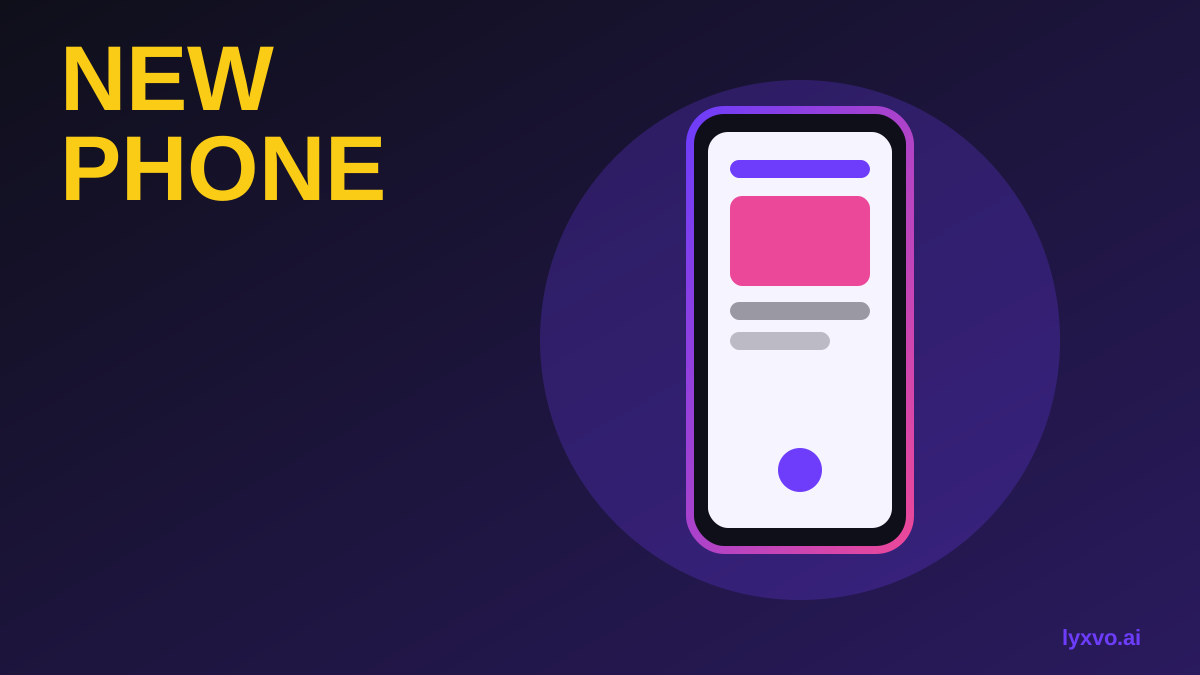
Thumbnail specs and a quick checklist
The standard YouTube thumbnail size is 1280 x 720 pixels, in a 16:9 ratio, saved as JPG or PNG and kept under the platform's file size limit. Designing at this exact size avoids cropping surprises.
| Element | Recommended approach |
|---|---|
| Canvas size | 1280 x 720 px (16:9) |
| Hero product | Large, sharp, centered or on a third |
| Text | 2 to 4 words, heavy font, outlined |
| Background | Contrasting color or simple gradient |
| Face or hand | Optional, one clear expression |
| Brand | Same palette and font as your channel |
Before you publish, check the thumbnail at small size. If you cannot read the text or identify the product in a thumbnail-sized preview, simplify it.
Common mistakes with AI-made thumbnails
AI tools speed up the work, but a few errors still reduce clicks:
- Too many elements. Remove decorative icons that compete with the product.
- Misleading imagery. Do not show features the device does not have. Viewers feel cheated and will leave comments or drop off.
- Blurry or distorted product shots. Use a clean photo of the actual product whenever you can.
- Text that duplicates the title. The thumbnail should add information, not repeat it.
- Ignoring the brand. A consistent look makes your next video easier to recognize.
How to make the thumbnail in Lyxvo AI
Lyxvo AI's design agent can build a YouTube thumbnail from a short brief, and you can then refine it in the editor. You can start in the YouTube thumbnail maker, or open the studio directly with the thumbnail format in the studio.
A practical workflow:
- Write a one-line brief. For example: "Tech review thumbnail, dark background, a silver wireless earbud case as the hero product, bold yellow text saying 'WORTH IT?', clean modern style."
- Generate the first version at the YouTube thumbnail size.
- Edit text, photos and colors directly in the Canva-style editor. Swap in your own product photo if you have one.
- Check it at small size and adjust contrast or text size.
- Export as PNG at real size, ready to upload.
If you also make Shorts or need a matching vertical cover, you can reuse the same brand colors and text style. The AI social media post generator can help you produce matching posts for promoting the video.
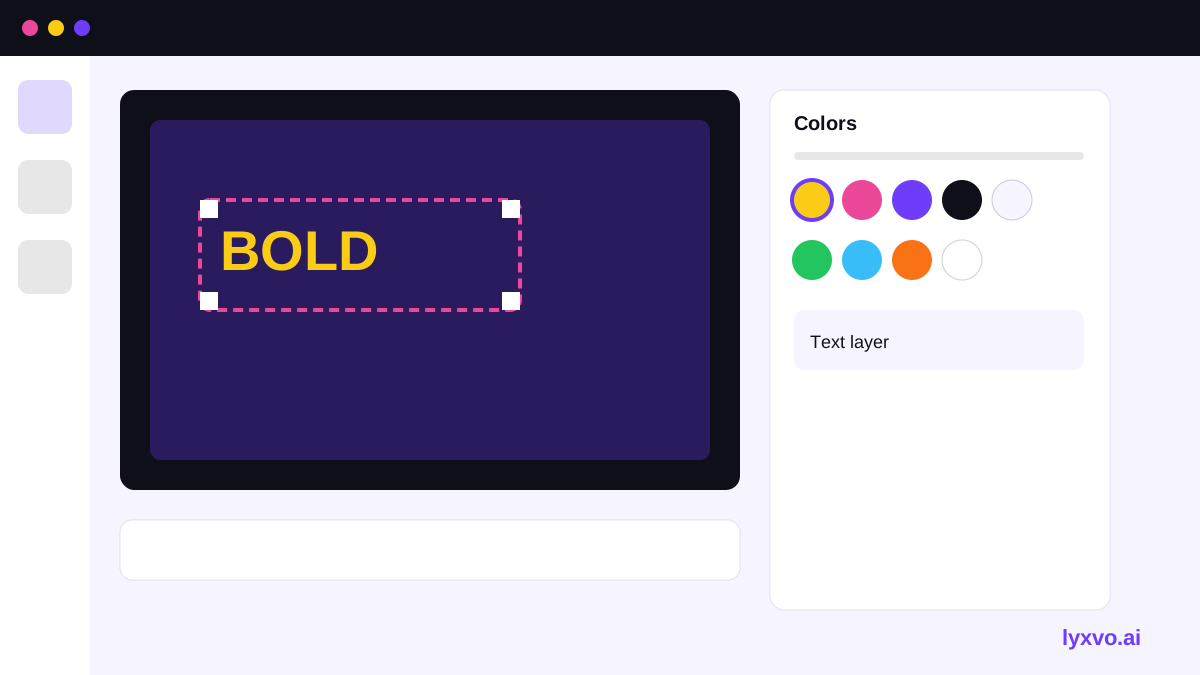
A simple process to test your thumbnail
Clicks depend on the video too, so treat thumbnails as something to test rather than guess. Create two or three variations with a different hero product angle or text phrase, then compare click-through rate in YouTube Studio after a few days. Keep the one that performs better and reuse its structure for future reviews.
Note: Platform rules and recommended sizes can change. Check YouTube's current thumbnail guidelines before publishing.
Final checklist before you upload
- Canvas is 1280 x 720 px, 16:9.
- The product is large, sharp and easy to identify.
- Text is two to four words and readable at thumbnail size.
- The thumbnail accurately reflects the video.
- Colors and font match your channel style.
- You have tested it at small size on a phone-sized view.
For more planning help, see the free design templates collection and check pricing to choose a plan that fits how often you publish. More guides are in the Lyxvo AI blog.
Try it in Lyxvo AI
Describe it in your own words and the design agent starts on the right flow. Free to start.
Related tool: AI YouTube thumbnail maker