AI Website Builder for Freelance Photographers: A Portfolio That Books Clients
An AI website builder for freelance photographers helps you turn your best work into a portfolio site without learning code or hiring a developer. This guide walks you through what a photography portfolio needs, how to plan it, and how to build it with Lyxvo AI.
Why a photography portfolio needs a different approach
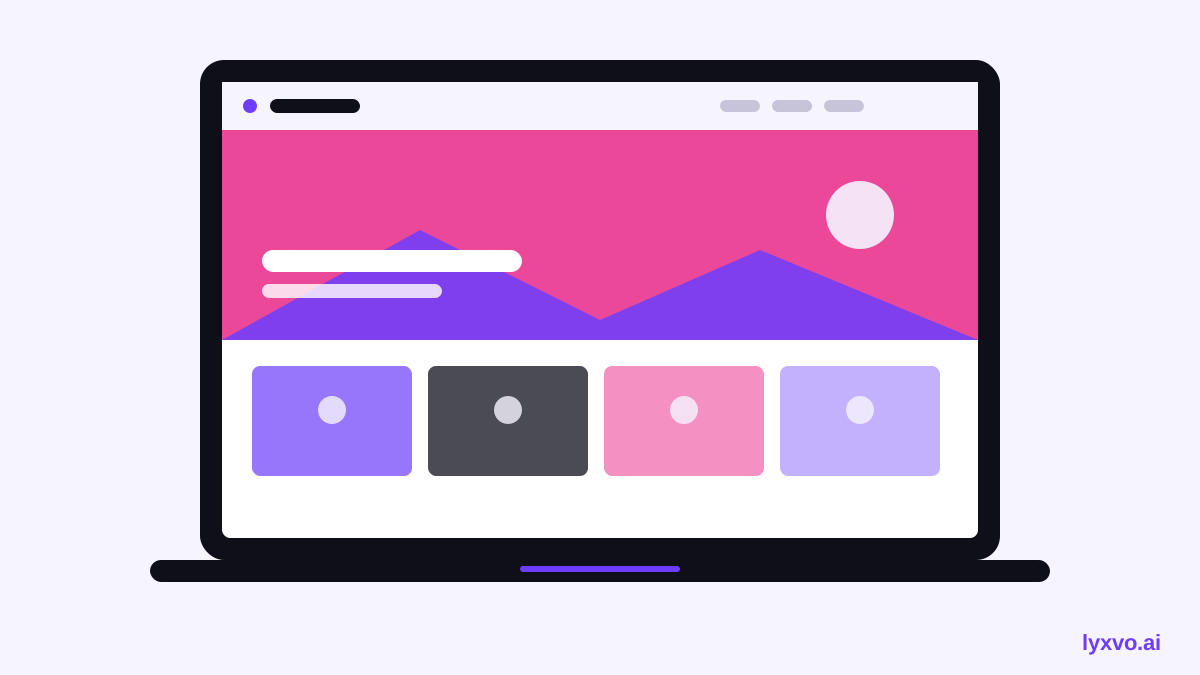
A photography portfolio is not a general business website. Clients come to see your images, so the layout has to get out of the way. Pages should load fast, galleries should look sharp on phones, and the contact path should be obvious within a few seconds.
Most freelance photographers need three things:
- A gallery-first home page that shows your strongest work immediately.
- Service pages that explain what you shoot (weddings, portraits, product, real estate) and how booking works.
- A simple contact or inquiry flow so potential clients can reach you without searching.
A good AI website builder can produce this structure quickly, but you still decide what to show and how to describe it. The tool does the layout work; your curation and voice do the selling.
Plan your portfolio before you design it
Spend 30 minutes on planning. It saves hours of rework.
Step 1: Pick your niche and your three best series
Clients hire specialists. Choose the work you want more of, then select 3 to 5 series that prove you can deliver it. A wedding photographer might show a full-day story, a couple portrait session and a venue detail series.
Step 2: Write a short list of pages
For most freelancers, this is enough:
- Home (hero image, one-line positioning, featured series)
- Portfolio (categories or galleries)
- Services and pricing ranges
- About (a short personal story and credentials)
- Contact or booking
Step 3: Gather your assets
Export web-ready images at a sensible size, usually around 2000 px on the long edge, and keep file names descriptive. Prepare a headshot, a logo or wordmark, and one or two testimonials you have permission to publish.
What to include on every photography page
| Element | Why it matters |
|---|---|
| Hero image | Sets your style in one glance |
| Clear niche statement | Tells clients you are right for their shoot |
| Gallery with captions | Gives context without clutter |
| Starting prices or ranges | Filters out mismatched inquiries |
| Single call to action | Makes booking the obvious next step |
| Mobile-friendly layout | Most first visits happen on phones |
Note: Publish only images you have rights to share, and get written permission from clients before showing their faces or private events.
Write copy that sounds like you
AI can draft headlines and service descriptions, but edit them so they match how you talk to clients. Good portfolio copy is specific: say "candid documentary weddings in Bali" instead of "capturing your special moments." Keep captions short, name the location or occasion, and avoid claims you cannot back up.
How to build your portfolio in Lyxvo AI
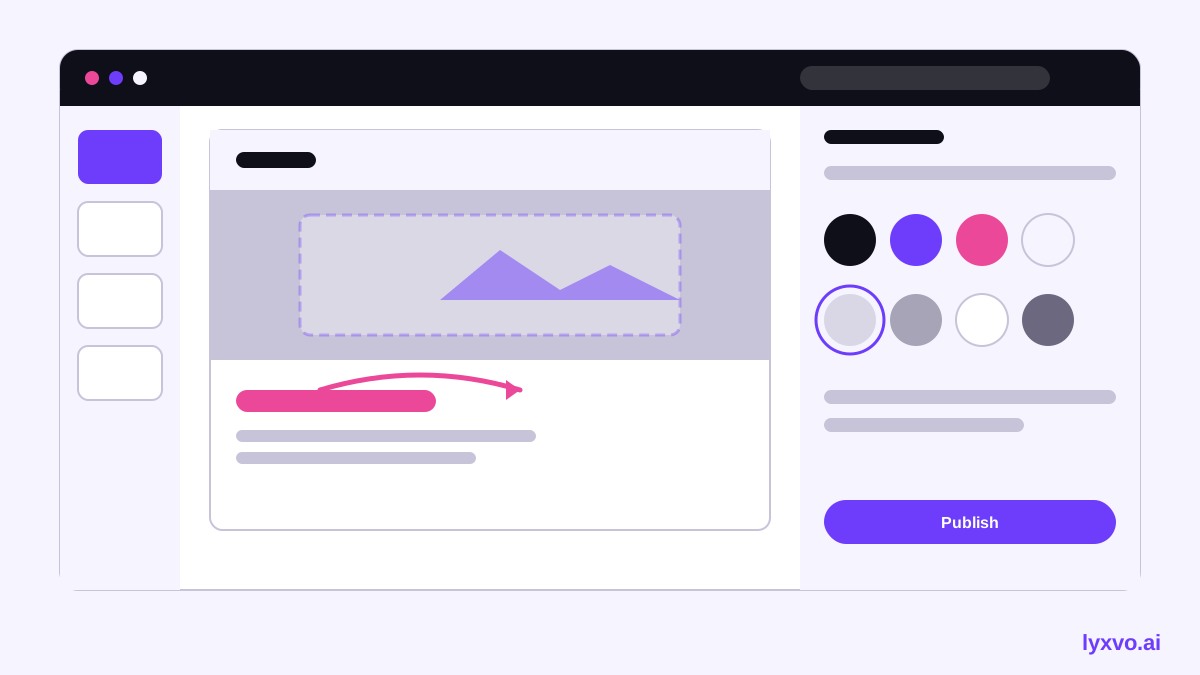
Lyxvo AI includes an agentic design tool that can plan and produce website screens for web, plus a Canva-style editor for changing text, photos and colors directly. Here is a practical workflow:
- Open the AI website design tool and describe your business in plain language: your niche, your location, your booking method and the tone you want.
- Let the design agent plan the page structure first. Review the outline and remove any sections you do not need.
- Generate the home page and portfolio layout, then swap in your own photos in the editor.
- Adjust the color palette and typography so the site feels like your brand. Keep the palette neutral so your images stay the focus.
- Duplicate the service page structure for each specialty, editing the text and imagery for each one.
- Preview on a phone-sized view and check that every gallery is easy to scroll.
For your social promotion, you can reuse the same visuals with the Instagram post generator or create story-format teasers with Instagram Story sizes. If you need a printed leave-behind, the flyer maker can produce one that points back to your site.
Add an inquiry path that works
A portfolio without a clear next step leaves money on the table. Put a short inquiry form or booking link on the home page and at the end of every service page. Ask only for what you need: name, date, shoot type, location and budget range.
If you want visitors to get quick answers about availability, packages or turnaround times, consider the free AI live chat for websites. It answers from the facts you provide about your business, in the visitor's language, by text or voice, so you can respond to common questions while you are on a shoot.
Check the basics before you publish
- Images load quickly and are compressed without visible quality loss.
- Every gallery opens on mobile and returns cleanly to the previous page.
- Contact details, location and social links are correct.
- Pricing language is accurate and clearly marked as a starting point.
- Alt text describes each image for accessibility and search.
- Client names and private details are removed unless you have consent.
Keep the site current
Replace your weakest images every few months and add new series as you shoot them. Review your analytics or inquiry log to see which pages lead to bookings, and strengthen those first. A portfolio that changes with your work signals an active business.
For more guidance on building your brand around your photography, browse the Lyxvo AI blog and the free design templates to get started quickly.
Try it in Lyxvo AI
Describe it in your own words and the design agent starts on the right flow. Free to start.
Related tool: AI website designer, from landing page to full site
Whole apps and websites are designed with the Lyxvo Engine, rented separately from the design plans; every account can try 2 pages free.