AI Website Design for a Local Bakery Online Ordering
A local bakery needs an online ordering site that is fast on a phone, easy to read, and clear about pickup times. AI website design can produce a first version in minutes, and the real work is deciding what customers must see and do.
Why a bakery needs a focused ordering site
Most bakery customers arrive on a phone, often while they are already walking toward the shop. They want to see what is fresh today, pick items, choose a pickup slot, and pay without creating a long account. A good ordering site removes every step that is not essential.
Before you design anything, write down the facts a customer needs:
- Opening hours and holiday closures
- Pickup and delivery options, with cut-off times
- Lead time for custom cakes
- Allergen notes and how you label them
- Address, phone number and a way to ask questions
These facts are the content your design will be built around. If they are vague, the site will feel vague too.
Plan the pages and the order flow
For a small bakery, five pages are usually enough:
- Home: what is baked today, a clear "Order now" button, and your location
- Menu: products grouped by category (bread, pastries, cakes, drinks)
- Order: cart, pickup time, name and phone number, payment
- Custom orders: a short form for cakes and large orders
- About and contact: your story, hours, map and questions
Keep the path from "Home" to a placed order to two or three taps. Every extra screen costs you orders.
A simple layout checklist
- Large product photos with a clear name and price on each item
- A sticky cart button that shows the item count
- Pickup slots shown as buttons, not a free-text box
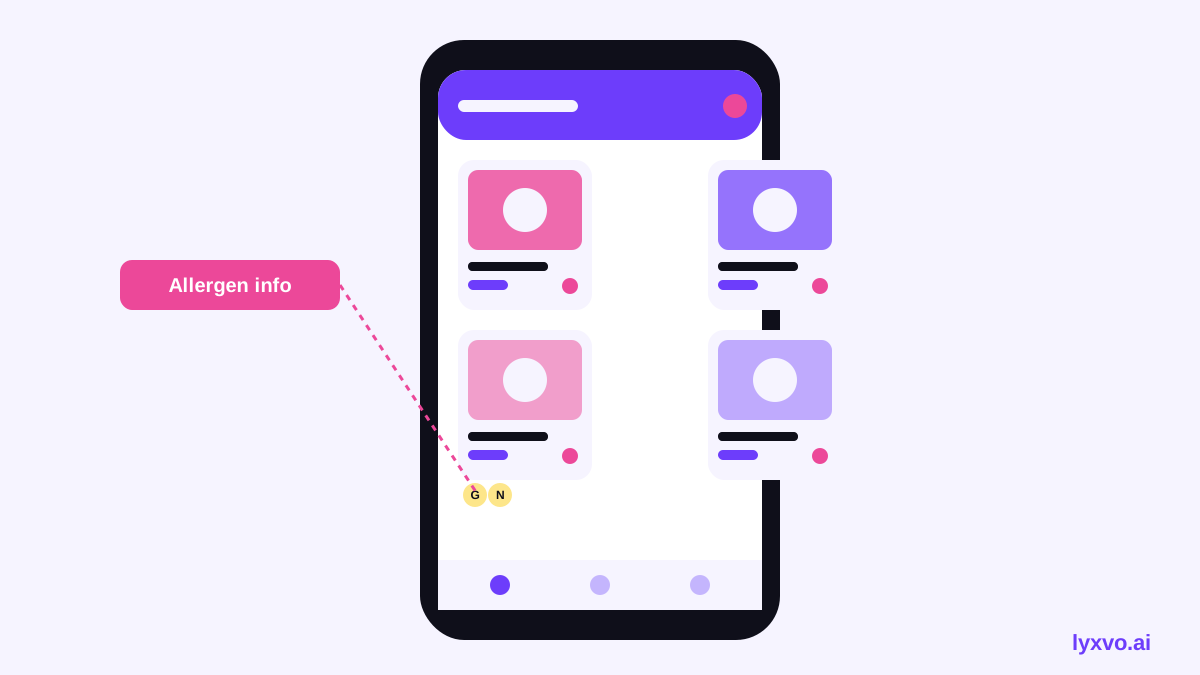
- Allergen icons next to products that contain nuts, gluten, dairy or eggs
- Phone number visible on every page for last-minute changes
Write the content before the visuals
AI design works best when you give it real copy. Write short product descriptions (one or two sentences), a one-line tagline, and your opening hours in a clear table. Use plain language: "Sourdough loaf, baked each morning, 800 g" is better than "Artisanal handcrafted fermented delight."
Take a few photos of your products in natural daylight, on a plain background. Clean photos matter more than fancy graphics, and they make the menu look appetizing.
How to design it with Lyxvo AI
Lyxvo AI can produce the screens for the site and then let you edit them directly, so you keep control of the wording and colors.
- Open the AI website design tool and describe your bakery: name, city, products, pickup or delivery, and the tone you want (warm, rustic, modern).
- Provide your real facts: hours, lead times, allergen notes and contact details.
- Review the generated home, menu and order screens. Check that the "Order now" button is always visible on mobile.
- Use the Canva-style editor to replace placeholder text and photos, and adjust the colors to match your packaging.
- For phone-first screens, start from the app and UI design generator in the mobile layout to check the ordering flow at phone size.
- Export the design when you are happy with it.
Note: Lyxvo AI designs the screens and layout. A full multi-page website that is built and hosted is produced by the Lyxvo Engine, which is rented separately. Every account can try 2 pages free. Check current plan details on the pricing page, since prices can change.
If you want visitors to ask questions about allergens or pickup times without calling, you can also add a website chat. The free AI live chat for websites answers from the facts you supply, in the visitor's language, by text or voice.
Design the order and pickup step carefully
The checkout is where most abandoned orders happen. Keep it to one screen when possible:
- Show the total early, including any delivery fee
- Offer a few pickup slots with the earliest realistic time preselected
- Ask only for name, phone and payment
- Confirm the order on screen and by text or email, with the pickup instruction
| Element | Recommended choice |
|---|---|
| Pickup time | Buttons for the next available slots |
| Payment | Card and cash-on-pickup if you accept both |
| Account | Optional, guest checkout by default |
| Custom cakes | Separate form with a required lead time |
Make it work on a phone and in a hurry
Test every screen on a small phone before you launch. Check that text is at least comfortably readable, buttons are easy to tap with a thumb, and the page loads quickly on a mobile connection. Use your own photos rather than stock images, because customers recognize your real products and trust the shop more.
For social posts that drive people to the order page, the AI social media post generator can create square and story sizes from the same brand colors, so your Instagram and your site look consistent.
Launch checklist
- [ ] Opening hours and holidays are correct
- [ ] Every product has a photo, name, price and allergen note
- [ ] Pickup slots and cut-off times are tested
- [ ] A test order completes end to end on a phone
- [ ] Confirmation message is sent and clear
- [ ] Phone number and address appear on every page
- [ ] Brand logo is sharp at every size you use
Review the site once a week for the first month. Update the menu, remove sold-out items and read any customer messages. A small, accurate, fast site beats a large, impressive one that nobody finishes using.
Try it in Lyxvo AI
Describe it in your own words and the design agent starts on the right flow. Free to start.
Related tool: AI website designer, from landing page to full site
Whole apps and websites are designed with the Lyxvo Engine, rented separately from the design plans; every account can try 2 pages free.