Bilingual Business Card Generator AI for English and Indonesian Cards
A bilingual business card generator AI helps you put English and Indonesian side by side on one card without cramming, mistranslating or breaking the layout. This guide explains how to plan a two-language card, the design rules that keep it readable, and how to build one in Lyxvo AI.
Why a bilingual card is different
A single-language card has one reading order and one text length. A bilingual card doubles the text, and Indonesian and English rarely take the same space. Indonesian words are often longer, so a line that fits in English can wrap badly in Indonesian. Your card has to hold both versions without looking like two cards glued together.
For most Indonesian businesses working with international clients, the goal is simple: the name is clear, the title is understood in both languages, and the contact details are easy to find. Everything else is decoration.
Decide your language layout first
Before you choose colors or fonts, pick one of these structures:
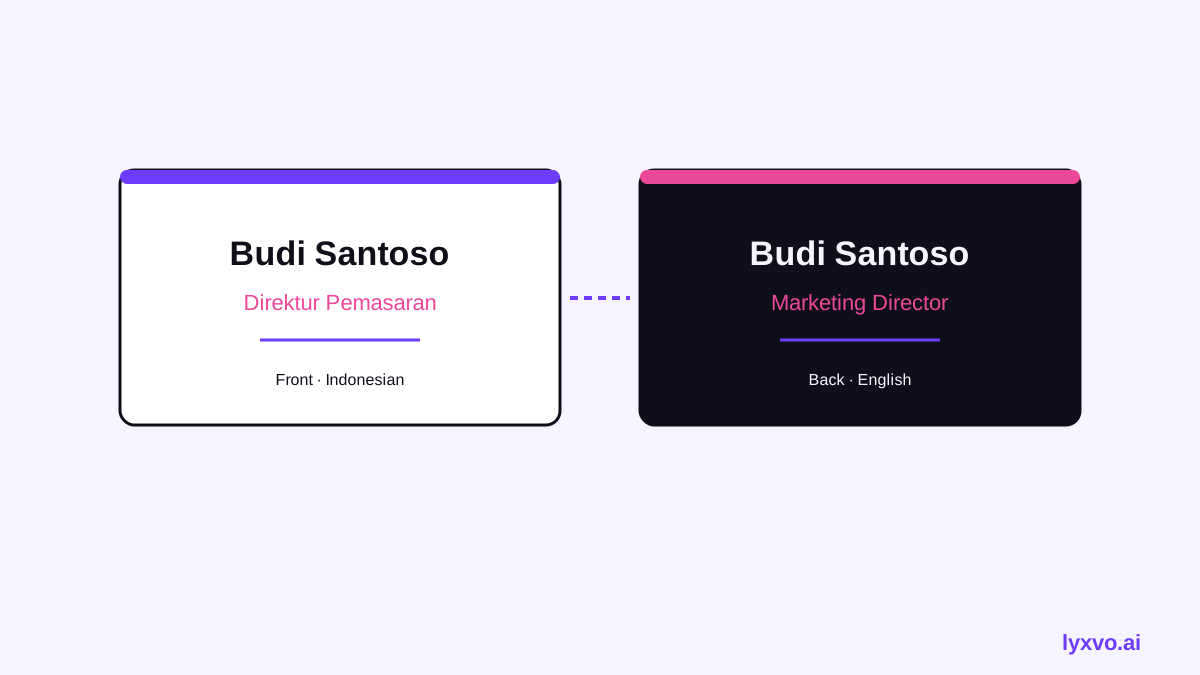
- Front in Indonesian, back in English. Clean and common. The front carries your name and logo; the back carries the English translation of the title and address.
- Split front. Name and logo in the center, Indonesian title on one side, English title on the other. Works well for creative and consulting roles.
- Stacked lines. Each field appears twice, one language under the other. Use this only when the card is mostly text-free, such as a name-and-logo card.
Keep the person's name in one form only. Names are not translated, so repeating them in both languages wastes space.
Translate job titles and addresses carefully
Most mistakes happen in the text, not the layout. Check these items:
- Job titles. Use the standard term your audience knows. "Direktur Utama" is usually "Chief Executive Officer" or "Managing Director" in English; pick one and use it everywhere.
- Company descriptors. Words like "PT" (Perseroan Terbatas) and "CV" should stay as they are in legal names.
- Addresses. Keep street names and place names in their original form. Only the labels such as "Jalan" or "Gedung" may be translated, and only if you prefer that consistency.
- Taglines. Do not machine-translate a tagline. A literal translation often loses the tone. Write the English version as a separate line of copy.
Have a native speaker read the final text in both languages before printing.
Text fitting and type rules
Bilingual cards need tighter typographic control:
- Use a single type family for both languages, with a font that supports Latin characters well. This keeps the two versions visually matched.
- Set body text no smaller than about 7 pt for legibility in print. Test the Indonesian lines at that size first, because they are usually the longer ones.
- Leave generous spacing between the two language blocks so each is easy to scan.
- Use weight or color to separate roles (name, title, contact), not to separate languages. The language should be clear from the words themselves.
Print and file specs
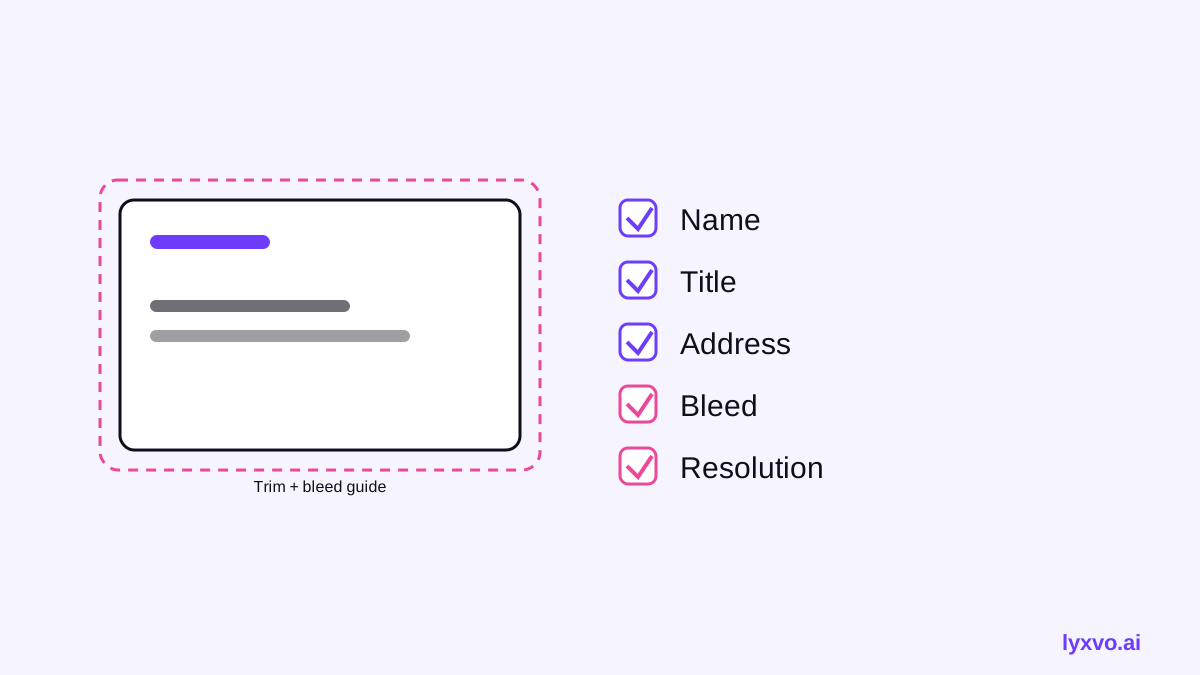
A standard card is 85 x 55 mm (3.5 x 2 in). Add a 3 mm bleed on every edge, so the final artwork is 91 x 61 mm, and keep text at least 3 mm inside the trim line. Export at 300 dpi for print. Check with your printer, since some require specific bleed or color-profile settings.
Build a bilingual card in Lyxvo AI
Lyxvo AI's design agent can plan and design a card from a short brief, then let you refine it in the editor. Here is a practical workflow:
- Open the AI business card maker and describe your brand, role, and the two languages you need. State your layout choice (for example, Indonesian front, English back).
- Review the generated layout and check that both language blocks fit without overlap.
- Use the Canva-style editor to edit the text directly. Replace any line you want to adjust, and confirm the Indonesian titles still fit the space.
- If you already have a design in another language, use the translate feature to produce the second version, then correct terms by hand.
- Use Magic Resize if you also want to adapt the card layout to other formats.
- Export at real size as a PNG for print proofing, or export to other formats as needed.
Always check the exported file at actual size before ordering. A text box that looked fine on screen can wrap differently when printed.
Check your card before you print
Run through this checklist:
- [ ] Name spelled correctly and identical on both sides
- [ ] Job title uses one consistent English term and one Indonesian term
- [ ] Full address and phone number checked against your records
- [ ] Email and website typed as links you have tested
- [ ] Bleed and safe margins respected
- [ ] Resolution set to 300 dpi
- [ ] Native speaker has reviewed both languages
Quick comparison of layouts
| Layout | Best for | Watch out for |
|---|---|---|
| Indonesian front, English back | Most client-facing roles | Recipients may only see one side |
| Split front | Creative and consulting roles | Crowded if the title is long |
| Stacked lines | Name-and-logo cards | Too much text quickly |
Going further
Once your card is set, you may want matching materials. The AI logo generator can produce the mark for your card, and free design templates can help if you want a starting point. For a broader look at how Lyxvo AI works, see the docs or compare plans on the pricing page.
A good bilingual card is mostly disciplined layout and careful translation. Settle the structure first, fit both languages with room to breathe, and proof at real size. The result reads clearly to both your Indonesian and English contacts.
Try it in Lyxvo AI
Describe it in your own words and the design agent starts on the right flow. Free to start.
Related tool: AI business card maker, print-ready