Bilingual Menu Maker for Hotel Breakfast Buffet: A Practical Guide
A bilingual menu maker for a hotel breakfast buffet lets you present every dish in two languages on one clean, printable layout. Guests read it quickly, staff stop answering the same questions, and the buffet looks professionally organised.
Why a bilingual buffet menu matters
Breakfast is the meal guests look at most carefully, often while standing in a queue with a plate in hand. A menu that a guest can understand in seconds reduces confusion at the station, fewer questions at the front desk, and fewer dishes left untouched because a guest was unsure what they were.
For hotels serving international guests, a second language is usually the most useful one for your local market, with the main guest language shown beside it. The goal is not to translate everything twice in long paragraphs. It is to keep each dish name, its key ingredients, and any allergen notes short and parallel.
What to include on each buffet card
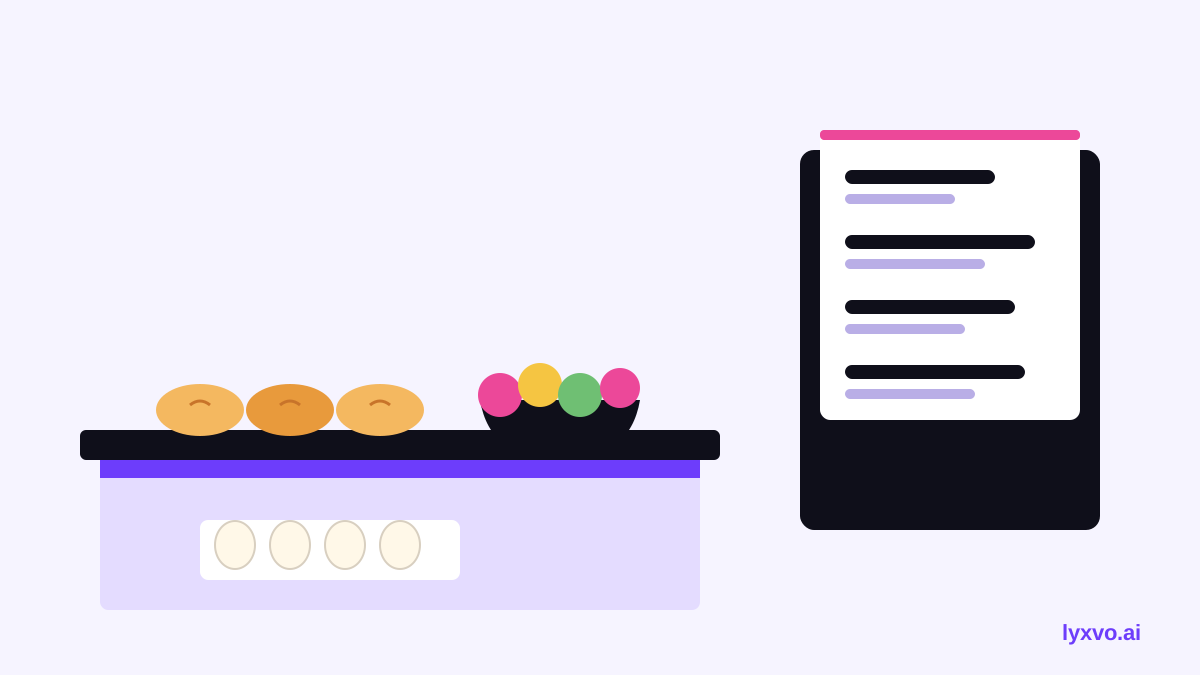
Keep every card consistent. A reliable structure looks like this:
- Dish name in both languages, with the main language first
- Short description of one line: cooking method and key ingredients
- Dietary icons: vegetarian, vegan, halal, contains pork, gluten, nuts, dairy
- Allergen note referring to the full allergen sheet kept at the station
- Station or section heading, such as Bakery, Hot Dishes, Fresh Fruit
Allergen and halal or pork information must be accurate in every language. Have your kitchen manager check each translated line before printing, and keep the source-language sheet as the reference.
Translation checks before you print
Machine or quick translation often misses culinary terms and regional wording. Before printing, check these points:
- Compare the translated dish name with how locals actually order it at breakfast.
- Confirm that ingredient words (egg, butter, pork, shrimp, sesame) are correct in both languages.
- Make sure the two versions line up, so one dish is not described more fully in one language.
- Ask a native speaker on staff to read the full menu once.
A short comparison table helps you keep the layout balanced:
| Element | Language A | Language B | Check |
|---|---|---|---|
| Dish name | Scrambled eggs | (translated name) | Matches local usage |
| Ingredients | Eggs, chives, butter | (translated line) | Same ingredients |
| Allergens | Contains eggs, dairy | (translated line) | Matches allergen sheet |
Layout tips for a readable buffet menu
- Use one font family with two clear sizes: larger for the dish name, smaller for the translated line.
- Place the second language directly under the first, not in a separate column far away.
- Use icons for dietary information so guests can scan without reading every word.
- Keep card size consistent across stations so the eye knows where to look.
- Leave enough white space that cards stay easy to read under warm buffet lighting.
- Print on durable, wipe-clean stock if cards sit near food and steam.
How to make a bilingual buffet menu in Lyxvo AI
You can build a bilingual menu with Lyxvo AI's design tools and the Canva-style editor. A simple workflow:
- Open the AI menu maker and describe your buffet sections, such as Bakery, Hot Dishes and Fresh Fruit, with the two languages you need.
- Start from a template in free design templates or let the design agent lay out the first version.
- Edit dish names, descriptions and allergen icons directly in the editor, and replace text in the second language with your checked translations.
- Use Magic Resize to adapt the same card design to other sizes, such as a table tent or a larger station sign.
- Use the translate feature as a starting draft, then have a fluent speaker correct it.
- Export at real size as a PNG for printing, or share a link so kitchen and management can review together with real-time collaboration.
If you need a larger printed sign for the buffet entrance, a flyer or poster layout can use the same colours and fonts so the whole breakfast area feels consistent. Use the Lyxvo AI pricing page to check which plan fits your number of outlets and menus.
Keep the menu up to date
Buffet menus change with seasons, suppliers and kitchen rotations. Set a simple routine:
- Review the menu every week and whenever a recipe or supplier changes.
- Keep one master file so every reprint uses the same approved text.
- Date each printed version so staff know which one is current.
- Retire old cards at once, so guests do not see conflicting information.
Final checklist
- Dish names and descriptions are in both languages and match.
- Allergen and dietary icons are checked against the kitchen sheet.
- A fluent speaker has read the full menu.
- Cards are the same size and layout at every station.
- Printed copies are durable and easy to wipe clean.
- The master file is saved and dated.
A well-built bilingual menu saves time for your team and makes breakfast easier for every guest.
Try it in Lyxvo AI
Describe it in your own words and the design agent starts on the right flow. Free to start.
Related tool: AI menu maker for restaurants and cafés