Error Message UX Copy for Password Reset: A Practical Guide
Good error message UX copy for password reset turns a frustrating dead end into a clear next step. This guide shows you how to write those messages, what to avoid, and how to design the screens around them.
A password reset is one of the most stressful moments a user can have in your product. They are locked out, a little anxious, and looking for reassurance. The words on the screen decide whether they recover calmly or abandon the product. Strong error message UX copy for password reset flows does three things: it says what happened in plain language, it tells the user what to do next, and it protects account security without blaming the person.
Why password reset errors need special care
Reset flows sit at the intersection of usability and security. If you say too much, you can reveal whether an email address has an account. If you say too little, users feel stuck and contact support. The goal is to be specific about the user's own input and vague only about things that would help an attacker.
Users in this moment typically want to know three things: Did my request work? What went wrong? What do I do now? Every message should answer at least one of these, and ideally all three.
Principles for password reset error copy
- Use plain language. Write "The link has expired" instead of "Error 410: token invalidated."
- Say what happened, not what the system did. "Your link expired after 60 minutes" is clearer than "Authentication timeout."
- Always give a next step. Pair every error with a button or instruction: "Request a new link," "Try again," or "Contact support."
- Never blame the user. Avoid "You entered the wrong code." Prefer "That code doesn't match. Check it and try again."
- Avoid account enumeration. Use neutral wording like "If an account exists for this email, we've sent a link" so the response does not reveal which emails are registered.
- Keep the tone calm and brief. Two short sentences are usually enough.
- Make it accessible. Errors should be announced to screen readers, placed near the field they relate to, and not rely on color alone.
Common password reset error states and example copy
The table below covers the errors most reset flows encounter. Adapt the wording to your brand voice, but keep the structure: what happened, and what to do.
| Situation | Weak copy | Better copy |
|---|---|---|
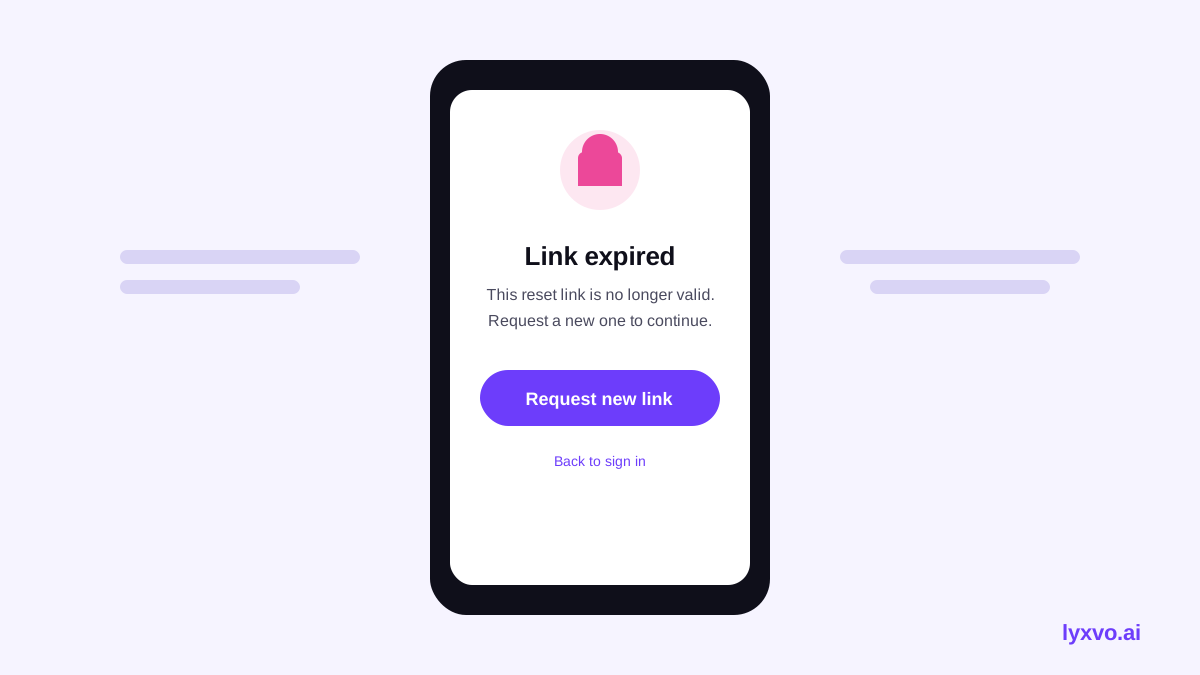
| Reset link expired | Token invalid. | This link has expired for your security. Request a new one below. |
| Link already used | Error 403. | This link has already been used. If you still need to reset your password, request a new link. |
| Email not recognized | No user found. | If an account exists for this email, we've sent reset instructions. Check your inbox and spam folder. |
| Passwords don't match | Mismatch. | The two passwords don't match. Re-enter them to continue. |
| Password too weak | Invalid password. | Use at least 8 characters, including a number. Try a longer phrase. |
| Password reused | Password not allowed. | You've used this password before. Choose a new one to stay secure. |
| Too many attempts | Locked. | Too many attempts. Wait 10 minutes, then try again, or reset your password another way. |
| Network or server error | Something went wrong. | We couldn't send your reset link right now. Check your connection and try again. |
Note: Adjust timing details such as link lifetime and lockout windows to match your real security settings. Never promise a duration your system does not enforce.
Writing a good error sentence
A reliable pattern is: what happened + why it matters (optional) + the action. For example: "This link has expired to protect your account. Request a new one and we'll send it right away." The middle clause builds trust; the final clause removes the dead end.
Testing your password reset copy
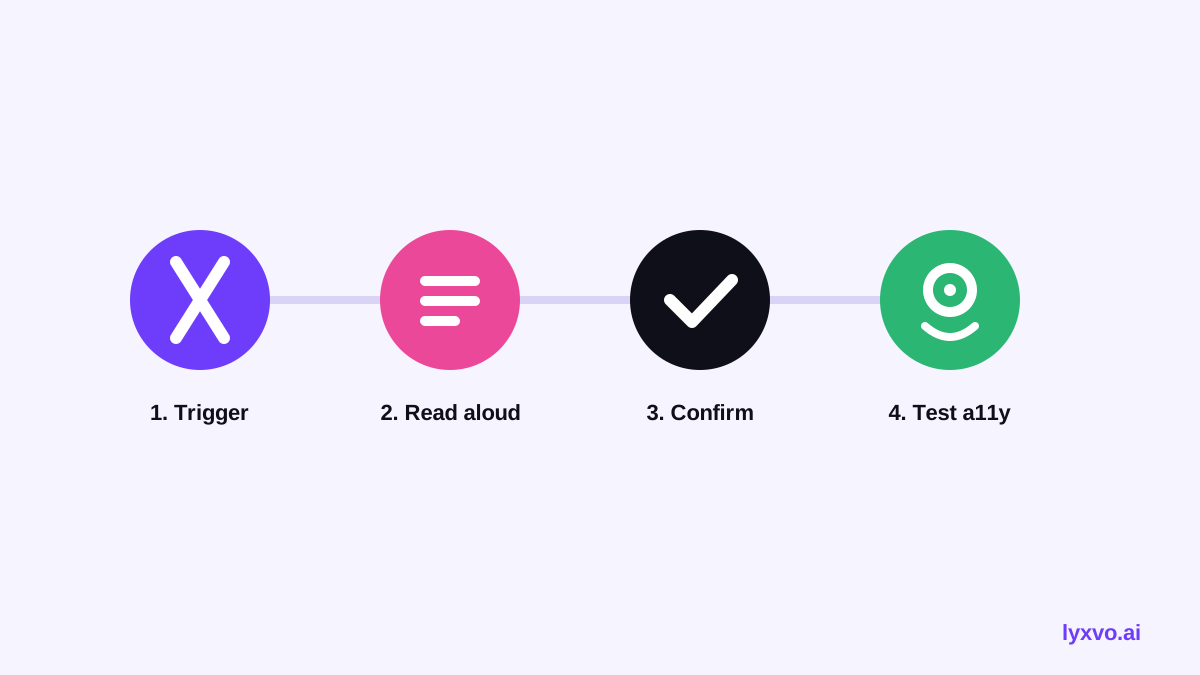
Before shipping, run through a quick checklist:
- Trigger every error state on purpose, including expired links and wrong codes.
- Read each message aloud. Does it sound like a person helping, or a machine rejecting?
- Check that every error offers a clear next action.
- Confirm that the "email sent" message is identical whether or not the account exists.
- Test with a screen reader and at small mobile widths.
- Ask someone outside the project to explain what they should do after each message.
- Compare with support tickets. Rewrite any message that generates repeated questions.
Designing password reset screens in Lyxvo AI
Lyxvo AI includes an agentic design tool that can plan and design complete app and website screens for iOS, Android and web, so you can prototype a reset flow with your copy already placed. You can describe the flow, add your error states, and then refine text directly in the Canva-style editor, editing headings, body text and button labels without rebuilding the layout.
A practical workflow looks like this:
- Start with a web or app screen from the studio at Design web screens or Design app screens.
- Use the AI UI design generator to lay out the form, error banner and help link.
- Place your finished copy, then use the editor to adjust wording and colors for error states so they remain readable.
- Export to Figma, PNG, HTML, Flutter or Kotlin Jetpack Compose depending on your stack.
If you are building a full multi-page product rather than a single reset screen, the AI app design and AI website design pages explain how the Lyxvo Engine handles larger projects. Pricing and plan limits are on the pricing page, and the documentation covers export options in more detail.
Mistakes to avoid
- Vague messages like "Something went wrong" with no next step.
- Revealing account existence through different responses for registered and unregistered emails.
- Overly technical codes shown to end users without a plain-language explanation.
- Red-only error states that fail users with color blindness. Add an icon and text.
- Auto-dismissing errors that disappear before users can read them.
- Forcing users to retype everything after an error. Keep the email field filled in.
Keep the copy consistent across channels
Reset messages appear in more places than the web form: the reset email, SMS codes, app notifications and help articles. Keep terms identical across them. If the form says "reset link," do not call it a "recovery code" in the email. Consistent language reduces confusion and support load.
Summary
Effective error message UX copy for password reset comes down to clarity, a visible next step, and respect for the user. Write in plain language, never blame the person, protect account privacy with neutral wording, and test every error state before release. Then design the screens so the words have room to work. Start a reset flow in Lyxvo AI and iterate on the copy until each message gives the user a clear way forward.
Try it in Lyxvo AI
Describe it in your own words and the design agent starts on the right flow. Free to start.
Related tool: AI UI design generator for apps and websites
Whole apps and websites are designed with the Lyxvo Engine, rented separately from the design plans; every account can try 2 pages free.