Footwear Store Restaurant Window Poster for Dinner Nights
A footwear store restaurant window poster for dinner nights needs to do one job in a few seconds: tell passers-by what is on, when it starts and why they should walk in. This guide shows how to plan, lay out and print a window poster that works for a dining room that sits inside, next to, or above a shoe shop.
Start with the one thing the poster must say
A window poster competes with traffic, shop signs and other posters. Before you open any design tool, decide on one message. For example: "Dinner Nights, Thursdays 6–10 pm, book your table." Everything else is secondary.
Ask three questions:
- What is the offer? A set menu, a live music night, a family dinner, or a shoe-and-dinner evening.
- When does it happen? Put days and times on the poster in large numbers.
- What should people do? Scan a QR code, call to book, or simply come in.
If the poster carries both footwear and restaurant branding, keep one brand dominant. Usually the restaurant leads for dinner nights, with a small footwear logo or line such as "Shoes by [Store Name]."
Choose a size and layout that reads from the street
Window posters are viewed from a distance and often from a moving position. Plan for legibility at 3–5 metres.
| Element | Guideline |
|---|---|
| Headline | Largest text, roughly 8–10 cm cap height for a standard shop window |
| Date and time | Second largest, high contrast |
| Body copy | Keep under 25 words; no paragraphs |
| Logo | Top or bottom corner, clear space around it |
| QR code | At least 5 × 5 cm, with quiet space around it |
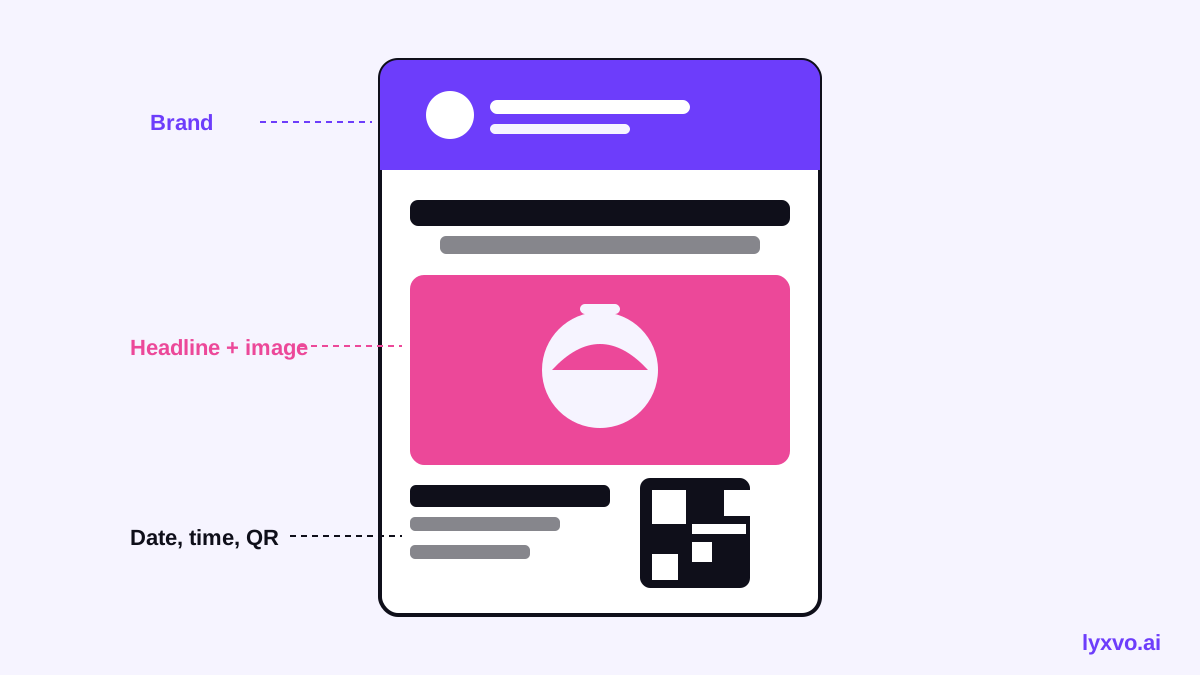
A simple three-zone layout works well:
- Top: brand name or logo.
- Middle: headline plus one striking image of food or the shoes.
- Bottom: date, time, booking line and QR code.
Write copy that fits in a glance
Good window copy is short and specific:
- "Dinner Nights. Thursdays & Saturdays."
- "Three courses + a new pair of shoes? Ask inside."
- "Book your table: scan to reserve."
Avoid vague claims and unverified superlatives. If you mention a discount or set price, make sure it matches what staff will say inside, and add the terms if they matter (for example "while stocks last" or "excludes drinks").
Check the colors and contrast
Windows are often lit from behind at night, and daytime glare can wash out pale colors. Use a dark background with light text, or a light background with bold dark text. Test by viewing a printed proof at arm's length and then from across the street. If you can't read the date from a distance, enlarge it.
Print with the right resolution and material
For a crisp window print, design at real size and export at 300 dpi. Check these before sending to print:
- Fonts are outlined or embedded.
- Images are high resolution at the final size.
- Bleed and safe margins are set if the printer requires them.
- The window film or vinyl is suited to the type of glass (ask your printer; rules vary by product and location).
If you want the same design on an A-frame sign or a flyer for the counter, export each format from the same project so the branding stays consistent.
How to make it in Lyxvo AI
Lyxvo AI's design agent can plan and build the poster from a short brief, then let you edit it directly. A practical workflow:
- Open the flyer and poster tools and start from a poster or flyer layout, or use the flyer studio.
- Describe the brief in plain words: "Window poster, Dinner Nights every Thursday and Saturday 6–10 pm, footwear store below, warm restaurant style, booking QR code."
- Edit the headline, date and colors in the Canva-style editor. Replace the photo with your own food or shoe image.
- Use Magic Resize to create an A-frame or counter-flyer version from the same design.
- Export as PNG at real size for printing. Ask your printer which size and format they need.
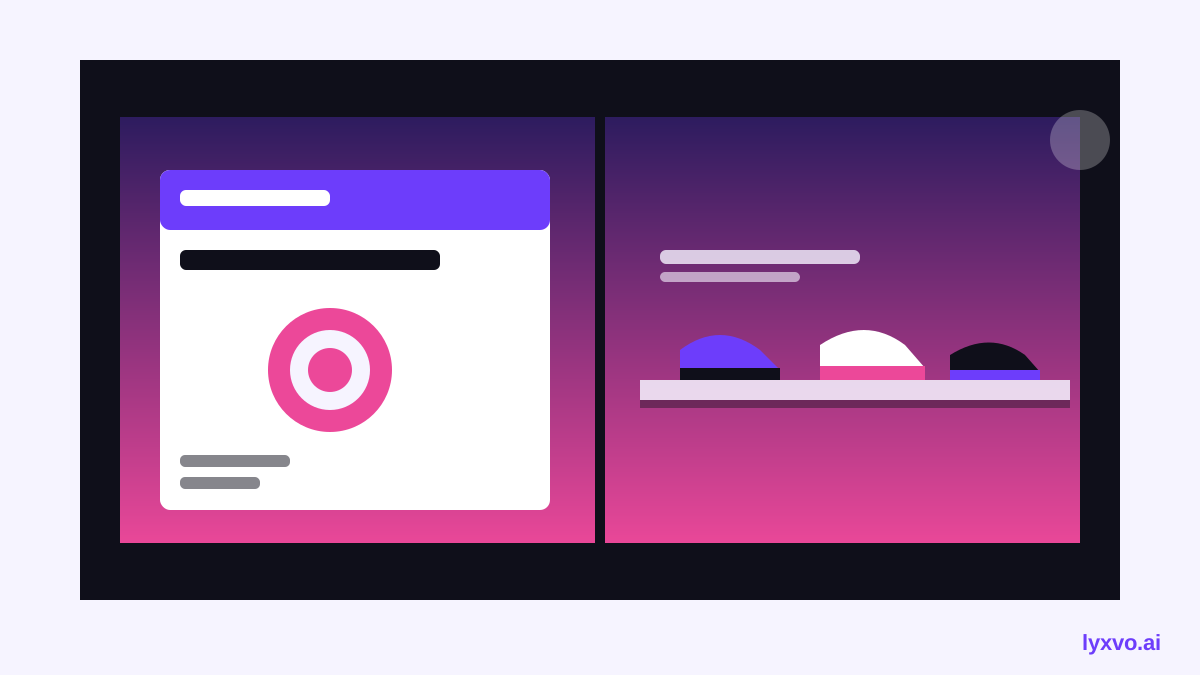
If you also run social posts to promote the dinner nights, you can build them from the Instagram post studio so the message and colors match the window.
Checklist before you print
- [ ] One clear headline that names the offer.
- [ ] Day and time visible from across the street.
- [ ] Logo and any footwear branding placed without crowding.
- [ ] QR code tested on a phone, linking to the booking page.
- [ ] Spelling, prices and dates checked against the restaurant's current menu.
- [ ] Colors proofed on a printed sample and viewed through glass.
- [ ] Print file exported at 300 dpi and final size.
Keep it current
Window posters go stale quickly. Plan a replacement schedule for each dinner night series, and remove old dates the same day. If the offer changes, reprint rather than covering dates with stickers, which look unfinished.
For more layout ideas, browse the free design templates, or see AI social media post tools to keep your online promotion in line with the window design.
Try it in Lyxvo AI
Describe it in your own words and the design agent starts on the right flow. Free to start.
Related tool: AI poster maker for events, promos and concerts