Free AI Business Card Maker: How to Design a Card Without Signing Up
A free AI business card maker can take you from a blank page to a printable card in a few minutes, which is why so many people search for one without creating an account first. This guide explains what to look for, how to get print-ready files, and how to design your card in Lyxvo AI.
What a good free business card maker should do
Not every free tool is equal. Before you start, check that the maker can handle the things a printed card actually needs:
- Print-ready size and resolution. Standard cards are 85 x 55 mm (3.5 x 2 inches) and should be exported at 300 dpi, plus a bleed margin if your printer asks for one.
- Editable text and colors. You should be able to change your name, title, phone and colors directly, without rebuilding the layout.
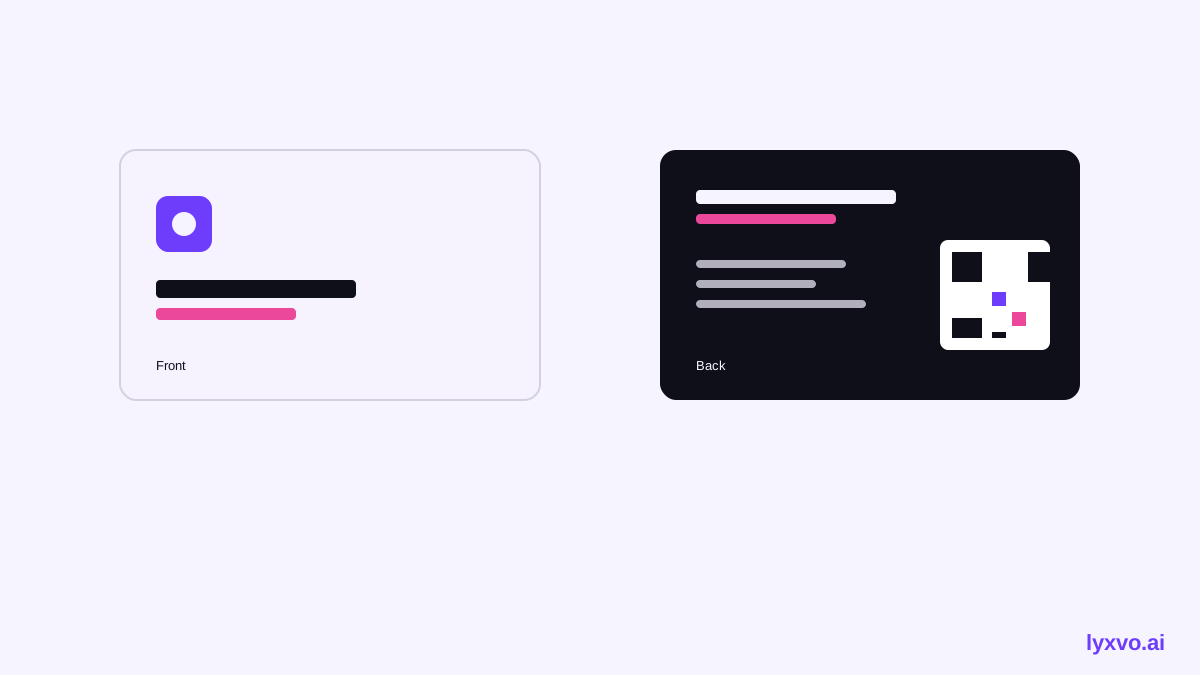
- Both sides. Many cards use the back for a logo, a QR code or a short line of text.
- Real export formats. PNG at real size or PDF are the usual choices for printers.
- Clear limits. Free plans often have daily limits. Knowing them up front saves frustration.
Always check your printer's template and bleed requirements before you order. Print shops differ, and their specifications may change.
Step by step: making a card with an AI maker
- Describe your business and style. Tell the tool your industry and the look you want, such as minimal, bold or warm. A short, specific prompt gives better first drafts.
- Choose a layout from the options. Pick the one that matches how much text you need. Dense layouts suit consultants with many contact details; airy layouts suit creatives.
- Add your real details. Enter your full name, job title, company, phone, email, website and address. Double-check spelling, country code and URL.
- Adjust the brand. Replace colors and fonts so they match your logo or website. Keep text contrast high so it stays readable in print.
- Design the back. Add a QR code to a booking page, a short tagline or a service list.
- Export at print size and resolution. Choose a high-resolution export, then check it at actual size on screen.
A simple checklist before you print
- Name and title are spelled correctly
- Phone number includes the country code
- Email and website are working links
- Text is at least 7 pt and clear of the trim edge (about 3 mm)
- Colors are checked in print or a printed proof
- File is exported at 300 dpi with bleed if required
Common mistakes to avoid
- Tiny text. Contact details that look fine on screen can be unreadable on paper.
- Ignoring the safe zone. Keep key information away from the edges, because cutting can shift slightly.
- Low-resolution logos. Use a vector or high-resolution version of your logo so it stays sharp.
- Too many fonts. Two typefaces are usually enough.
How to design your card in Lyxvo AI
Lyxvo AI includes an AI business card tool that generates a layout from your description, and a Canva-style editor where you can change text, photos and colors directly. You can start with a free plan using Lyxvo Lite, which has a daily limit. Open the AI business card maker to begin, and use the logo generator if you need a mark to place on the card. Once your design is ready, export it as PNG at real size or as a print file for your printer. If you want to see what is included in each plan, visit pricing.
Quick tips for a card people keep
- Keep the front simple: name, title, one logo and one color.
- Use the back for the information people actually use: a QR code or a short service list.
- Consider a matte or uncoated finish for a premium feel; test the color first.
- Print a small batch before ordering hundreds.
Templates and related designs
If you want a head start, browse free design templates for layouts you can adapt. A matching set makes your brand look consistent, so you might also create a social media post or an invitation in the same colors and fonts.
Final thoughts
A free AI business card maker is a practical way to get a clean, printable card quickly. Focus on accurate details, readable text, correct print settings and a proof before you order. With those steps done, a free tool can produce a card that looks professional.
Try it in Lyxvo AI
Describe it in your own words and the design agent starts on the right flow. Free to start.
Related tool: AI business card maker, print-ready