Free AI Thumbnail for Cooking Recipe Shorts: A Practical Guide
A free AI thumbnail for cooking recipe shorts can give your vertical videos a clear, appetizing cover in minutes instead of an hour in a photo editor. This guide shows you what makes a recipe thumbnail work, how to brief an AI design tool, and how to build one in Lyxvo AI.
Why thumbnails matter for recipe Shorts
On a phone, a Short is shown as a small, tall preview in a feed. Viewers decide in a fraction of a second whether a dish looks worth watching. A strong thumbnail does three jobs at once: it shows the finished food, it names the recipe or the promise, and it stands out from the scrolling feed.
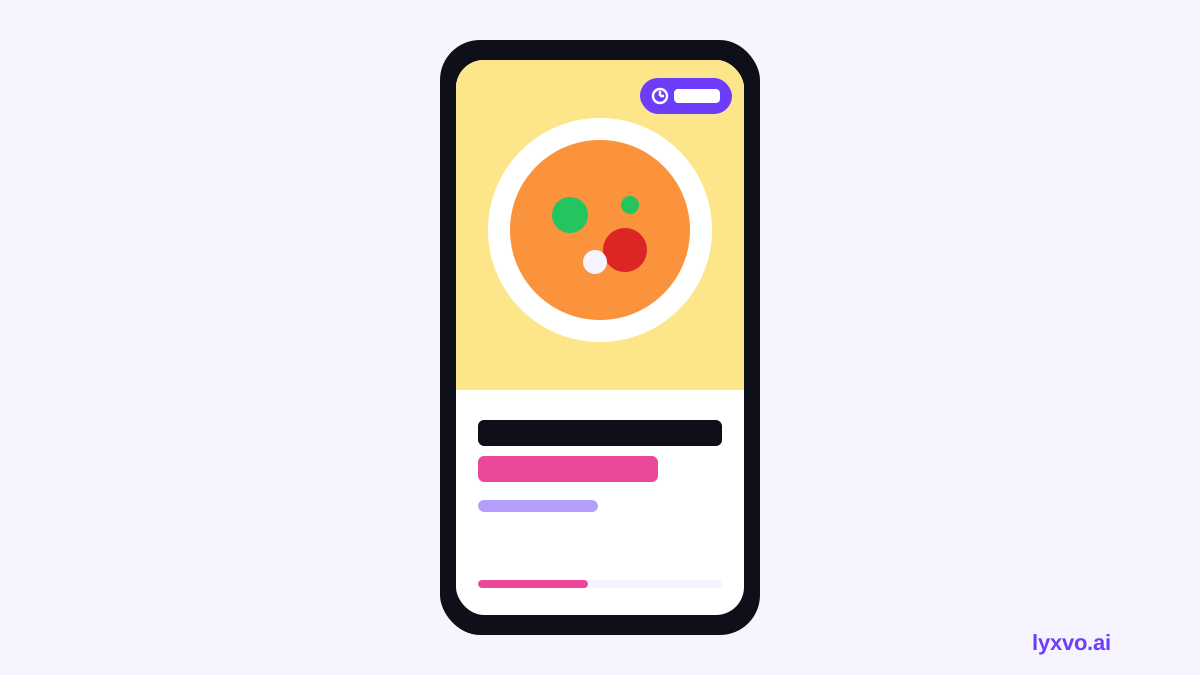
Recipe content has a specific problem: the most exciting moment (the sizzle, the melt, the glossy glaze) rarely happens in the first frame. A thumbnail is your chance to show the result up front, the way a menu photo does.
What makes a good cooking Short thumbnail
Before you design anything, check your cover against these principles:
- One hero subject. Pick the single most appetizing element: a stacked burger, a bowl of ramen, a golden loaf. Crowds of ingredients blur together at small sizes.
- Readable text, few words. Two to five words is usually enough, such as "15-Min Garlic Noodles" or "No-Oven Brownies." Test readability at phone size.
- High contrast. Warm food on a dark or saturated background, or bold text with an outline or shadow, keeps the cover legible.
- Honest preview. Show the dish as it really looks in the video. Misleading covers lead to quick drop-offs.
- Consistent style. A recurring color, font and framing across your videos builds recognition in the feed.
Text ideas that work
| Video type | Example text on the cover |
|---|---|
| Quick meal | "Dinner in 10 Min" |
| Budget recipe | "$5 Pasta Dinner" |
| Beginner-friendly | "Easy Sourdough" |
| Transformation | "Leftovers → Gourmet" |
| Dessert | "Melt-In-Mouth Lava Cake" |
How to make one with Lyxvo AI
Lyxvo AI includes a design agent that can plan and build a cover from a short brief, and a Canva-style editor for quick edits. The steps below cover the full workflow.
- Open the YouTube thumbnail studio. Start at the YouTube thumbnail maker or go straight to the studio link /design/?format=yt-thumb. You can start free with Lyxvo Lite, which has a daily limit.
- Write a brief. Include the dish, the key text, the mood and the colors. For example: "Close-up of crispy honey chicken in a white bowl, warm dark background, bold yellow text reading '20-Min Honey Chicken', small time badge, cozy kitchen feel."
- Let the agent generate options. Review the layouts it proposes. Pick the one where the food is clearly the focal point.
- Edit directly. Use the editor to change the text, swap a photo, or adjust colors. Keep your recipe name short and check that it reads at small size.
- Use your own photo if you have one. Upload a real shot of the finished dish. A real photo of your food is usually more trustworthy than a generic stock image.
- Export. Download a PNG at the correct size for your channel and keep a copy in your brand folder.
Note: Use the thumbnail for a Short you actually publish, and keep the cover accurate to the video content.
Set up a reusable template for your series
If you post recipes regularly, consistency matters more than any single cover. Build one master layout and reuse it:
- Fix the position of the text block, time badge and logo.
- Choose two brand colors and one bold font.
- Save the layout as a template, then change only the dish photo and the words each time.
You can browse starting points in free design templates and adapt one to your series.
Checklist before you publish
- [ ] The finished dish is the clear hero of the image.
- [ ] The text is 2 to 5 words and readable on a phone.
- [ ] Contrast is high enough that the cover stands out in a feed.
- [ ] The cover matches what happens in the video.
- [ ] The layout matches your other recent covers.
- [ ] The exported file is the right size and format for the platform.
Common mistakes to avoid
- Too many words. Long titles shrink into unreadable text. Cut them down.
- Dark, flat food photos. Brighten and warm the image before you place it.
- Clickbait that the video does not deliver. This hurts retention and trust.
- Changing your style every week. Viewers recognize a consistent look.
- Ignoring the phone preview. Always check how the cover looks at small size.
Testing and improving
Treat each cover as a small experiment. Keep your layout steady, then change one thing at a time: the text wording, the brightness of the photo, or the position of the hero dish. Compare results in your channel analytics over several uploads before drawing conclusions. Small, consistent improvements add up across a recipe series.
If you also plan a full channel identity, you can extend the same colors and fonts to a logo and social posts. For a logo, see the AI logo generator, and for other vertical formats, the Instagram story studio works well for recipe reels.
Summary
A free AI thumbnail for cooking recipe shorts works best when it shows one appetizing hero dish, uses a few readable words, and follows a consistent template. With Lyxvo AI you can brief the design, generate options, edit the text and colors yourself, and export a PNG at the right size. Start with one clean template, publish consistently, and refine your covers based on what your audience responds to.
Try it in Lyxvo AI
Describe it in your own words and the design agent starts on the right flow. Free to start.
Related tool: AI YouTube thumbnail maker