Generate Instagram Carousel Posts with AI for Your Coffee Shop

You can generate Instagram carousel posts with AI for a coffee shop in under an hour, even without a designer. This guide shows a simple plan for slides, the sizes to use, and how to build the set in Lyxvo AI. A carousel works well for cafés because it lets you show a menu, a story, or a how-to in one swipe-through post.
Why carousels suit a coffee shop
Carousels let you tell a small story across several slides: your new seasonal drink, how your beans are roasted, a weekly special, or a "meet the barista" feature. People swipe through them, so they tend to stay on the post longer than a single image.
For a café, the best carousel topics are usually:
- A new menu item with a short tasting guide
- Behind-the-scenes from roasting, brewing, or latte art
- A weekly offer or loyalty reminder
- A recipe for drinks people can make at home
- Your opening hours, location tips, or a seasonal event
Plan your slides before you design
A clear plan makes the AI output far better. Write the slides as short lines first, then design them.
A simple five-slide structure
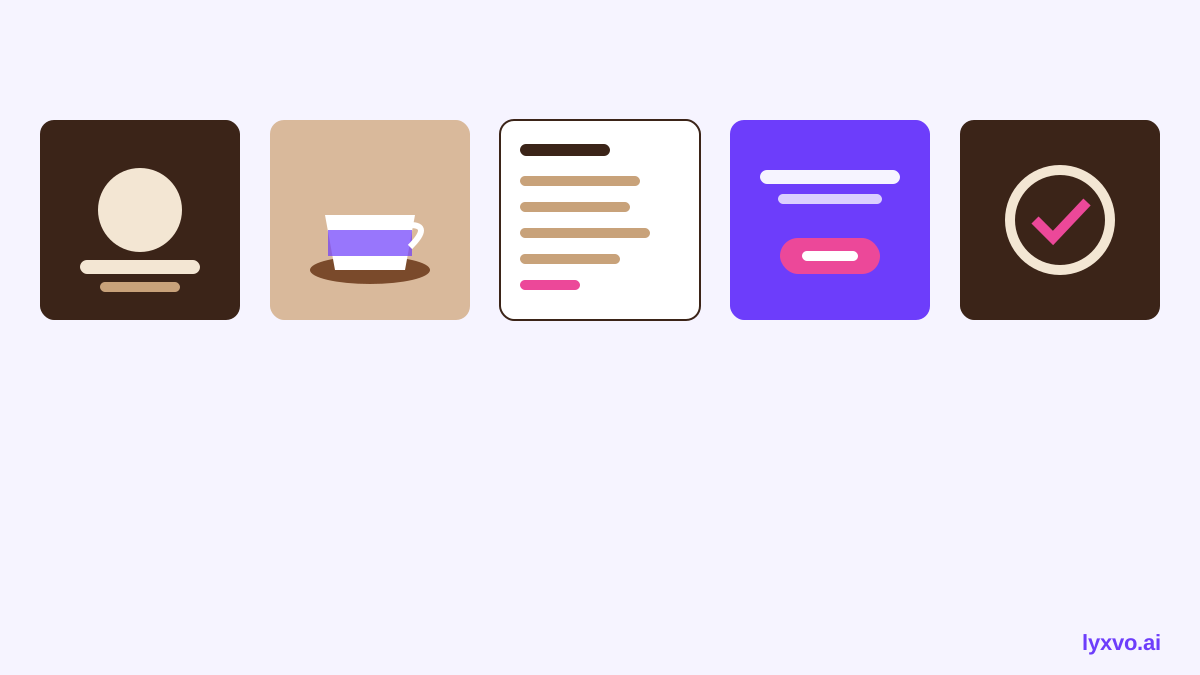
- Cover: a bold headline, such as "Our autumn latte lineup"
- Problem or hook: why this matters to the customer
- Details: one drink, bean, or step per slide
- Proof or story: a short quote from a regular or a note about your roaster
- Call to action: "Come in this week" or "Tag a friend who needs this"
Keep each slide to one idea and no more than about 20 words of text. Coffee photos do most of the work.
Use the right sizes
Instagram carousels are normally square or portrait. Check the current recommended size in Instagram before you publish, since platform guidance can change. Designing in the correct format from the start avoids cropping your text or product photos.
| Format | Use it for | Notes |
|---|---|---|
| Square carousel | Menus, drink lists | Easy to read on a phone |
| Portrait carousel | Story slides, product close-ups | More space for vertical text |
| Story | Quick offers or polls | Use the story format, not a carousel |
Keep your brand consistent
A café account looks professional when every slide shares the same look. Set these once and reuse them:
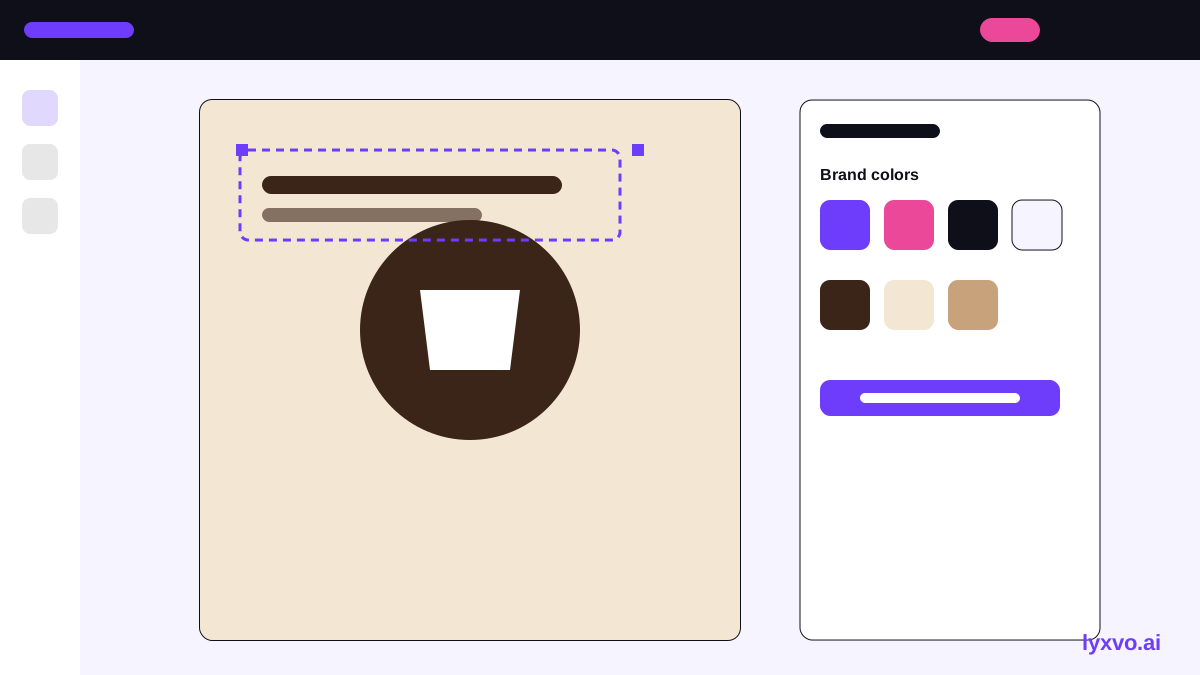
- Two or three brand colors (for example, espresso brown, cream, and one accent)
- One heading font and one body font
- A logo placement in the same corner on every slide
- A consistent photo style, such as warm natural light
How to make it in Lyxvo AI
Lyxvo AI includes a design agent that plans and designs posts, and a Canva-style editor for changes. Here is a practical workflow:
- Open the Instagram post generator and choose the carousel or social post option.
- Start from the Instagram post studio so the post is created at the exact Instagram size.
- Describe your slides in plain language, for example: "Five-slide carousel for our café, autumn latte lineup, warm cream and espresso colors, cover slide headline, three drink slides with short tasting notes, final slide inviting people to visit this weekend."
- Review the generated slides, then edit text, photos, and colors directly in the editor.
- Upload your own coffee photos so the images match what you serve.
- Use Magic Resize if you want the same set in another format, and translate the text if you serve international customers.
- Export the slides as PNG at real size and post them in Instagram in order.
Always check the drink names, prices, and opening times yourself before posting. The AI drafts the layout; the facts must come from you.
Write captions that support the carousel
The carousel grabs attention, but the caption invites action. Keep it short:
- One sentence about the drink or story
- One clear call to action (visit, book, try the offer)
- Two to four relevant hashtags, such as local area tags and "coffee"
Example caption
"Our autumn lineup is here. Swipe for the new maple cold brew and the cinnamon oat latte, then come in and taste them this week."
Checklist before you post
- Every slide has one clear idea
- Text is readable on a phone at small size
- Prices, names, and hours are correct
- Brand colors and logo placement match your other posts
- The last slide has a clear call to action
- You have exported the files as PNG at the correct size
Mistakes to avoid
- Too much text. Move detail to the caption or a linked menu.
- Mixed styles. Pick one photo style and stick to it.
- Unrelated stock photos. Real photos of your drinks and space build trust.
- Skipping the call to action. Every carousel should tell people what to do next.
Next steps
Start with one simple five-slide carousel this week. Once it works, reuse your brand colors and structure for the next menu launch. If you also need a printed menu or a sign in the window, a menu maker and a flyer maker can carry the same look across your café.
Try it in Lyxvo AI
Describe it in your own words and the design agent starts on the right flow. Free to start.
Related tool: AI social media post generator for every network