Graduation Party Invitation Maker for High School Seniors

A graduation party invitation maker for high school seniors helps you turn a few details into a polished card in minutes, without starting from a blank page. This guide covers what to include, how to word it, which sizes to use, and how to build one in Lyxvo AI.
What a senior graduation invitation needs to do
A good senior invitation does three jobs at once: it tells guests what, when and where, it sounds like the graduate, and it is easy to share on a phone. Most invitations are seen first on a screen, often as a photo sent in a group chat, so the design has to read at a glance.
Keep the layout simple. One strong image or color block, one clear headline, and the essential details in a readable order usually beats a crowded card.
Details every invitation should include
Before you design anything, collect the facts. Missing one detail creates a dozen follow-up messages.
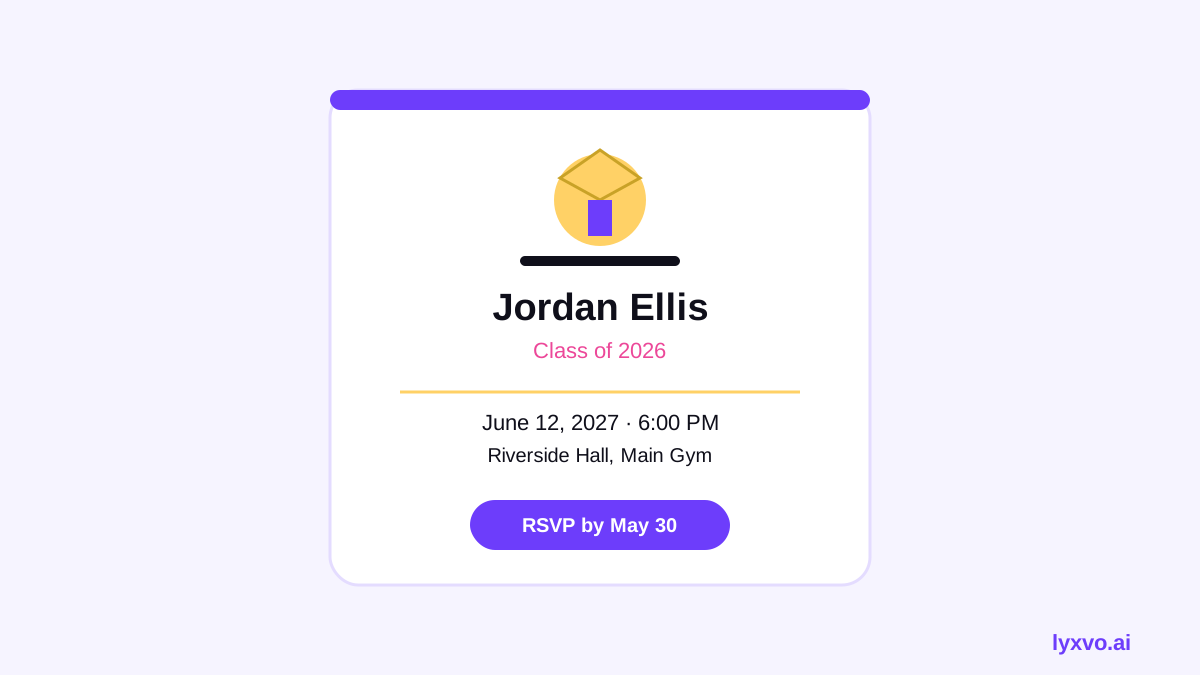
- Graduate's name and school year (for example, Class of 2027)
- Event type: graduation party, open house, cookout, dessert night
- Date, start time and end time
- Venue and address, plus parking or entrance notes if needed
- RSVP method and deadline (text, form or email)
- Dress code or theme, if any
- Gift or no-gift note, only if you want one
- A contact name or phone number for questions
Tip: Put the RSVP deadline near the date. Guests read the top and bottom of a card most closely.
Sample wording you can adapt
Short, warm wording works best for seniors and their families:
- "Please join us in celebrating [Name], Class of 2027! Saturday, June 12, 3 to 7 PM, at [Address]. RSVP by June 1 to [number]."
- "Come celebrate the graduate: food, music and a little bit of everything. [Name] | Class of 2027 | June 12, 2 PM."
Avoid long paragraphs. If you want to add a personal line, one sentence is enough.
Sizes and formats to use
Choose the format by where people will see it:
| Use | Format | Notes |
|---|---|---|
| Text or messaging app | Square or vertical image, PNG or JPG | Large text, 1080 px wide or more |
| Social post or story | Vertical 9:16 or square | Keep key details away from the top and bottom edges |
| Printed card | Portrait or landscape at print size | Export at 300 dpi |
| Email header | Wide banner | Check how it looks on a phone |
For printing, a standard 5 x 7 inch or A6 card is common. Always preview at real size before ordering.
Design choices that make a senior invitation look good
- Use one or two school colors or a favorite palette. Two colors plus neutral text usually looks cleaner than four.
- Pick one image. A graduation photo, a campus shot or a simple illustration works well. Crop it to a clear focal point.
- Choose readable fonts. A bold headline and a plain body font are easier to read than decorative scripts for the details.
- Leave white space. Breathing room around the date and venue helps guests find them.
- Match a set. If you also make a social post or a thank-you card, reuse the same colors and font.
How to make it in Lyxvo AI
Lyxvo AI includes an invitation maker and a design studio. A typical workflow looks like this:
- Open the AI invitation maker and describe the event, for example: "Graduation party for a high school senior, June 12, purple and gold, casual, backyard cookout."
- Review the generated layouts and pick the one closest to your style.
- Use the Canva-style editor to change the name, date, time, venue and RSVP text directly on the card. You can also replace the photo and adjust colors.
- If you want a square version for messaging and a vertical one for stories, use Magic Resize rather than redesigning from scratch.
- Export a PNG at real size for sharing, or a print-ready file at 300 dpi for a printed card.
For a social-first version, you can start from the Instagram post studio or the story studio. If you are also creating a poster for a school-wide event, the poster maker uses the same editing flow.
Checklist before you send
- [ ] Name and class year are spelled correctly
- [ ] Date, start and end time match
- [ ] Address is complete and tested on a map
- [ ] RSVP method and deadline are clear
- [ ] Text is readable on a phone at small size
- [ ] Dress code or theme is stated if relevant
- [ ] A second person has proofread it
Sending and tracking RSVPs
Send the invitation about four to six weeks before the party for a backyard event, and earlier for a venue that needs a deposit. Use one RSVP method only, so replies do not get scattered across texts and emails. Keep a simple list of names, yes or no, and dietary notes. Send a short reminder a week before the deadline, with the same details repeated.
Printed and digital together
Many families send a digital version to everyone and a printed card to grandparents or relatives who prefer paper. Use the same design for both so the look matches. Export the printed version at print size and check the margins, since cards cut slightly differently from home printers.
Final thoughts
A strong senior invitation is clear, short and personal. Collect the details first, keep the layout simple, and use one image and two colors. With a graduation party invitation maker in Lyxvo AI, you can draft the card, edit it in place and export it in the right size for each channel. Check the event details against your own plans before sending, and adjust the design until it feels like the graduate.
Try it in Lyxvo AI
Describe it in your own words and the design agent starts on the right flow. Free to start.
Related tool: AI invitation maker for weddings, birthdays and events