Kitchen Refresh Ideas From a Photo on a Tight Budget

You can refresh a kitchen from a photo on a tight budget by changing the things that make the biggest visual difference for the least money: color, lighting, hardware and small decor. Start with a clear photo of your current space, test a few options before you buy anything, and spend only where the result is obvious.
Start with the photo, not the shopping list
A good starting photo saves money because it lets you see the room honestly before you spend. Stand in a corner so you capture two walls and as much of the counters, cabinets and window as possible. Use daylight if you can, turn on the overhead light too, and keep the camera level. Clutter on the counters is fine; you can design around it or remove it in your mockup.
Once you have the photo, write down three things you dislike most, such as dated cabinet doors, dark lighting or a busy backsplash. These become your priorities. Anything that does not match them can stay as it is.
Ideas that look expensive for little money
These changes tend to give the biggest return per dollar:
- Repaint the cabinets in one consistent color. A matte or satin finish in a soft white, warm gray or deep green changes the whole room.
- Swap the hardware. New pulls and knobs, all in one finish, make old doors look intentional.
- Add under-cabinet lighting. Plug-in LED strips are inexpensive and make counters feel more premium.
- Refresh the backsplash with peel-and-stick tile or a single paint color on the wall above the counters if tile is out of budget.
- Replace the faucet if it is worn. It is a visible upgrade at the sink.
- Layer small decor. A runner, a plant, a bowl of fruit and matching canisters create a finished look.
- Update the light fixture over the table or island. This is often one of the most noticeable changes.
Budget-friendly by priority
| Priority | Low-cost move | Where to spend less |
|---|---|---|
| Dated cabinets | Paint and new hardware | Skip replacing doors |
| Dark room | Warmer LED bulbs, under-cabinet strips | Keep existing fixtures |
| Dull walls | One fresh paint color | Skip full-wall tile |
| Cluttered counters | Storage baskets, a tray | No custom cabinetry |
| Worn sink area | Faucet swap | Keep the sink basin |
A step-by-step plan
- Photograph the kitchen from two corners, with good light.
- List your top three problems and rank them by how much they bother you.
- Choose one color palette of no more than three main colors plus a neutral.
- Mock up 2 or 3 options. Try a light scheme, a bold accent and a warm, natural scheme.
- Build a shopping list with prices and a total, and set a cap.
- Do the cheapest high-impact tasks first, usually painting and lighting.
- Live with the change for a week before buying the bigger items.
Note: Paint and tile prices vary a lot by region and brand, so check local prices before you finalize your budget.
Previewing the refresh in Lyxvo AI
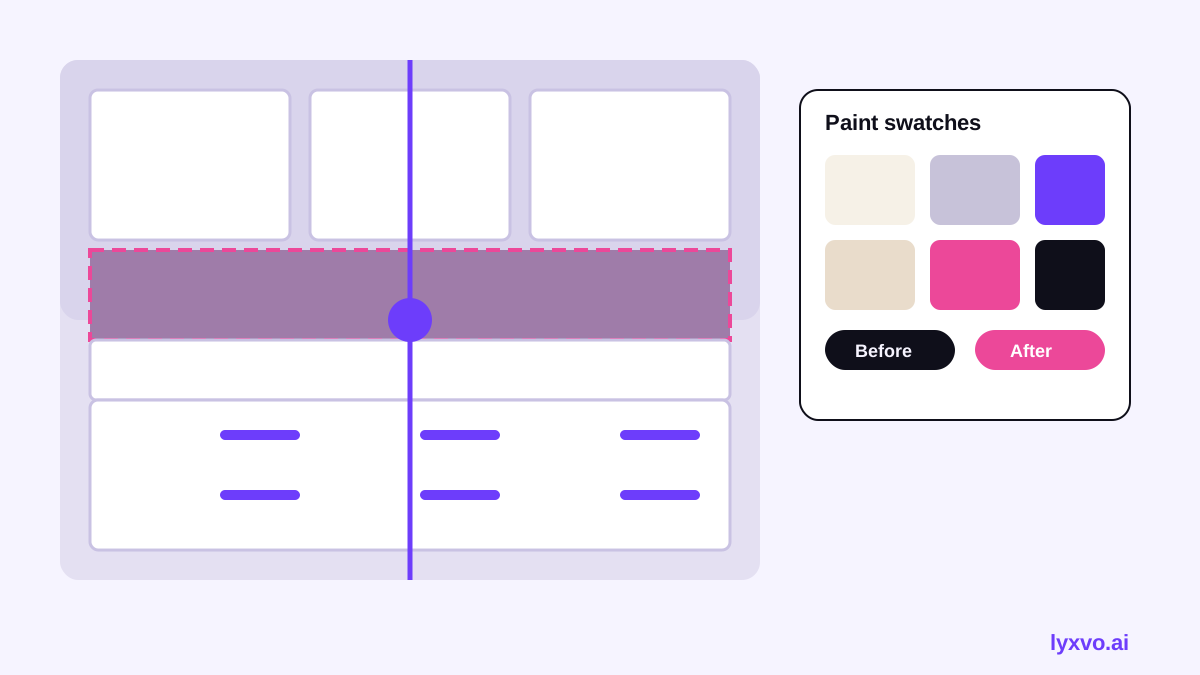
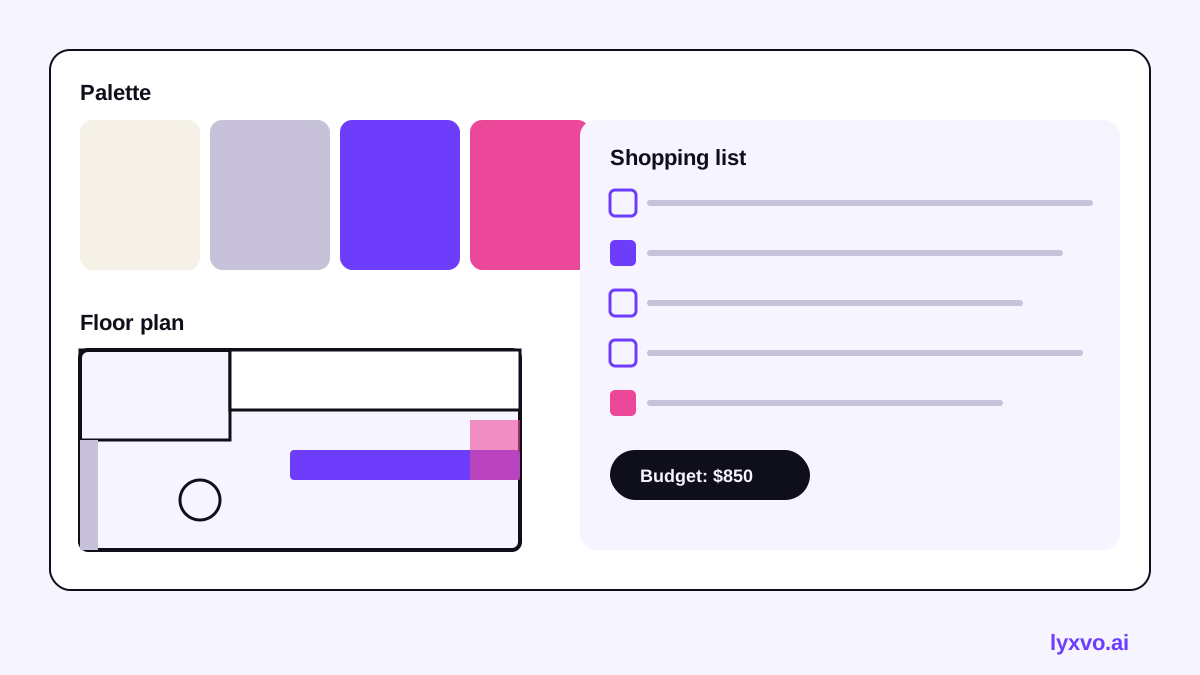
You can test these ideas visually before buying paint or hardware. In Lyxvo AI, the interior and decor design tools can start from a photo of your room. You get a design, not a photorealistic render, which is useful for comparing colors, layouts and decor styles side by side. The studio can also produce a 2D floor plan and a decor shopping list, so you can see what each option will cost to complete. Lyxvo Lite gives you a daily allowance on the free tier, and paid plans are listed on the pricing page.
For the interior workflow, begin at the AI interior design tool. If you want to present your plan to family or a contractor, export a PNG at real size from the design studio and share it, or use the free design templates as a starting point for a clean moodboard.
Mistakes that waste a tight budget
- Buying materials before you have a palette. Mixed finishes look cheap quickly.
- Replacing cabinets when painting would do.
- Choosing trendy colors you may tire of. Keep bold choices to small items like towels or a single wall.
- Forgetting lighting. A good light plan often matters more than new surfaces.
- Skipping a test patch. Paint a sample board and look at it in morning and evening light.
Quick checklist
- [ ] Photo taken in daylight from two corners
- [ ] Top three problems listed
- [ ] One palette chosen
- [ ] Two or three options previewed
- [ ] Shopping list with a total and a cap
- [ ] Paint sample tested
- [ ] Cheapest high-impact tasks scheduled first
A kitchen refresh does not need a large budget. A clear photo, a tested palette and a few well-chosen changes can make the room feel new. Start with the AI interior design tool and see what your kitchen could look like before you spend a dollar.
Try it in Lyxvo AI
Describe it in your own words and the design agent starts on the right flow. Free to start.
Related tool: Free design templates you can edit in minutes