Moodboard for Scandinavian Style Home: Build One with AI

A moodboard for a Scandinavian style home turns a vague idea of calm, bright and cozy into a set of colors, materials and objects you can actually shop for. Using an AI design tool, you can generate that board in minutes and refine it until it matches your room.
Scandinavian interiors are often described as simple, but the simplicity is deliberate. A good moodboard shows you the few decisions that make the style work: a restrained palette, natural materials, soft light and a small number of warm accents. This guide walks through how to plan that board, what to include, and how to build it with Lyxvo AI.
What defines a Scandinavian style home
Before you collect images, agree on the principles. Most Scandinavian interiors share a handful of traits:
- Light and airy palette: whites, soft greys, pale wood tones and muted neutrals as the base.
- Natural materials: oak, birch or pine wood, wool, linen, cotton, clay and stone.
- Functional furniture: clean lines, low profiles and pieces that do one job well.
- Abundant daylight: sheer curtains, minimal window treatments and light-reflecting surfaces.
- Few, purposeful accents: a single bold color, a plant or a textile carries the personality.
If your board is full of ornate details, dark woods or many competing colors, it has drifted away from the style. Use these principles as a filter for every image you keep.
Step 1: Define your room and your mood
Start with three questions:
- Which room is this board for: living room, bedroom, kitchen or the whole home?
- What should the room feel like: calm and quiet, social and warm, or bright and energetic?
- Which constraints are fixed: existing floor, window placement, furniture you are keeping?
Write these answers down. They determine how much color you add and how dense the decor should be.
Step 2: Choose your palette
A Scandinavian palette usually has one dominant neutral, one or two supporting tones and a single accent. A practical starting structure:
| Role | Typical choice | Share of the room |
|---|---|---|
| Base | Warm white, soft grey | About 60% |
| Secondary | Pale oak, light wood | About 30% |
| Accent | Muted sage, dusty blue, terracotta or mustard | About 10% |
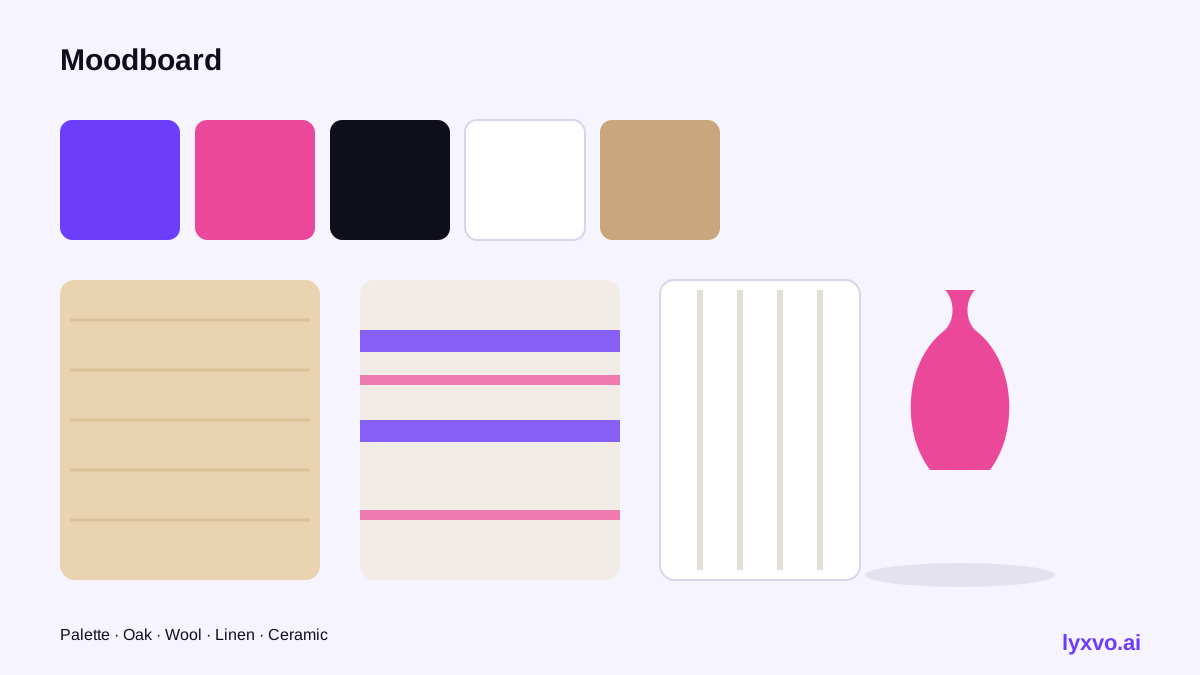
Keep the accent consistent across the board so the eye settles on it. Swatches of the wall color, floor wood and one accent make a strong top band for the moodboard.
Step 3: Gather materials and textures
Textures carry the style more than color does. Add close-up images of:
- Brushed or lightly oiled wood grain
- Chunky knit wool and bouclé throws
- Linen curtains catching daylight
- Matte ceramic and raw stoneware
- Simple metal details in brass or black steel
Group these together so you can judge whether the textures feel cohesive. Too many glossy surfaces or high-contrast patterns will break the calm.
Step 4: Add furniture, lighting and decor
Now place real pieces in context. Look for:
- A sofa with slim legs and a neutral fabric
- A round or oval wood table
- Pendant or floor lamps with warm (not blue-white) light
- A few objects: a ceramic vase, a wooden bowl, a stack of books, one plant
Resist the urge to fill every surface. Empty space is part of the look.
How to build this moodboard with Lyxvo AI
Lyxvo AI has an interior and decor design feature that creates room moodboards, wall murals, 2D floor plans and decor shopping lists, either from scratch or from a photo of your room. Here is a practical workflow:
- Open Lyxvo AI and choose the interior design option (see AI interior design).
- Describe the brief in plain language: for example, "Scandinavian living room, warm white walls, pale oak floor, sage green accent, linen curtains, natural wool textiles, calm and bright."
- Alternatively, upload a photo of your current room and ask for a Scandinavian version of it. The result is a design, not a photo render, so use it as a direction rather than a final visual.
- Review the moodboard and refine it in the Canva-style editor: change a color, swap a textile, or replace a decor item directly.
- Use the decor shopping list it generates to plan purchases, and export the board as a PNG at real size to share with a partner, contractor or designer.
If you also want a matching presentation for a client or family review, the AI presentation maker can turn your board into slides. For a quick social post showing your finished room, the AI social media post generator can size it for the platform you use.
Note: AI-generated room designs are inspiration and planning tools. Check dimensions, load requirements and product availability before buying, and confirm any structural or electrical changes with a qualified professional.
Step 5: Check the board for consistency
Before you finalize, run this checklist:
- [ ] Does the palette stay within one neutral base, one secondary tone and one accent?
- [ ] Are at least half the materials natural (wood, wool, linen, stone, clay)?
- [ ] Is there visible daylight and light, airy window treatment?
- [ ] Are the furniture shapes simple, with clean lines?
- [ ] Does every decor item earn its place, or is the room cluttered?
- [ ] Can you point to one accent that repeats in at least two places?
If you answer no to any item, remove or replace the offending element and regenerate that section.
Common mistakes to avoid
- Mixing too many accent colors. One or two is enough.
- Choosing cold, blue-white lighting. Warm bulbs keep the cozy feel.
- Using dark, heavy wood everywhere. Lighter oak and birch fit the style better.
- Overloading the board. A moodboard with twenty images hides the idea; aim for a focused set.
- Ignoring scale. A tiny rug or small sofa in a large room breaks the balance.
Using your moodboard in practice
Once the board is final, treat it as a shopping and decision guide. Pin the palette swatches to your paint choice, use the texture images to compare fabrics in store, and let the floor plan confirm that furniture fits. Revisit the board after the first few purchases; adjust the accent or textures if the room feels too busy or too plain.
You can start with a free plan in Lyxvo Lite, which has a daily limit, and compare higher tiers on the pricing page. For more background on the design tools used here, the documentation and blog cover workflows in more depth.
Summary
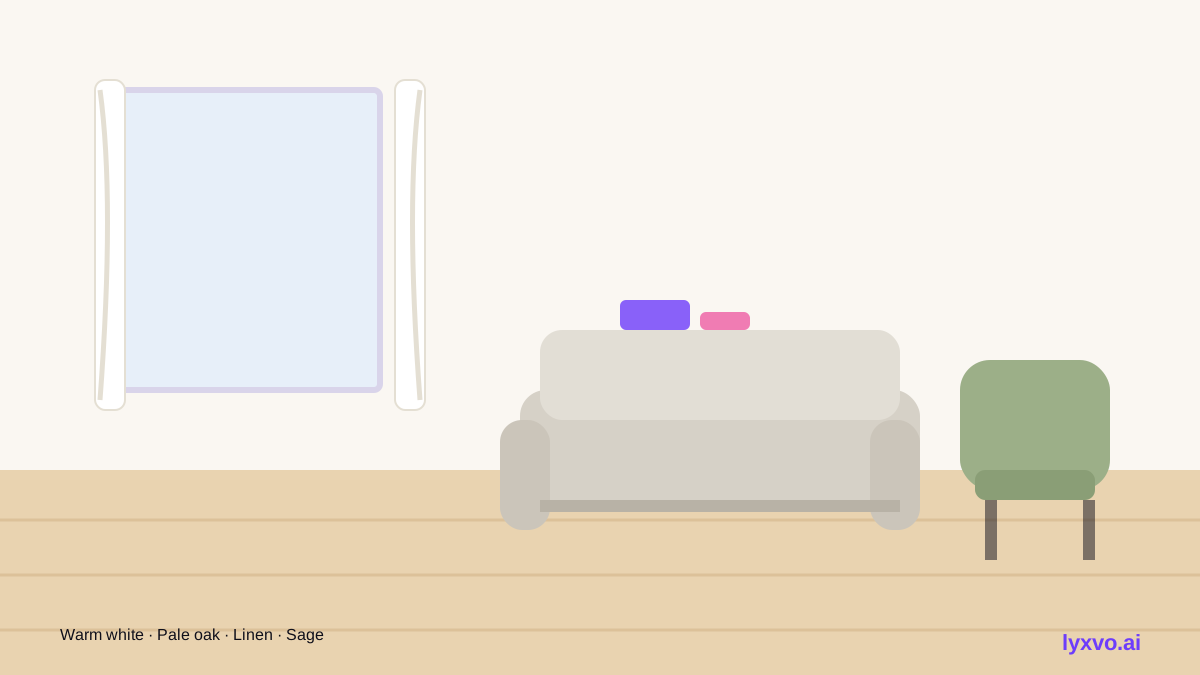
A moodboard for a Scandinavian style home works best when it is restrained: a calm palette, natural materials, warm light and few purposeful accents. Plan the room and mood first, gather textures and furniture, then use an AI design tool to generate and refine the board. Run the consistency checklist before you buy, and your finished home will read as intentional rather than busy.
Try it in Lyxvo AI
Describe it in your own words and the design agent starts on the right flow. Free to start.
Related tool: AI interior design for any room