Poster with AI for a Local Farmers Market Weekend
A poster with AI can get a farmers market weekend in front of shoppers in a few hours instead of a few days. This guide shows what to put on the poster, which sizes to print, and how to design it step by step.
A farmers market poster has one job: make a passerby stop, read the date and location, and remember to come back on Saturday. Local markets are busy, so the design has to be readable from a few steps away while still carrying the details people need.
What a farmers market weekend poster needs
Before you open any design tool, collect the facts. Most weekend market posters fail because the date or hours are buried, not because the art is weak.
- Market name and town in the largest type
- Dates and hours, including both days if the market runs Saturday and Sunday
- Location with a landmark or street, plus parking or transit notes if relevant
- Featured vendors or produce (for example: fresh strawberries, honey, bread, live music)
- A short call to action, such as "Bring your reusable bags" or "Free kids' activity 10 to noon"
- Contact or social handle in the smallest, but still legible, type
Keep it to one main message. If the poster tries to advertise five events, people remember none of them.
Choose the right size before you design
Design for where the poster will live. Common choices for a local market:
| Use | Typical size | Notes |
|---|---|---|
| Window or shop-front poster | A3 or A2 | Read from across the street |
| Community board or lamp post | A3 | Easy to pin, easy to print in-house |
| Handout or door flyer | A5 or A6 | Works as a card people keep |
| Digital screen or social post | Platform-specific | Use exact platform sizes |
For anything that will be printed, export at 300 dpi so edges and small text stay sharp at the printer. For social promotion, you will need a square or vertical version as well, so plan one design that can be resized.
Step-by-step: make the poster with Lyxvo AI
Lyxvo AI's design agent plans the layout and then designs it, so you can start from your facts rather than a blank page. Here is a practical workflow:
- Open the poster format. Start a flyer or poster design in Lyxvo AI, or use the flyer studio if you prefer a print-style layout.
- Describe the market in plain words. Give the agent your market name, dates, hours, location, and two or three highlights. Ask for a warm, seasonal style that suits fresh produce.
- Review the first layout. Check that the date and location are the largest readable items after the title. Move things if needed.
- Edit directly. Use the Canva-style editor to change text, swap in your own photos of produce or the market square, and adjust colors to match your market's branding.
- Check the small print. Confirm hours, the street name, and any social handle. These are the details people act on.
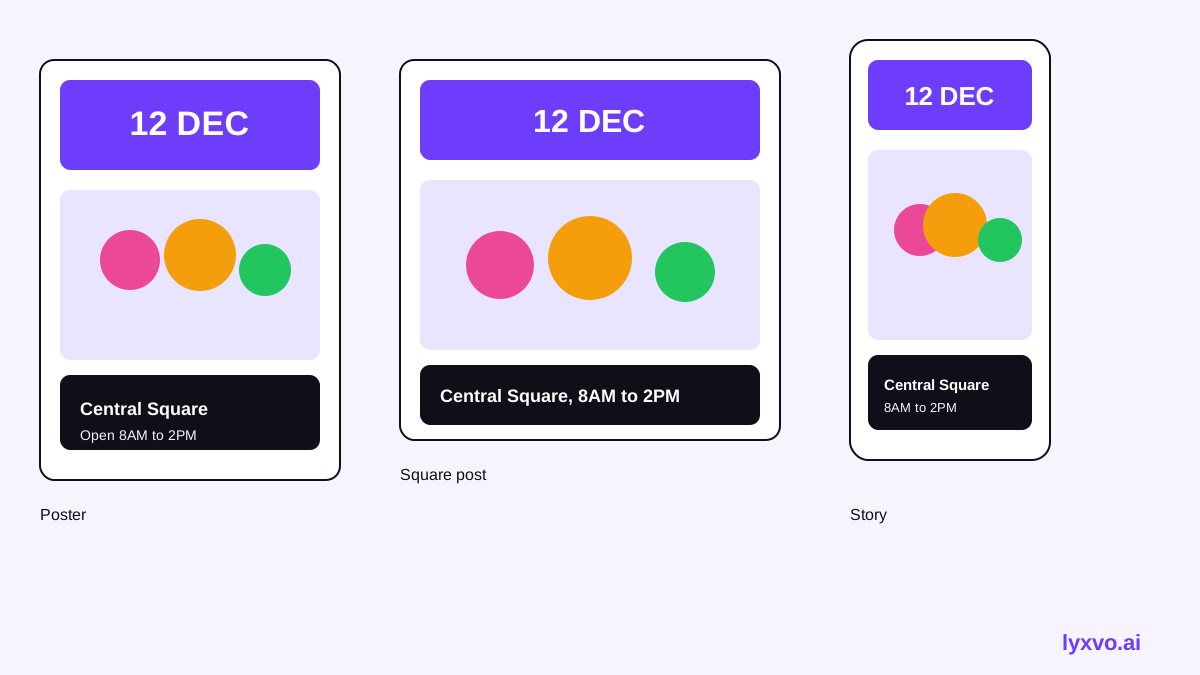
- Make the other sizes. Use Magic Resize to create a social version from the same design, so the announcement looks consistent across channels.
- Export at real size. Download a PNG for digital use, or export for print at 300 dpi.
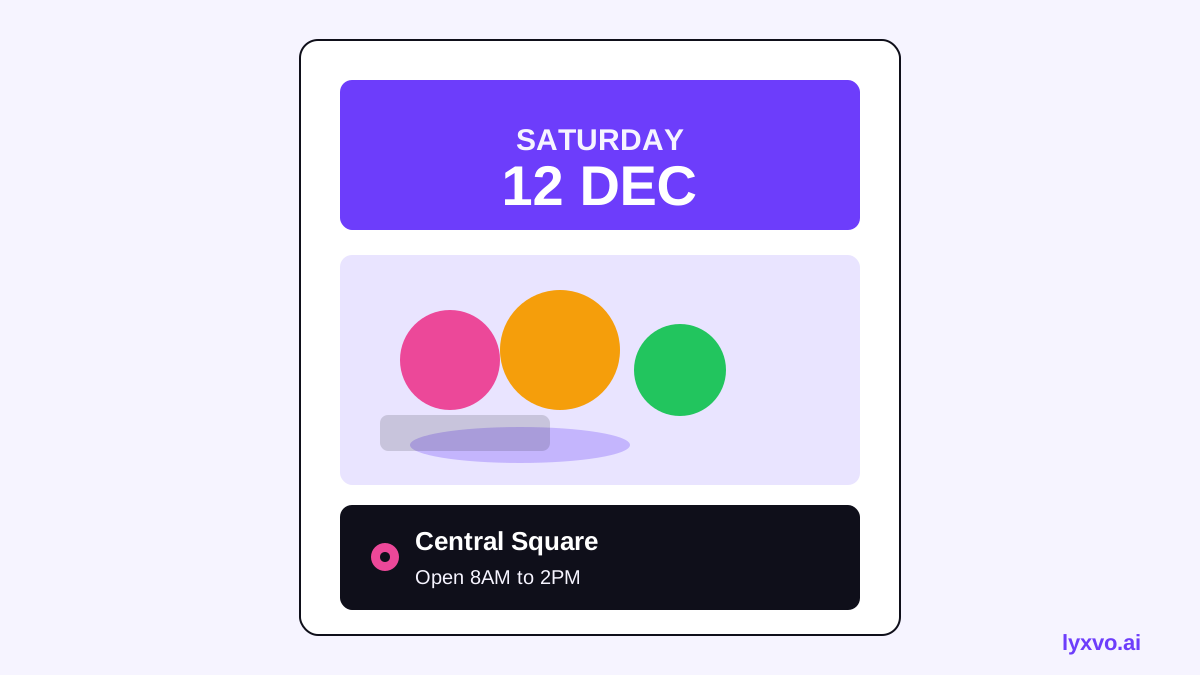
Tip: if you want an announcement for social media too, use the Instagram post studio and keep the same colors and headline so followers recognize it.
Write copy that people can scan
Write the way a shopper reads: fast and literal.
- Headline: "Weekend Farmers Market" plus the town name
- Date line: "Saturday & Sunday, 8 a.m. to 1 p.m."
- Highlight line: "Local strawberries, fresh bread, live music at noon"
- Location line: "Old Mill Square, next to the library"
Avoid long paragraphs and dense lists. If you need more information, put a QR code or social handle in a corner and let the poster stay clean.
Use a clear visual hierarchy
The eye should move in this order: market name, date and time, location, highlight, contact. Achieve this with size and contrast rather than decoration. Use one or two typefaces, keep at least a readable contrast between text and background, and leave space around the text. Seasonal colors such as greens, reds or warm yellows suit a produce market, but make sure the date stands out against the background.
Quick checklist before you print
- Date, time and location read clearly at arm's length
- Spelling of vendor names and the town is double-checked
- Images are high resolution and not stretched
- Colors look right in a print proof or on a second screen
- A digital version exists for social channels and the market website
Reuse the design for every weekend
Most markets run every week. Once you have a poster you like, save it as your base design and change only the date, highlight and featured produce. This keeps your branding consistent and cuts the design time for future weekends to a few minutes. You can also browse free design templates for seasonal starting points.
Other materials from the same design
The same look can carry through the rest of your market promotion. A poster maker layout can become a social media post for announcements, and an Instagram story for last-minute reminders. Keeping one visual identity helps shoppers recognize your market across every channel.
If you are planning ahead, check the current print and file-size options on the pricing page, since plan limits can change. For background on tools and workflows, see the Lyxvo AI blog.
Try it in Lyxvo AI
Describe it in your own words and the design agent starts on the right flow. Free to start.
Related tool: AI poster maker for events, promos and concerts