Virtual Staging for Listing Photos of Empty Rooms

Virtual staging for listing photos of empty rooms means adding digital furniture and decor to real photographs so buyers or renters can picture how a space could live. Done well, it makes bare rooms feel warm, scaled and inviting without misrepresenting the property. This guide walks through a practical workflow: photographing the room, planning the style, adding furnishings that fit, staying honest with buyers, and producing the final images at the right sizes.
Why empty rooms need help in listing photos
An empty room is hard to read. Buyers struggle to judge scale, the purpose of a space, and how light moves through it. Furniture gives those cues, which is why staging has long been part of selling and renting property.
Virtual staging does the same job digitally. It costs less than moving physical furniture in and out, and it can show several layouts or styles for the same room.
Step 1: Start with a clean, honest photograph
Virtual staging only works on a photo that is already good. Before you add anything, make sure the source image is sharp, level and well lit.
- Shoot in daylight with lights on and blinds open.
- Keep verticals straight and avoid heavy wide-angle distortion.
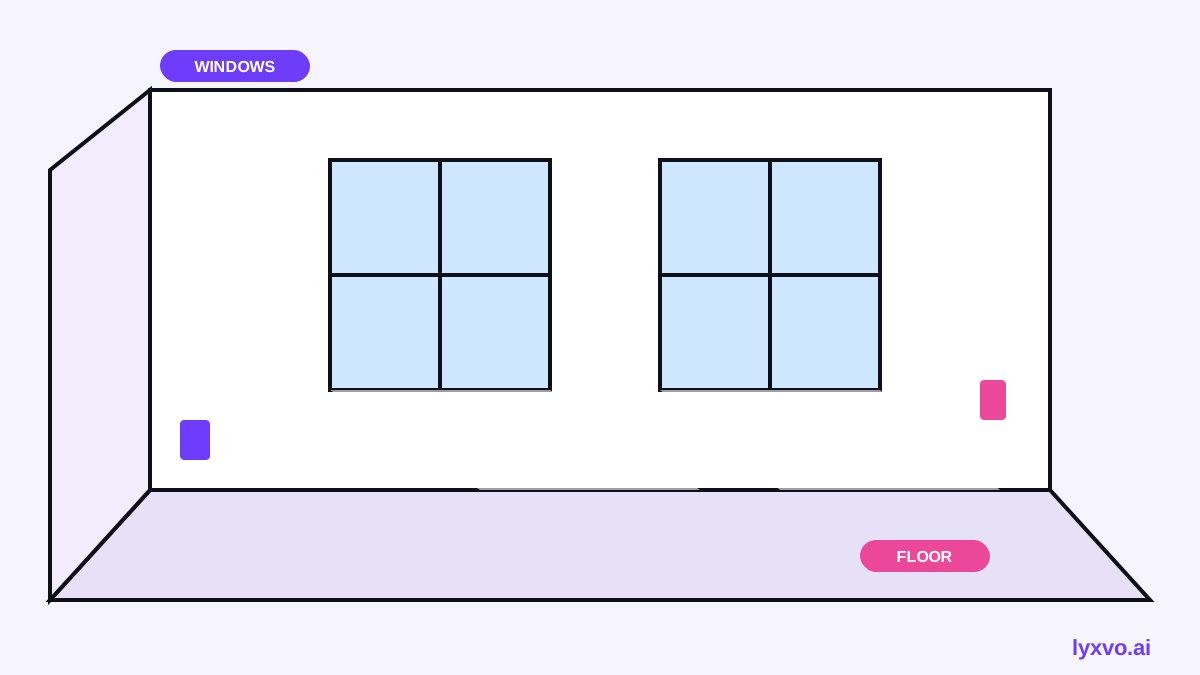
- Capture the full room, including windows, doors, outlets and ceiling height.
- Note the real dimensions so furniture is scaled correctly.
Step 2: Decide what the room should say
Pick one clear use for each room. A bedroom staged as a reading nook, a dining area for a small family, or a home office with a desk will read more convincingly than a room filled with a little of everything.
A simple planning table helps:
| Room | Target buyer | Style cue | Key pieces |
|---|---|---|---|
| Living room | Young couple | Warm minimalist | Sofa, rug, two chairs, floor lamp |
| Bedroom | Remote worker | Calm and functional | Bed, desk, task chair, plant |
| Kitchen dining | Family | Bright and casual | Table for four, pendant light |
Step 3: Scale and place furniture realistically
The most common staging mistake is wrong scale. A sofa that is too large makes a room feel cramped; a rug that is too small makes a space look unfinished.
Follow these placement rules
- Leave a walkway of about 90 cm (36 inches) between furniture.
- Float the rug so front legs of seating sit on it.
- Align furniture with walls, windows and architectural lines.
- Do not block doors, radiators or outlets.
- Keep ceiling fixtures and window treatments consistent with the real room.
Step 4: Stay honest with buyers and renters
Virtual staging is a presentation tool, not a disguise for defects. Good practice is simple: show the real room, label staged images clearly, and never hide damage, water stains, cracks or poor layout.
Tip: Add a short caption such as "Virtually staged" on each image. Clear labelling protects your credibility and avoids disputes after viewings.
Step 5: Produce the final images at the right sizes
Listings appear across many places: property portals, social posts, slideshows and print brochures. Export a master image at high resolution, then create the versions each channel needs.
- Keep a high-resolution master for print and close inspection.
- Export web-ready versions for listing galleries.
- Crop social versions carefully so key features stay in frame.
- Check that text overlays, such as room names or prices, stay legible at small sizes.
If you also make promotional graphics around the listing, a flyer or an Instagram post can share the same staged imagery.
How to do it in Lyxvo AI
Lyxvo AI includes an interior and decor design tool that can design rooms from scratch or from a photo of the room. Its outputs are designs (moodboards, 2D floor plans and decor shopping lists) rather than photorealistic renders, so it suits planning and presentation work.
A practical way to use it:
- Upload a photo of the empty room, or describe its dimensions and features.
- Describe the target buyer or renter and the style you want.
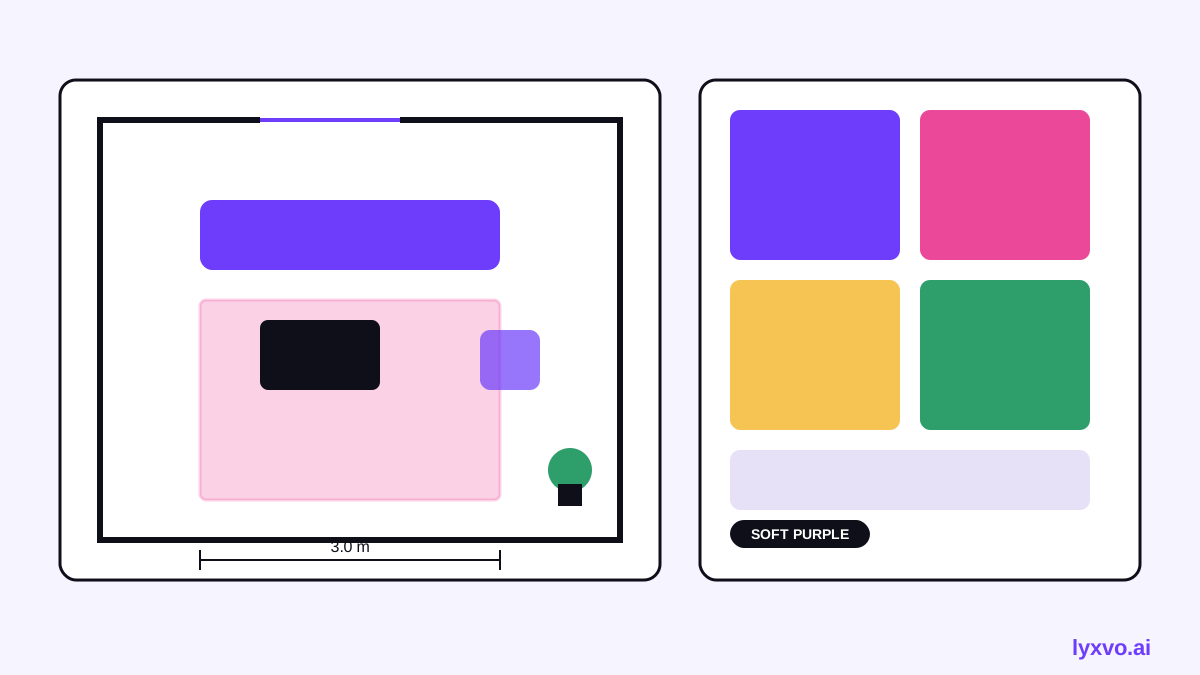
- Review the moodboard and 2D floor plan to check scale and layout.
- Use the decor shopping list to match the look to real items.
- Edit colors, text and photos directly in the Canva-style editor, then export as PNG at real size.
To explore the tool, visit the AI interior design page. For free starting points, browse free design templates. Lyxvo Lite gives you a daily allowance to start, and plans are listed on the pricing page.
Note: Pricing, plan limits and feature details can change. Check the pricing page and documentation for current information.
A simple workflow to repeat
- Shoot the empty room in good daylight.
- Define the room's purpose and target buyer.
- Plan a 2D layout with correct scale.
- Add furniture and decor that match the style.
- Label staged images honestly.
- Export high-resolution masters and channel-specific versions.
- Review the set against the real photos before publishing.
With a repeatable process, each listing becomes faster to stage while staying accurate and consistent.
Try it in Lyxvo AI
Describe it in your own words and the design agent starts on the right flow. Free to start.
Related tool: Free design templates you can edit in minutes