Wall Mural Ideas Generated by AI for a Kids Room

Wall mural ideas generated by AI for a kids room can turn a plain bedroom into a space a child actually wants to be in, and you can plan the whole thing before buying a single roll of paint or wallpaper. This guide covers themes that work for different ages, how to size and place a mural, and how to design one in Lyxvo AI from a photo of the room.
Why a wall mural works in a kids room
A mural gives a child a focal point, a story to look at while falling asleep, and a space that grows with them when you choose a theme with some flexibility. Because a mural is large, it also sets the mood of the whole room more than any single toy or poster can.
The trick is planning. A good mural is chosen for the child's age, the room's light and the way the furniture sits against the walls, not just for how it looks on a screen.
Wall mural ideas by age and theme
These themes are common starting points. Pick one that matches your child's current interests and that can be reduced or extended later.
- Toddlers (ages 1 to 4): soft landscapes, a gentle forest with simple animals, pastel clouds and a rainbow. Big, rounded shapes and few small details.
- Young children (ages 5 to 8): a map or adventure world, a space scene with planets, an underwater reef, or a dinosaur valley. Mid-level detail rewards a closer look.
- Older children (ages 9 and up): a city skyline, a botanical or nature study, a stylised sports or music theme, or an abstract pattern in their favourite colours.
Ideas that suit almost any room
- A tree whose branches spread across one wall, with room for hanging shelves in the crown.
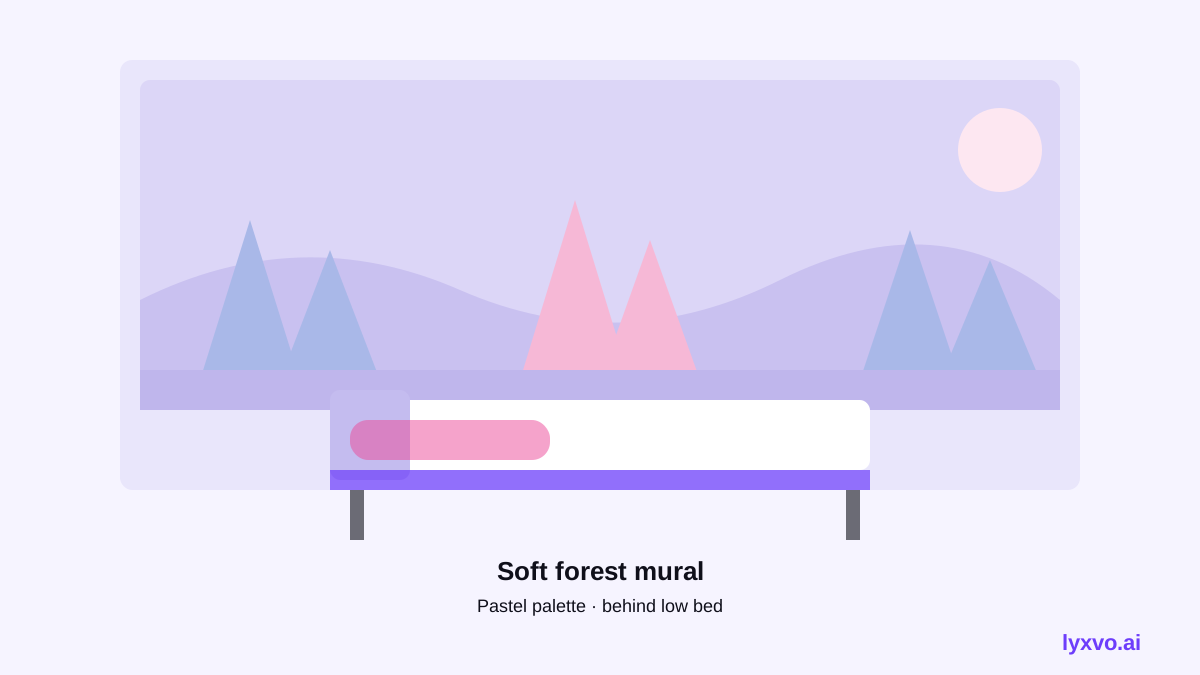
- A hill or horizon at the height of the bed headboard, leaving the upper wall calm.
- A large animal silhouette in one corner, which works well behind a reading chair.
- A pattern of stars or hexagons on the ceiling-adjacent wall, which can be extended into a full scheme later.
Plan the size and placement first
Before choosing an image, measure and mark the wall.
- Measure the wall width and height, and note windows, doors, outlets and any built-in furniture.
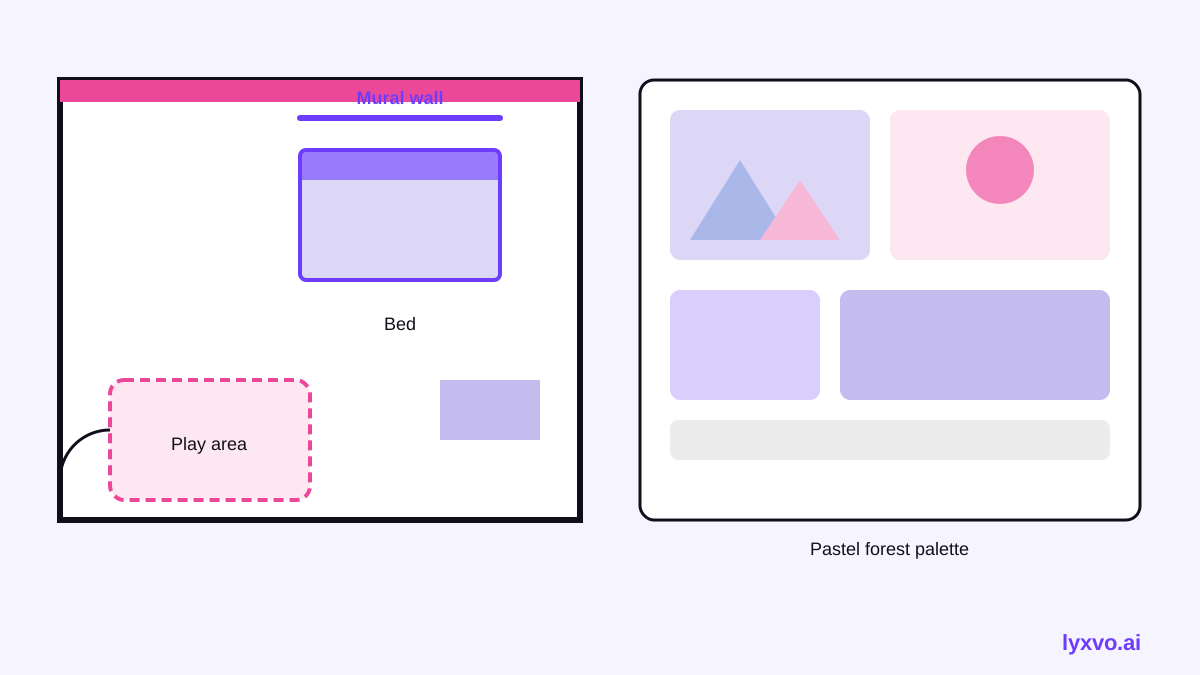
- Decide the focal zone, usually the wall behind the bed or the wall facing the main play area.
- Keep the mural out of the main sightline where a child might want a calm wall to rest their eyes.
- Leave a clear margin around outlets and switches so they remain easy to reach and safe to use.
- Check whether the wall will be painted, papered or covered with removable wallpaper, because that changes the file format and print size you need.
Measure twice. A mural designed for a 3 by 2.4 metre wall will not look right stretched onto a wall with a window in the middle.
Design the mural from a photo of the room in Lyxvo AI
Lyxvo AI's interior and decor design tools can start from a photo of the room. You get a design, not a photo render, which is useful for planning colours and layout before anyone picks up a brush.
- Take a straight-on photo of the wall in good daylight, with the floor and ceiling visible if possible.
- Open the AI interior design tool and upload the room photo.
- Describe the theme, the child's age and favourite colours, and any elements that must stay, such as a window or shelf.
- Review the wall mural concept, then adjust the palette and motifs in the editor, which works like a Canva-style editor: change colours, replace elements and edit text directly.
- Use the room layout tools to draw a 2D floor plan and check where the bed, desk and storage will sit relative to the mural.
- Generate a decor shopping list so the furniture, lighting and soft furnishings match the mural colours.
For a more detailed mood board before committing, start from a moodboard prompt in the same tool, then refine the wall design.
Colour, contrast and safety
Kids' rooms benefit from a restrained palette on the main mural wall and brighter accents on smaller items, so the room feels calm at night.
- Pick two or three main colours, then one accent colour for small details.
- Use softer tones behind the bed and brighter tones on the wall near the play area.
- Choose paints and wallpapers that are labelled low-VOC or washable, and check the manufacturer's instructions for children's rooms.
- Avoid tiny loose elements on the mural that a young child could peel off or lick.
Make the mural flexible as your child grows
You do not need to repaint every few years. Design the mural in layers. Keep a permanent background such as sky, hills or a wall pattern, and make the characters or objects removable: stickers, framed prints or a shelf that can display changing items. In Lyxvo AI, you can save separate versions of the design, so a younger-child scheme and an older-child scheme can share the same base layout.
Checklist before you start
- Wall measurements, with windows, doors and outlets marked.
- A chosen theme matched to the child's current age and interests.
- A palette of three or four colours with one accent.
- Paint or wallpaper chosen for washability and low-odour finish.
- A furniture layout that keeps the bed and play area clear of the mural's focal point.
- A printed or saved reference of the final design for the installer or for your own use.
Next steps
If you want a broader look at room design before settling on a mural, the AI interior design tool is the most direct starting point. For matching invitations, a room sign or a party poster to the new theme, you can use the AI poster maker, and the free design templates page has layouts you can adapt. Lyxvo AI's free plan, Lyxvo Lite, includes a daily limit, so you can start small and upgrade on the pricing page only if you need more designs.
Try it in Lyxvo AI
Describe it in your own words and the design agent starts on the right flow. Free to start.
Related tool: AI interior design for any room