AI Graduation Party Invite Template Editable: A Practical Guide
An AI graduation party invite template editable design gives you a polished starting point in minutes, and you can change every name, date and color yourself. This guide explains what to include, how to size and print your invite, and how to build one in Lyxvo AI without starting from a blank page.
What makes a graduation invite template truly editable
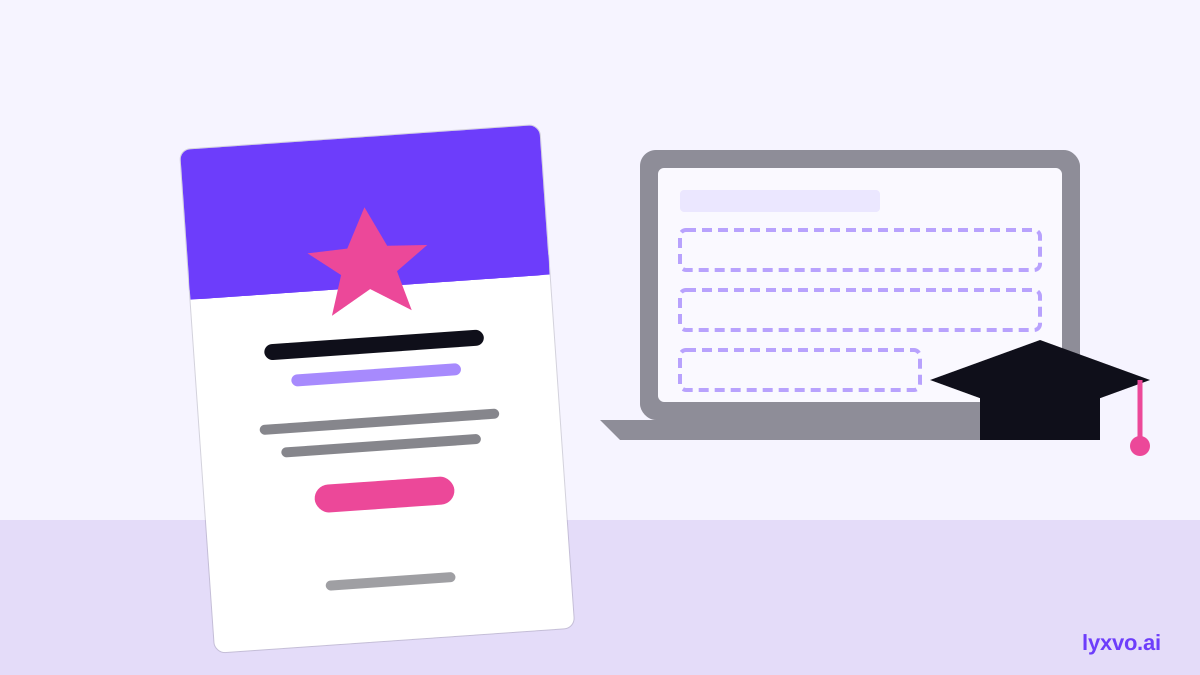
An editable template is more than a picture you can download. You should be able to change the text, swap the photo, adjust the colors and resize elements without breaking the layout. When you shop for or generate a template, check for these features:
- Live text boxes for the graduate's name, school, date, time and address
- Swappable photo or graphic placeholders
- A color palette you can change to match the school or your party theme
- Export options for print (PDF or high-resolution PNG) and digital sharing
If a template only exports as a flat image with no way to edit text, it will be hard to reuse for your next event or for a second batch of guests.
Choose the right format and size
Graduation invites are usually printed as cards, so start with the size you plan to print. Common options include:
| Use | Typical size | Best format |
|---|---|---|
| Folded card invite | 5 x 7 in (A6 is similar) | Print PDF |
| Flat postcard | 4 x 6 in | Print PDF |
| Digital invite for messaging | Square or 9:16 | PNG |
| Story-style share | 9:16 | PNG |
For printing, design at 300 dpi so the image stays sharp. Keep text at least 0.25 inches (about 6 mm) from the trim edge so nothing gets clipped.
Write wording that is clear and complete
Guests need to know five things at a glance: who is graduating, what the event is, when, where, and how to RSVP. A simple structure works well:
- A headline such as "Congratulations, Class of 2026" or the graduate's name
- A short line about the celebration, for example "Join us to celebrate"
- Date, start time and end time
- Venue name and full address
- RSVP contact or link, and a deadline
Keep the wording short. Long paragraphs are hard to read on a small card.
Step-by-step: build an editable invite in Lyxvo AI
Lyxvo AI's design agent can plan and create invite layouts, and its Canva-style editor lets you change text, photos and colors directly. Here is a practical workflow:
- Open the AI invitation maker and describe your event: graduate's name, school colors, party style and date.
- Review the generated layout. You can also start from free design templates if you prefer a ready-made base.
- Click any text box to replace the placeholder with your real details. Edit fonts and colors directly on the canvas.
- Add your own photo, or keep a graphic from the design. Adjust the crop until the face and key details are centered.
- If you need a matching social post to share the invite, open the studio for Instagram posts and use the same colors. The Instagram story format works well for countdown reminders.
- Export the final file: PDF or high-resolution PNG for printing, and PNG for digital sharing.
Since Lyxvo AI supports translation and resizing, you can also adapt the same invite for a bilingual family or resize it for a different card size without rebuilding it.
Design tips that make the invite easy to read
- Use a maximum of two fonts: one for headings, one for details
- Keep contrast high. Dark text on a light background prints and reads best
- Put the most important information (date and venue) in the largest or most central position
- Leave white space around the text so the card does not look crowded
- Match colors to the school or the party theme, but limit the palette to three colors
Print and share the invite correctly
Before you order printing, check these points:
- Confirm the file is at 300 dpi and the correct size
- Include bleed (extra image past the trim line) if the printer requires it
- Proof a single copy before printing a full batch
- Send the digital version as a PNG or PDF so it displays the same on every phone
Tip: Save your edited file with the graduate's name and year in the filename. It makes reprinting and resending much easier.
Checklist before you send
- Name, school and graduation year are spelled correctly
- Date, time and time zone are included
- Full address and parking or entry notes are listed
- RSVP method and deadline are clear
- The file is exported at the right size and resolution
- A digital version is ready for group messages
Frequently asked questions
Can I edit a template after I download it? Only if it was exported as an editable file or created in an editor that keeps text live. Check before you buy or download.
Should I print or send digital invites? Many families do both: a printed card for close relatives and a digital version for wider circles.
You can start your own editable invite now with the AI invitation maker and see how quickly a clean, personal layout comes together.
Try it in Lyxvo AI
Describe it in your own words and the design agent starts on the right flow. Free to start.
Related tool: AI invitation maker for weddings, birthdays and events